How do I filter content in views?
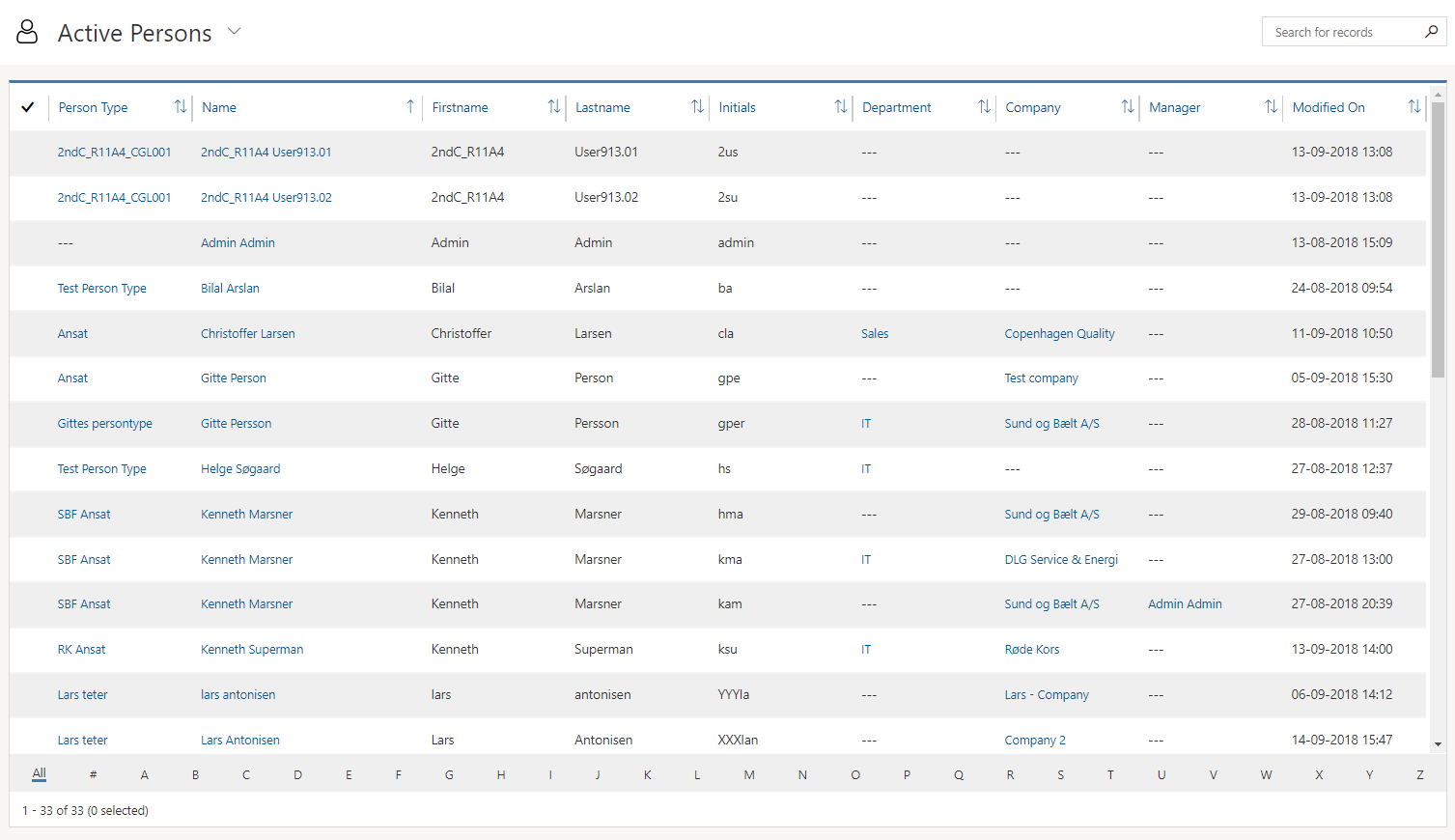
When you are in an overview, for example Person, it is possible to filter the content in the overview, by clicking on the Alphabet at the bottom of the image.
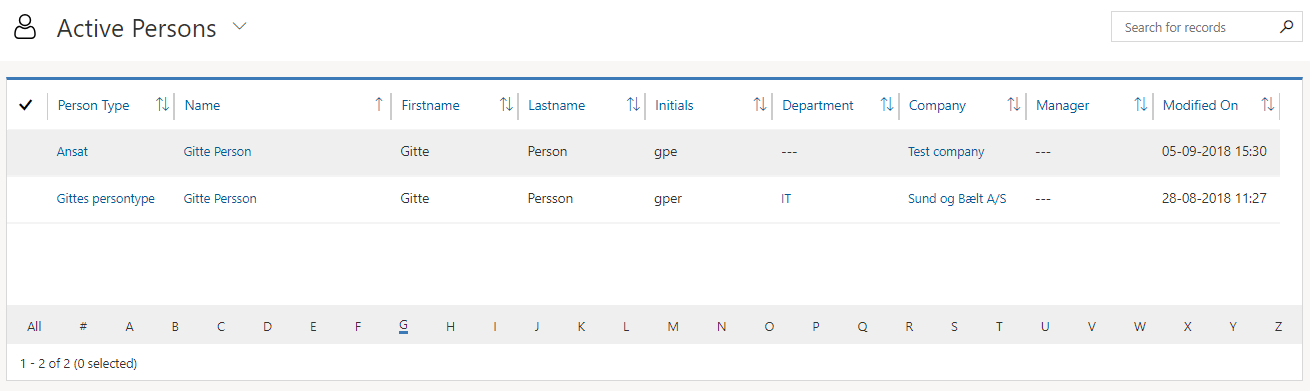
For example, click G - to display all Persons with Names beginning with the letter G:
Click "All" to return to the view of all persons in the Compliance Suite: