
Locked Accounts Board
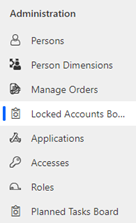
Under "Manage | Administration" you will find the Locked Accounts Board:
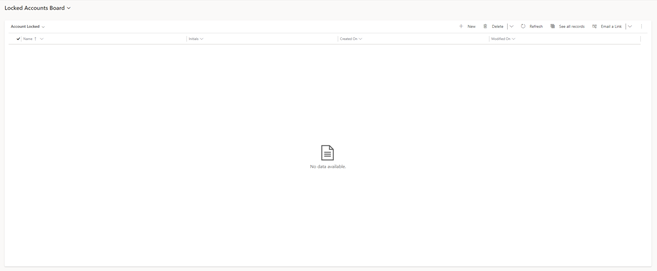
If there are any user accounts that have been locked after the user entered the wrong password, they will appear on this list.
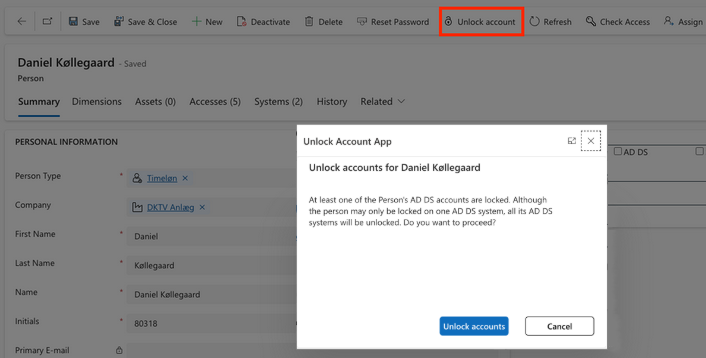
To unlock the person account again, open the person’s account record. To do this, click on the person’s name. In the menu bar you will find the button Unlock Account, which allows you to unlock all AD DS accounts again.
How it works
| Step | Point | Remarks |
|---|---|---|
ADDS Agent |
Watches Account Locked. |
Executes the lock on the person in the field ”Account Locked” (yes/no). |
Javascript |
Shows dialog box. Saves answers in person field and in new entity. |
|
In CCS |
Field Account Locked is set to Yes. |
In the details of a user system identity, the value of field Account Locked is set to Yes. |
ADDS Agent |
Executes Account Unlock. |
Scenario: Here, you can use the Locked Accounts Board
A user calls the Service Desk and says that his account is locked. To unlock the user’s account again, you log in to Compliance Suite, find the user in the overview of the Locked Accounts Board and click on the user’s name. Then click on button Unlock account in the menu bar. The user’s account will then be unlocked and they can access it using their existing password.