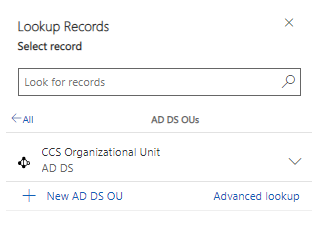
Profile - System Partition
System Partitions, found in the "Connectors" sub-area, are used to specify another priorityother than that in the system for one or more OUs (Organizational Units). Thus, it is used to indicate which system is "in charge".
Create new System Partition
Click on "+New" and fill in the fields below:
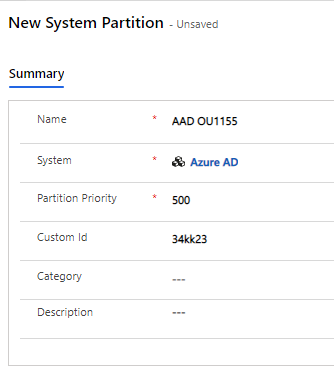
Fields to be filled in:
Field (entity) |
Type |
Description |
Name |
Text |
Give the new System Partition a name. |
System |
Look-Up |
Select the User System to handle. |
Partition Priority |
Numbers |
Set the priority> 1000 determined by the Entra ID OU. <1000 determined by Compliance Suite. |
Custom ID |
Text |
Enter an ID if desired. |
Category |
Look-Up |
Enter a category if desired. |
Description |
Text |
Enter a text for the description. |
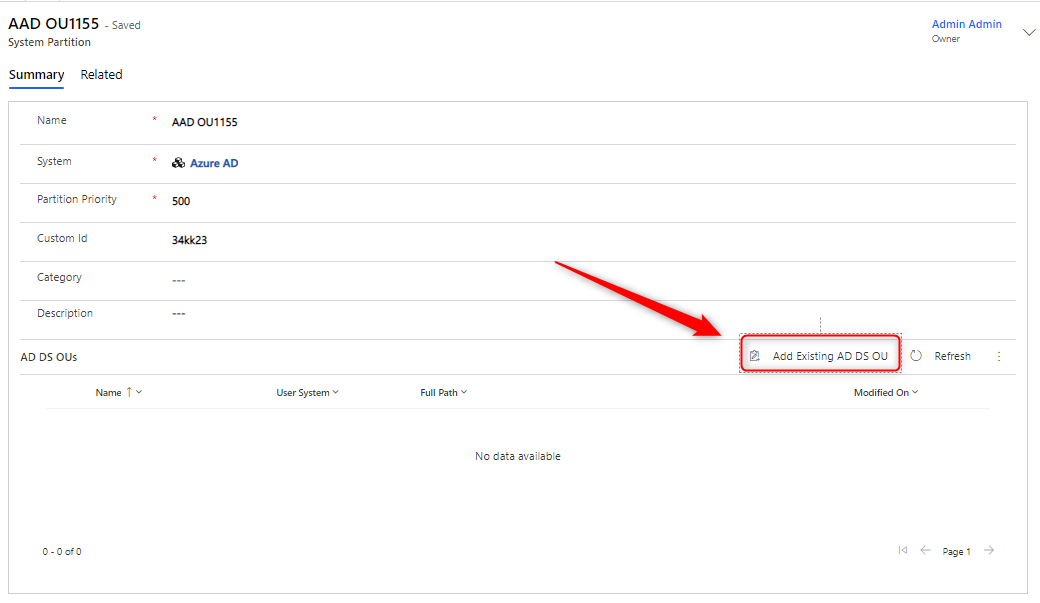
Use the lookup function to add the requested OUs.