
Revoke a transfer
After you have performed a transfer, there may be reasons to revoke access to the files of this transfer for all recipients. The reason could be:
-
the containing information is outdated and obsoleted by a new transfer.
-
the transfer has been sent to the wrong recipient.
-
it is required to revoke access for all recipients due to security or regulatory reasons.
| All files, including the message, will then be deleted from the Cryptshare Server, not available for download. |
The transfer can be revoked by the sender, either by clicking Revoke in the Cryptshare Web App, or by clicking Revoke in the transfer status.
In order to revoke immediately after sending, click Revoke on the summary page.
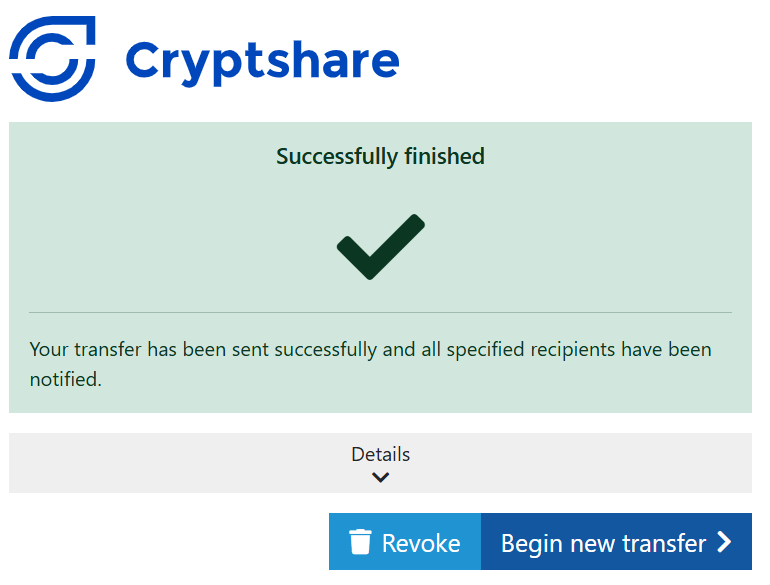
How to revoke a transfer (from version 7.5.0)
-
In the Notification email: Click the link to Transfer status.
-
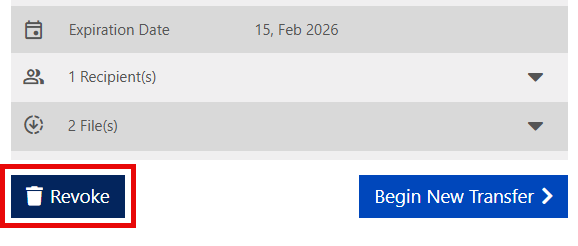
Click Revoke in the transfer status.
-
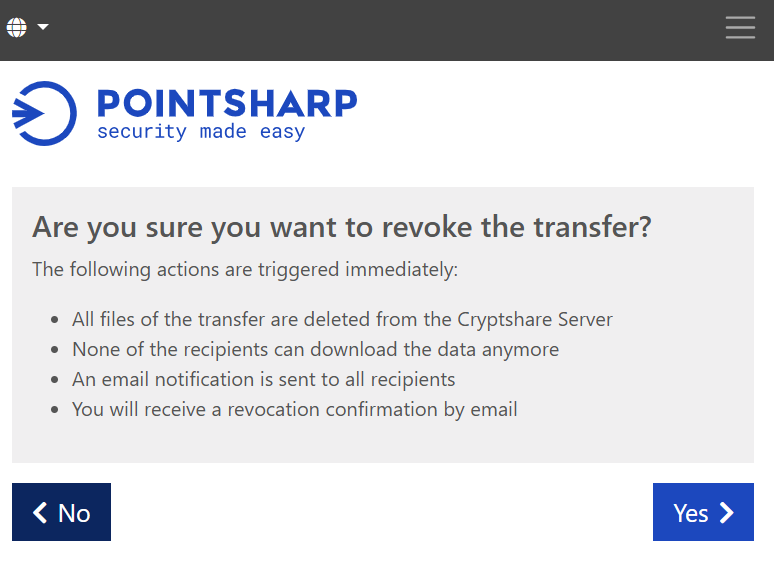
Click Yes to start the revoke.
-
The Cryptshare user interface will show a confirmation saying: "Transfer revoked successfully", and an email will be sent to both the sender and the recipient.
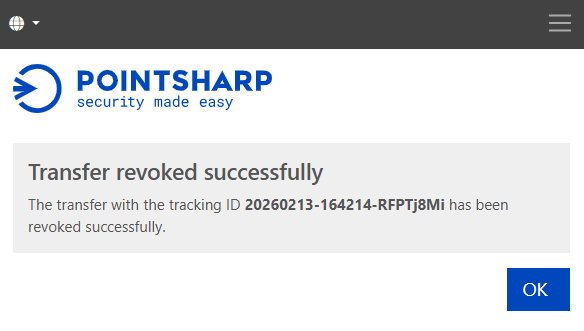
The files and message of this transfer cannot be retrieved anymore and are completely deleted from the Cryptshare Server.
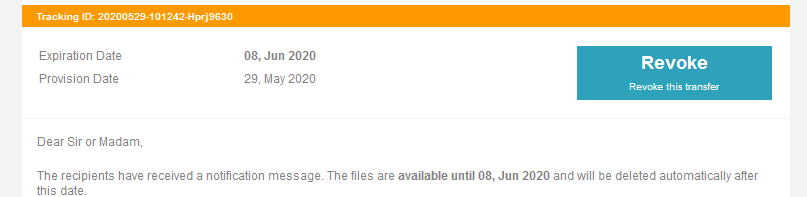
Button in the sender notification (before versions 7.5.0)
In order to revoke a transfer some time after sending, the sender has to enable the option Send me a notification email about this upload on the Transfer options page.
After sending the transfer, the sender receives a notification mail, with the Revoke button to click. When using the button in the sender notification mail, it might be necessary for the sender to re-verify to prove that they are in fact the original sender.
Effects of revoking a transfer
-
All files of the transfer are deleted from the Cryptshare server.
-
None of the recipients can download the data anymore
-
Recipients who try to access the transfer receive the error message The transfer with the ID \* could not be found.'
-
-
A mail notification is sent to all recipients.
-
The sender will receive a revocation confirmation by mail.
Preconditions for revoking a transfer
-
A transfer with the given tracking id exists.
-
The given email address is indeed the sender of this transfer.
-
The revocation initiating user is verified with the given email address.
-
The transfer with the corresponding tracking id exists and is available for retrieval.
Error messages shown
The transfer with the tracking ID \* either does not exist, or the user \* is not authorized to revoke this transfer.
-
No transfer with the given tracking id exists or
-
the given email address is not the sender of this transfer.
The transfer with the tracking ID \* is no longer available. It may have expired or was deleted for another reason.
Reasons for unavailability of a transfer
Reasons for unavailability of a transfer may be one of the following reasons:
-
The transfer is already expired.
-
An Administrator has canceled the transfer in the transfer log via the administration interface.
-
One of the recipients has provided the wrong password too often, leading to the deletion of the transfer for all recipients.
-
The sender has already revoked the transfer.