
Edit User Portal
The User Portal IIS files are installed here by default: C:\Program Files\Pointsharp\UserPortal
The User Portal is using the Pointsharp ID Web Services which requires some keys to be properly set in the User Portal Web.config file. See User Portal web configuration.
Add or remove functionality
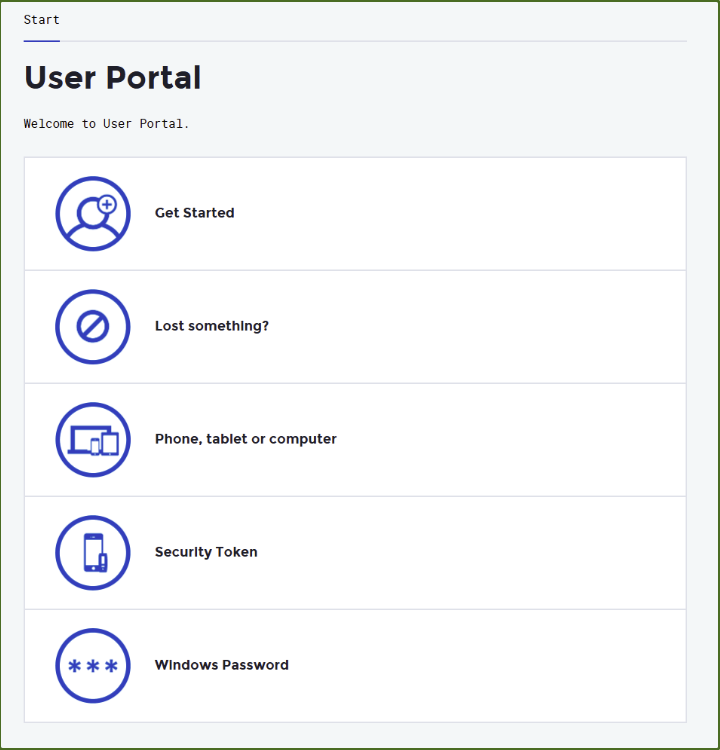
| These keys can be edited using your IIS manager’s Application Settings. |
-
If users only use Login App for authentication, all other token options can be removed to simplify user experience when viewing and using the User Portal.
-
If ActiveSync is not used, all options regarding this can be removed as well.
All options in the User Portal Application Settings can easily be removed or added again. This is done by editing the values.
| Refresh the browser after edits to view the changes. |
Do like this
-
Open IIS Manager on the server where User Portal resides — default on the Pointsharp ID Server.
-
Click the User Portal site, go to Application Settings. All values can be edited, simply by changing true to false to disable an option, or vice versa to enable it.
-
Some values have multiple options or numbers. More information can be found in the web configuration for the User Portal.