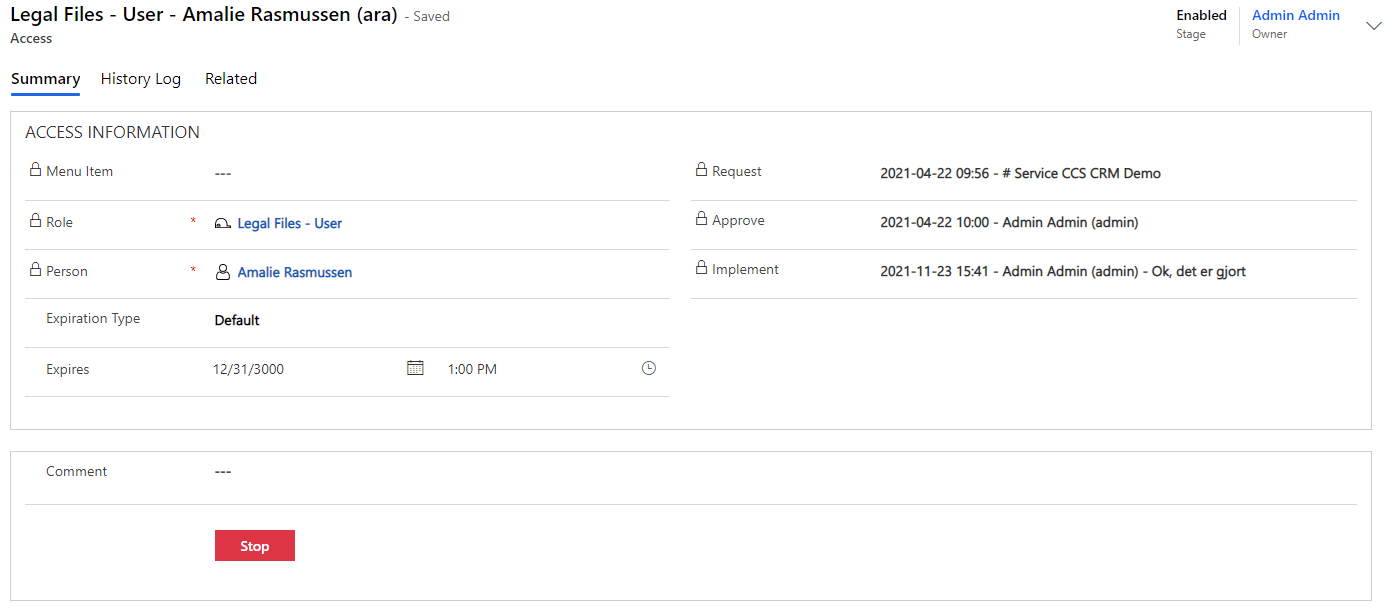
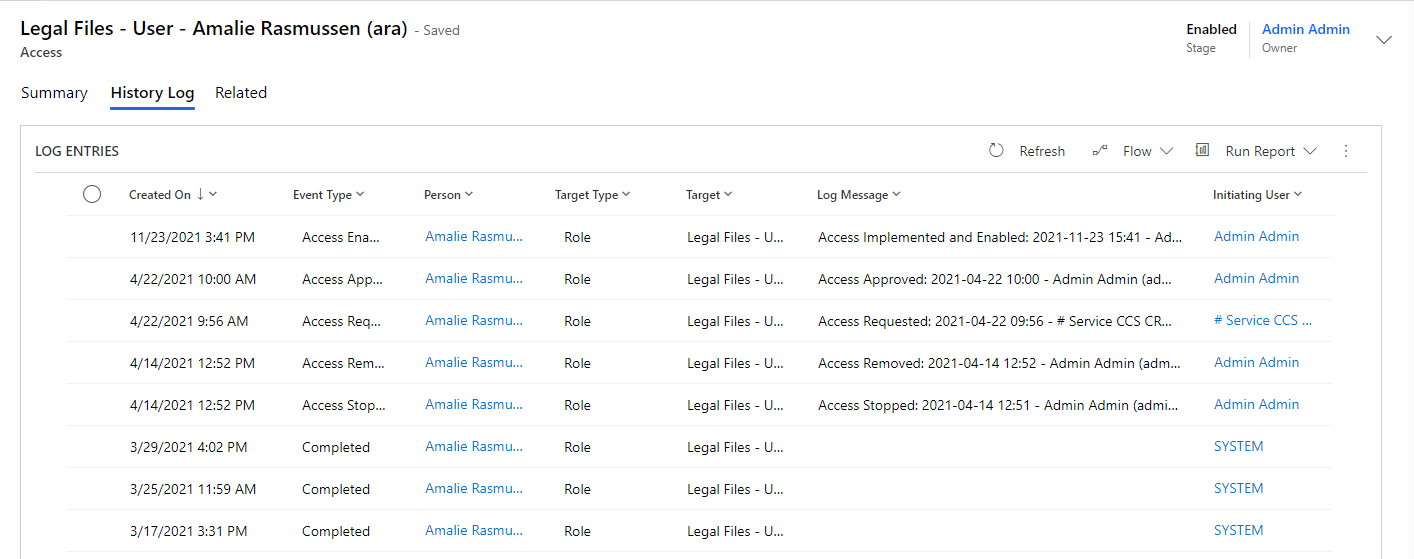
Accesses - Create new Access
Create new Access
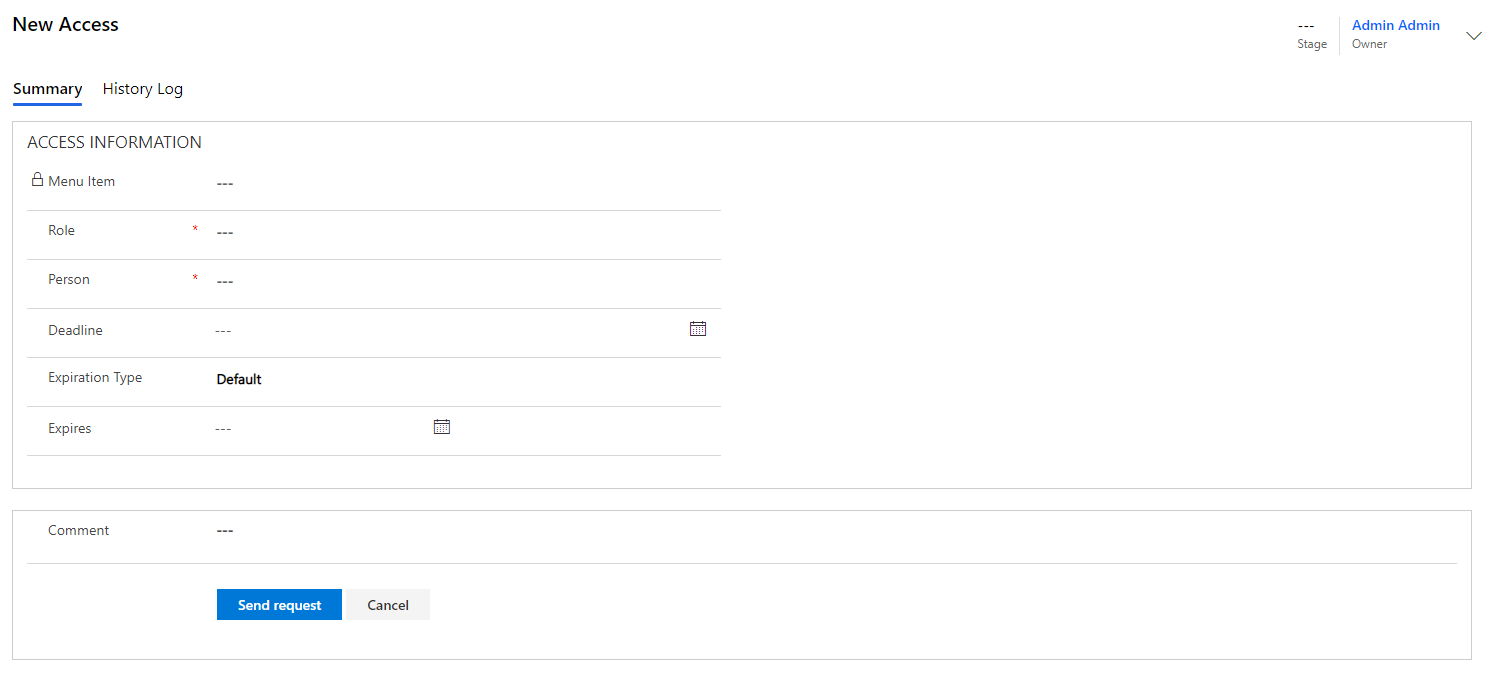
Click on "+New" to create a new Access:
| Field name | Type | Description |
|---|---|---|
Role |
Look Up |
What role does access apply to. |
Person |
Look Up |
The person requested access to. |
Deadline |
Date |
Last date for approval of Access Request. |
Expiration Type |
Choice |
The time an access is valid. Dropdown with time intervals. |
Expires |
Date |
The expiration date on access. |
Comment |
Text |
Opportunity to add a comment. |
Send Request |
Button |
Submit request. |
Cancel |
Button |
Undo action. |
Access Workflow
An Access has a role linked to it. The role has an application linked to it. This application may have an Approver and/or an Implementer linked to it. This means that, if you create an Access that has a role/application with an Approver/Implementer linked to it, a workflow is initiated. Thus, this workflow triggers a number of Compliance Suite tasks, which are either solved automatically or start a mail flow via the built-in Mail Notification platform of Compliance Suite.