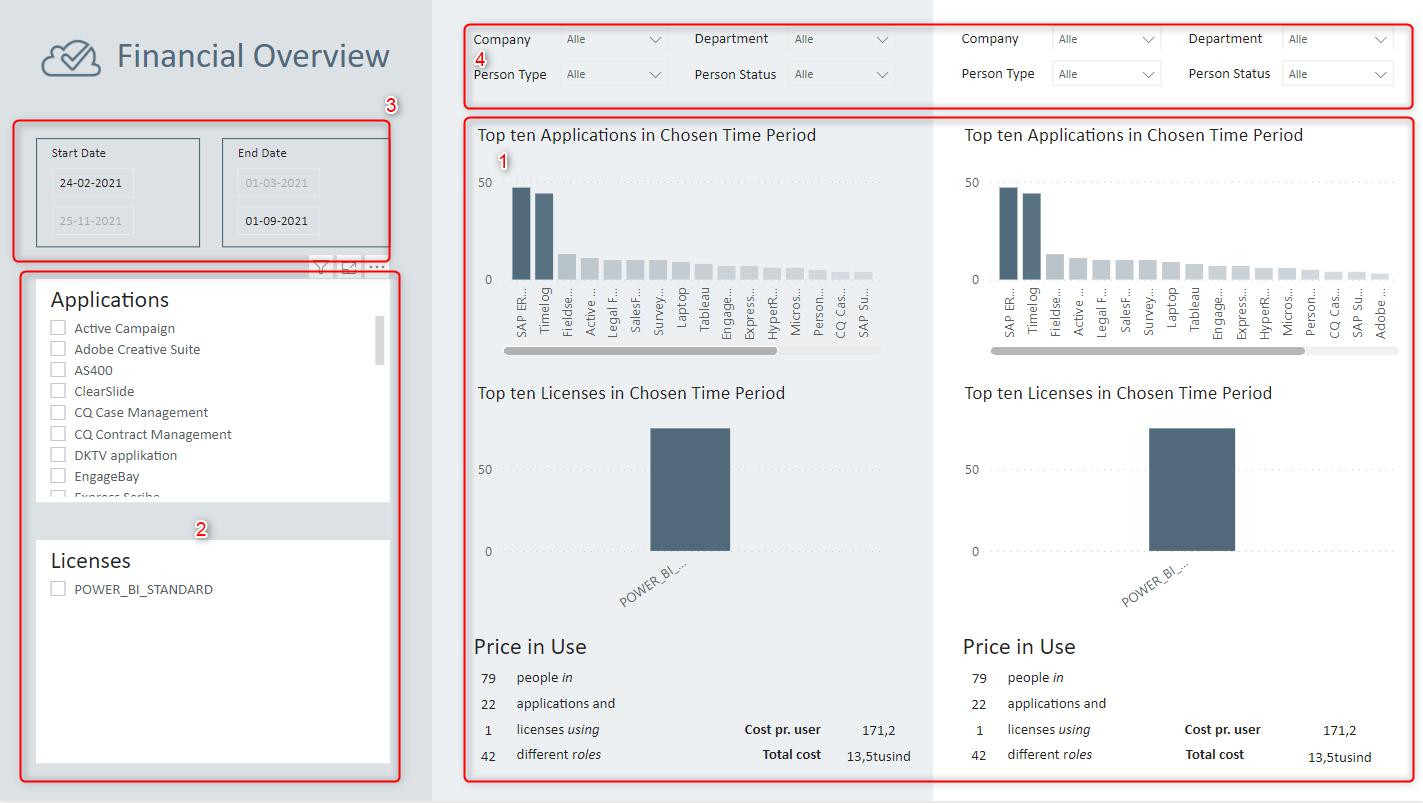
Finance Report
Under Reports, the current Power BI reports are displayed. The reports read from the Core SQL database, which means that changes in Compliance Suite are immediately reflected in the reports.
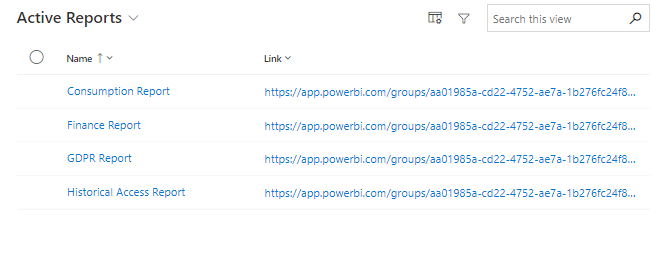
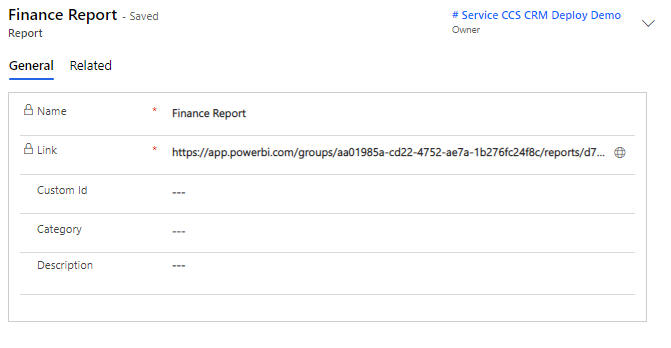
It is possible to add Custom ID, Category and Description to the report, as well as to access the report via the link in the locked field, "Link".
How to use the report
The Finance Report is used to provide an overview of financial expenditures associated with systems, applications, etc., that are assigned a value in the Cost field of the associated role.
Example:
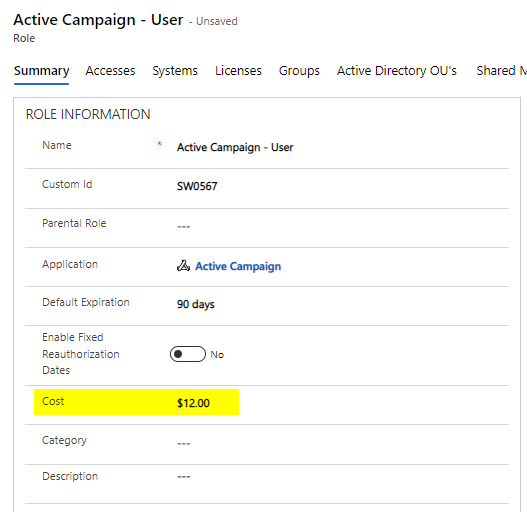
These entries are then reflected in real time in the report.
Example:
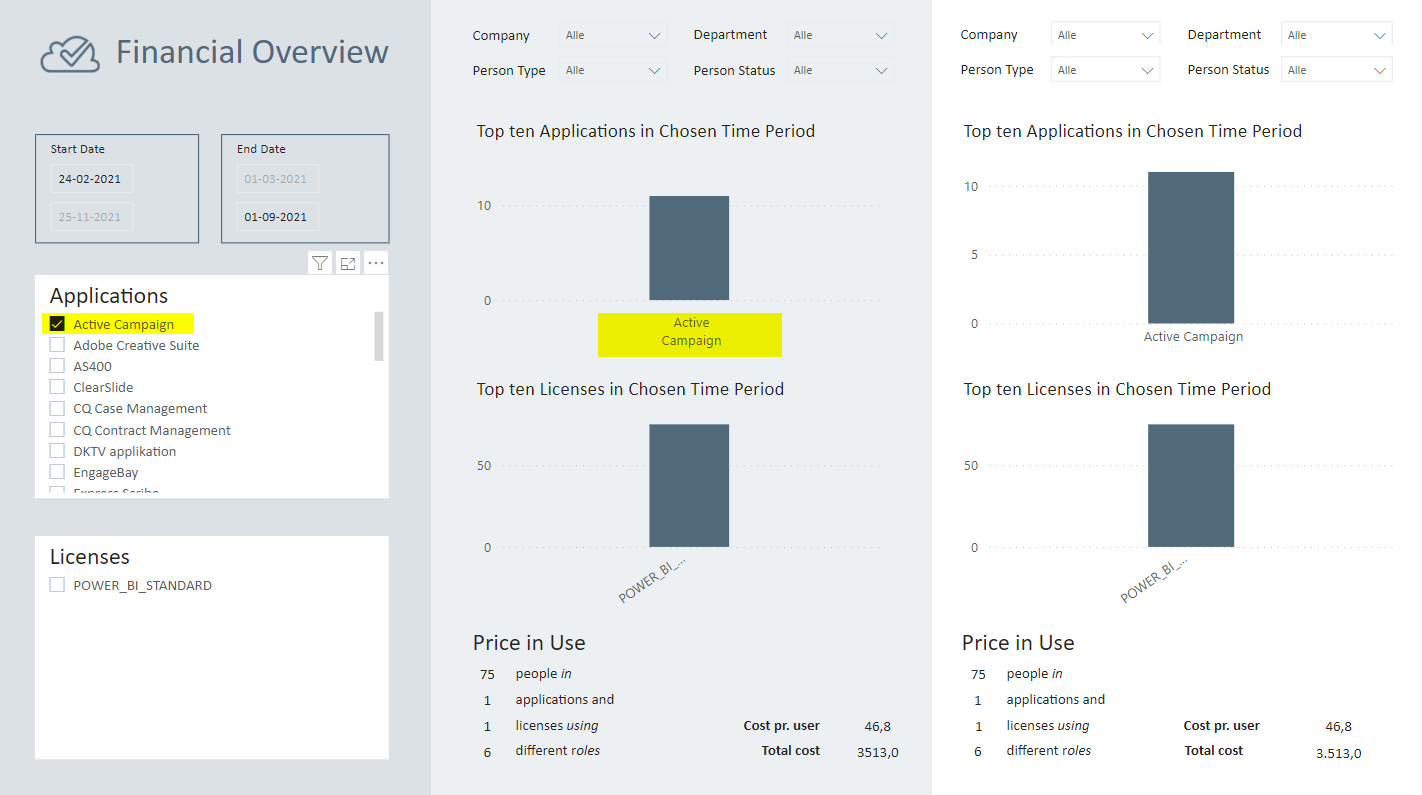
Without segregation of the systems, you will get an overview of the Top 10 applications and Top 10 licenses in use (1). In the left column, it is possible to segregate by which applications or licenses you wish to see (2). At the top, you can set the desired time period for your view (3). On the right side, it is possible to choose between scenarios (4), which allows you to compare two entities with 4 different segregation options (5). This will enable you to see the difference in consumption among companies or departments. Comparisons can also be made internally within the department, but specifically in relation to person types.