Historical Access Report
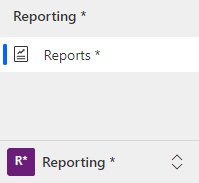
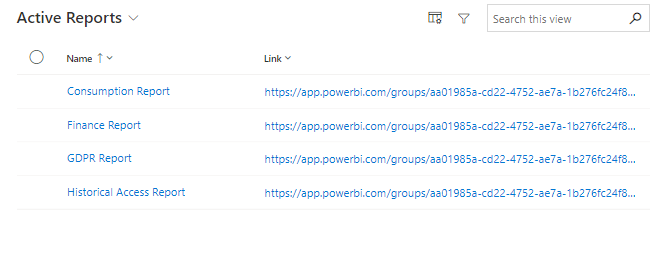
Under Reports, the current Power BI reports are displayed. The reports read from the Core SQL database, which means that changes in Compliance Suite are immediately reflected in the reports.
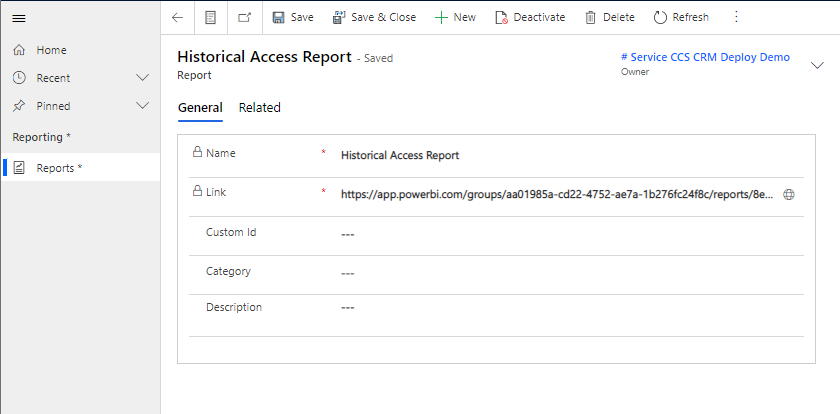
It is possible to add Custom ID, Category and Description to the report, as well as to access the report via the link in the locked field, "Link".
How to use the report
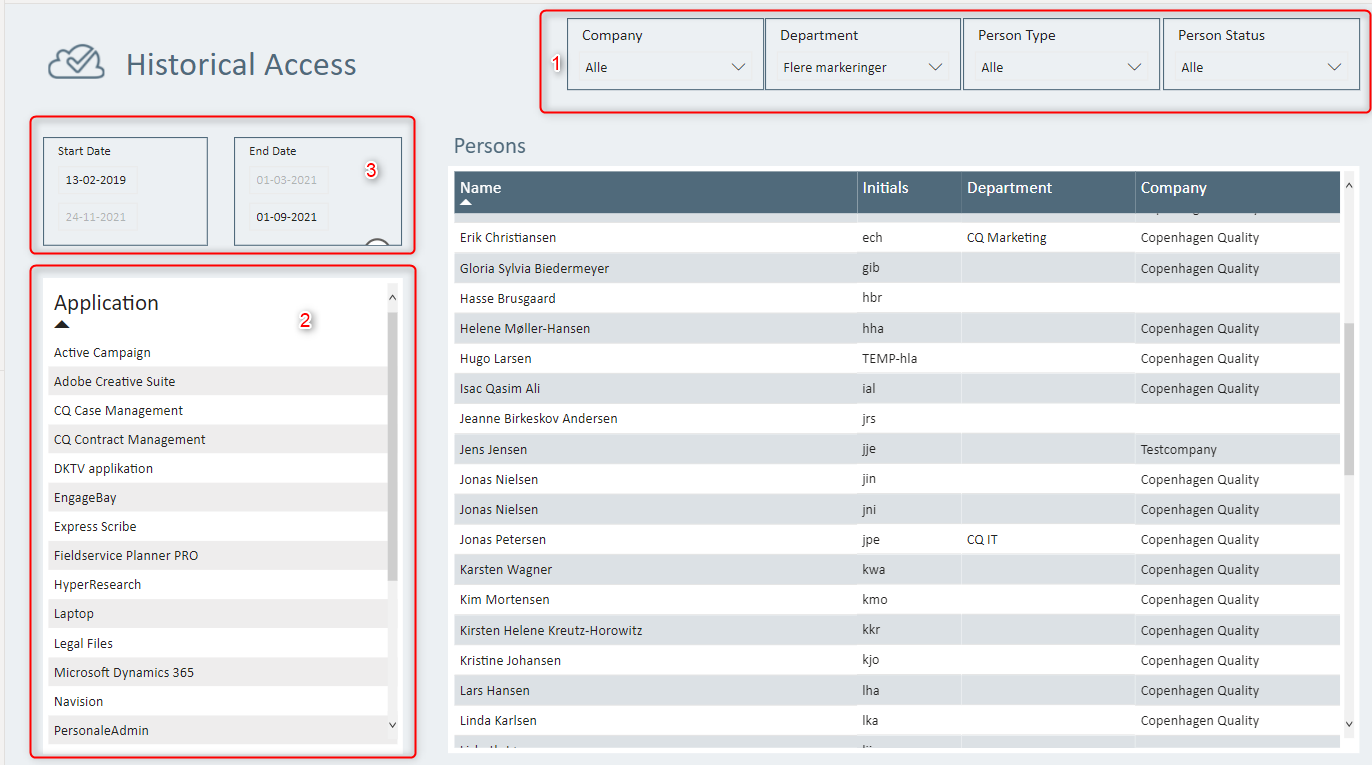
In the Historical Access report you can get a snapshot of who has what access to which systems, applications and data. In the report, you can easily segregate by department, company, person type or person status (1). In the left column, it is possible to segregate by which applications you wish to see (2). At the top, you can set the desired time period for your view (3).