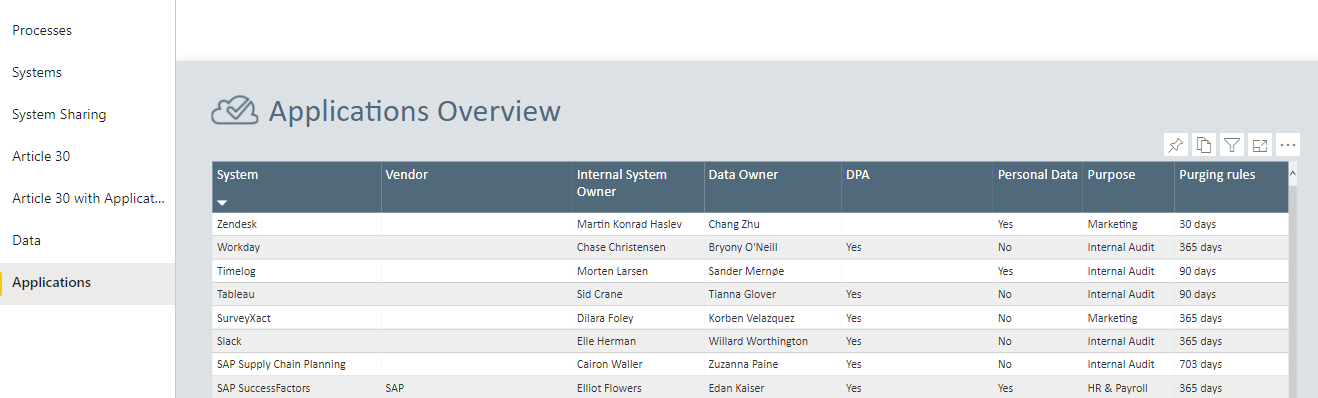
GDPR Report
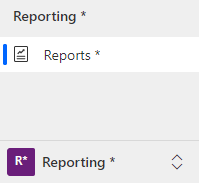
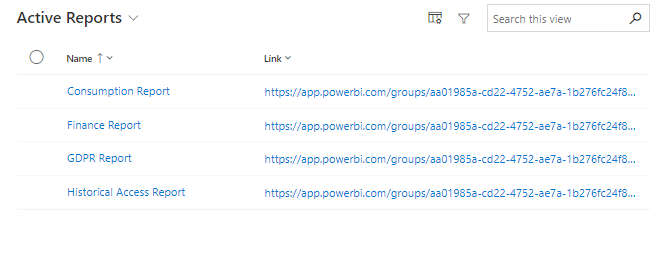
Under Reports, the current Power BI reports are displayed. The reports read from the Core SQL database, which means that changes in Compliance Suite are immediately reflected in the reports.
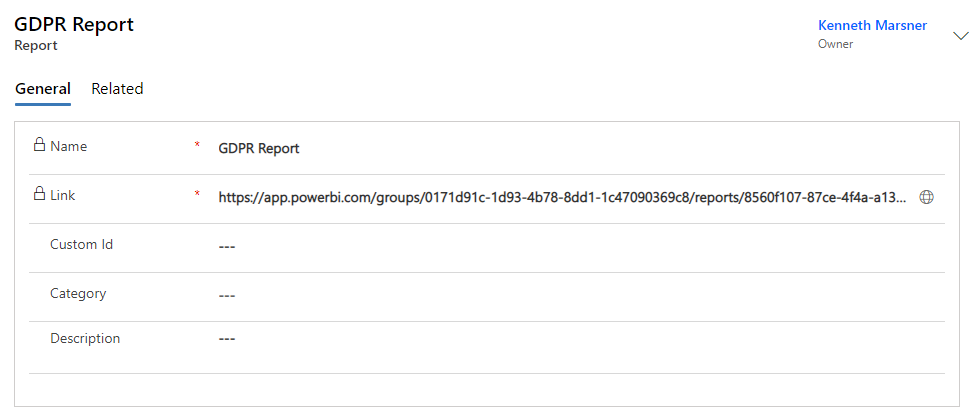
It is possible to add Custom ID, Category and Description to the report as well as to access the report via the link in the locked field "Link".
How to use the report
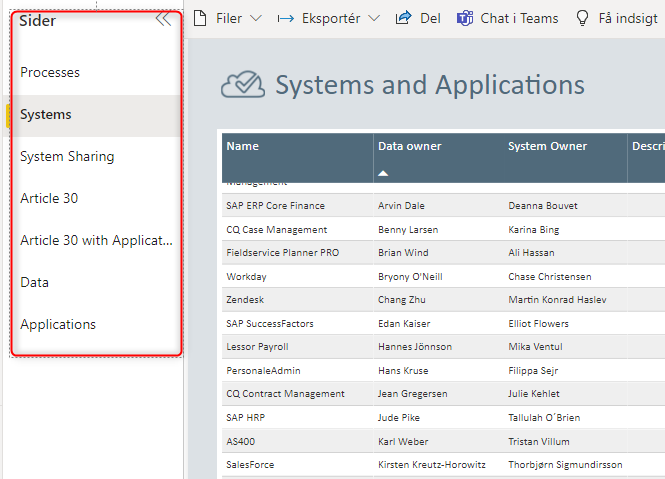
The GDPR report covers a number of areas:
-
Processes
-
Systems
-
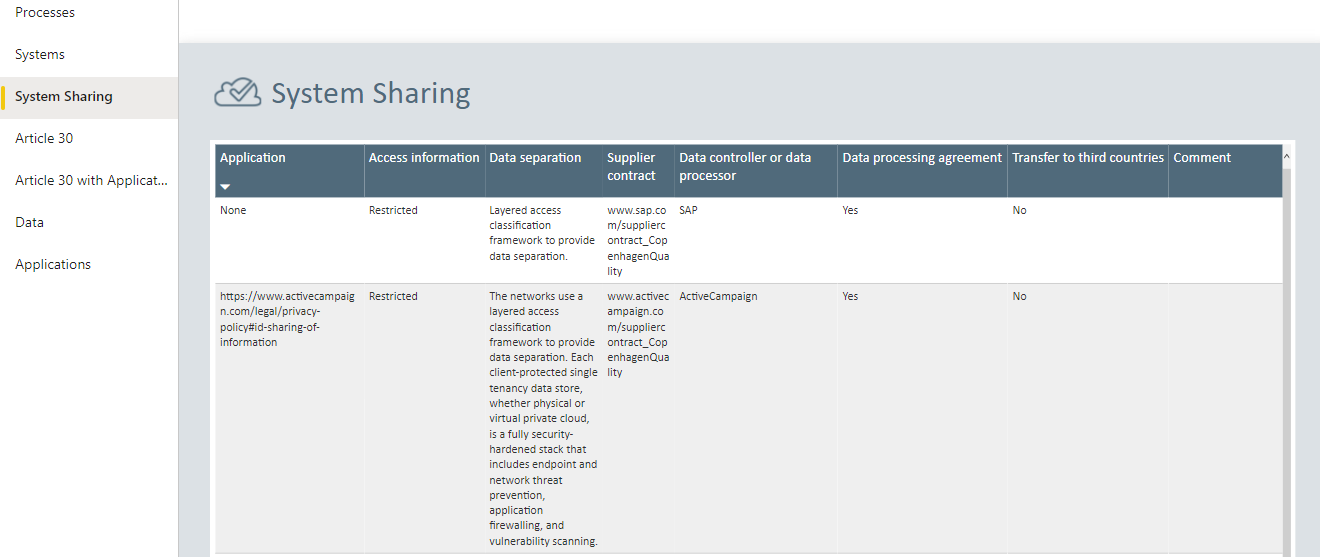
System Sharing
-
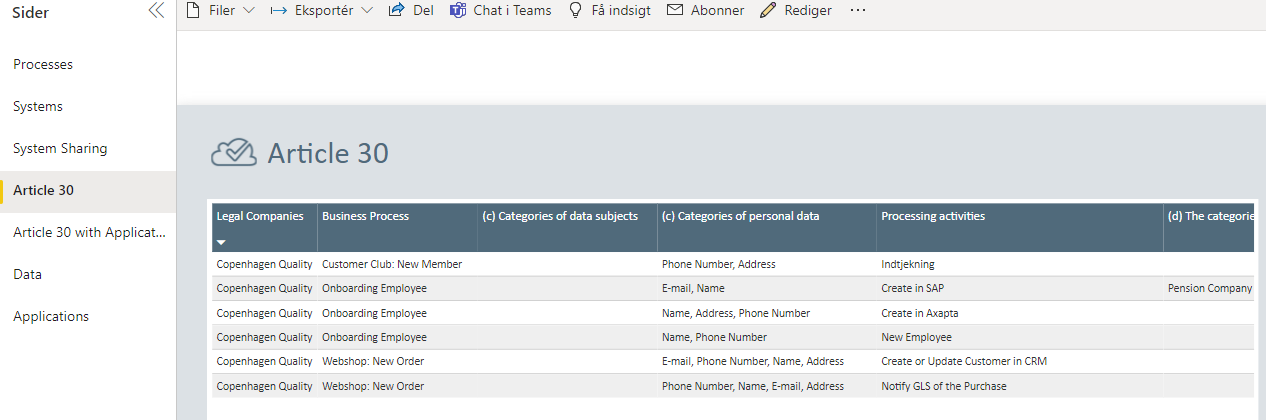
Article 30
-
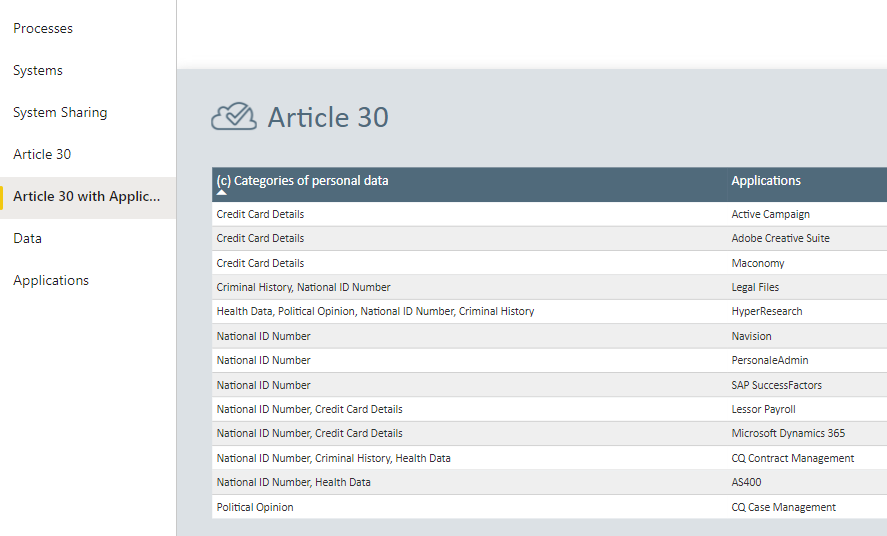
Article 30 with applications
-
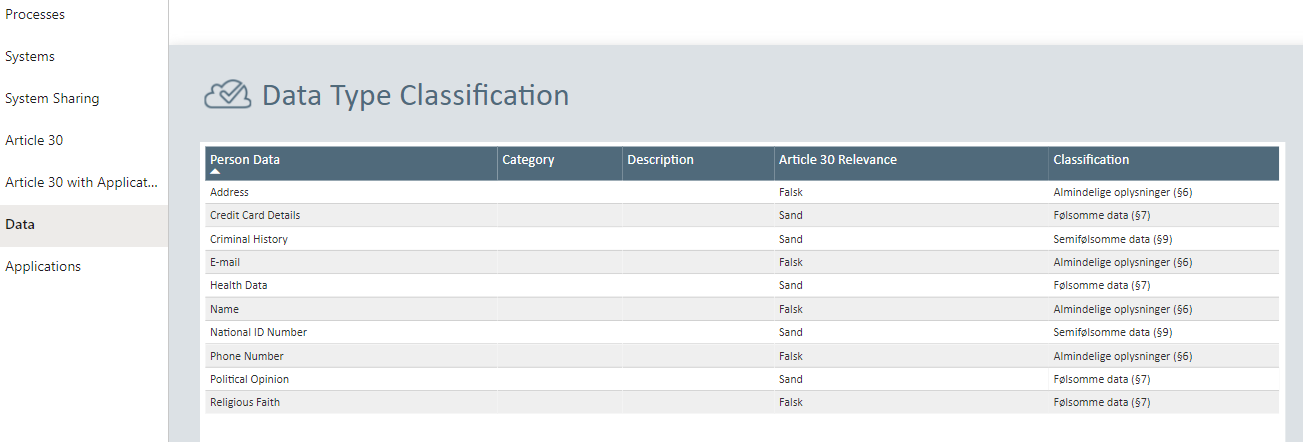
Data
-
Application
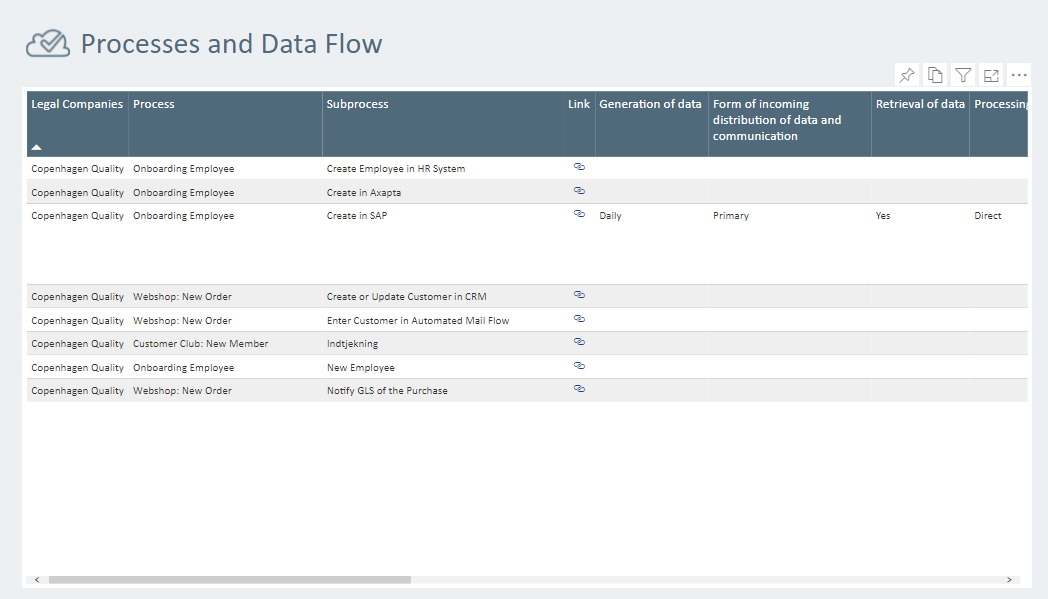
Processes
The processes area gives you an overview of all the processes logged in the GDPR module of Compliance Suite. Delivered in a format that is easier to present to potential stakeholders. If you wish to learn more about how to create processes and data flow in CCS, you can find more information in the article Process Activities
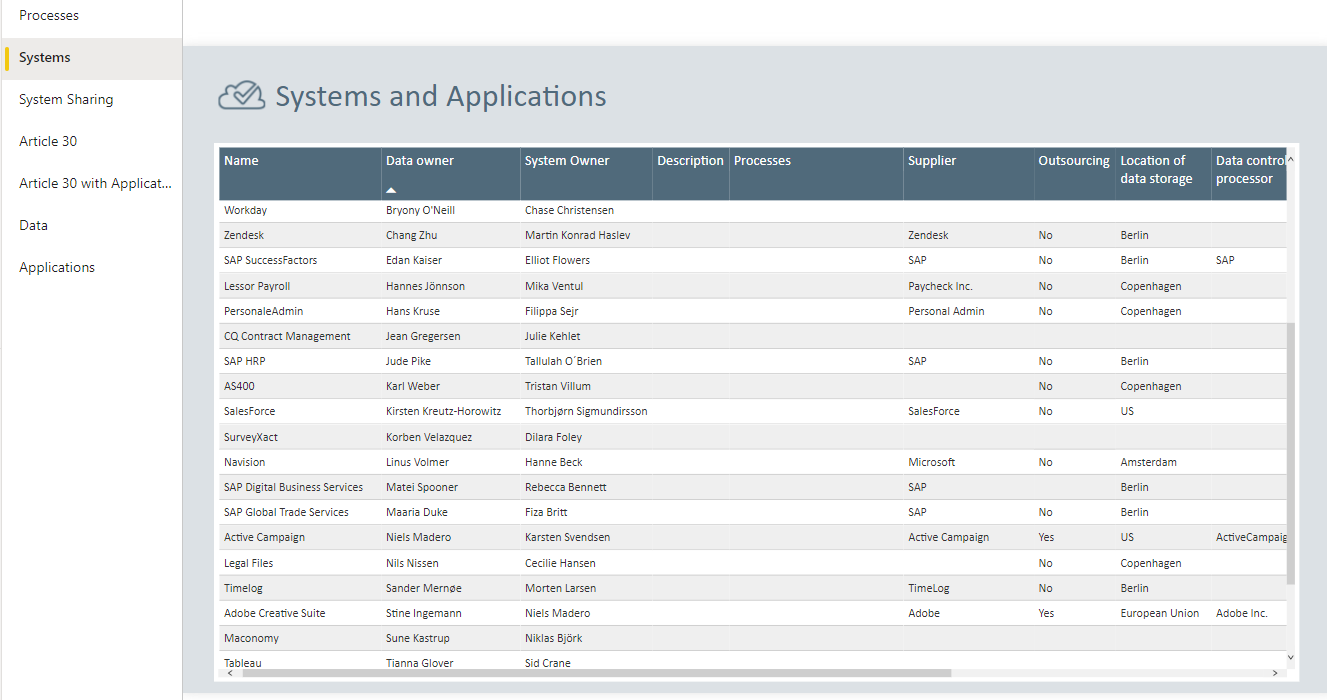
Systems
In the Systems tab, you get your systems presented with all the information of relevance to GDPR in columns, so that they are easy to pass on or present to any stakeholders. Here, you will find information about Location of Data Storage, Data Owner, System Owner, etc. If you wish to learn more about how to insert data in the given systems, you can find more information in this article.
Systems Sharing
Under Systems Sharing, you get an overview of the systems you have specified that share data. Here, you can see in an easy-to-read format how the different systems process data and the associated data processor agreement