Applications (GDPR)
The Compliance Suite uses applications to organize role management of accesses and to document records of personally identifiable master data.
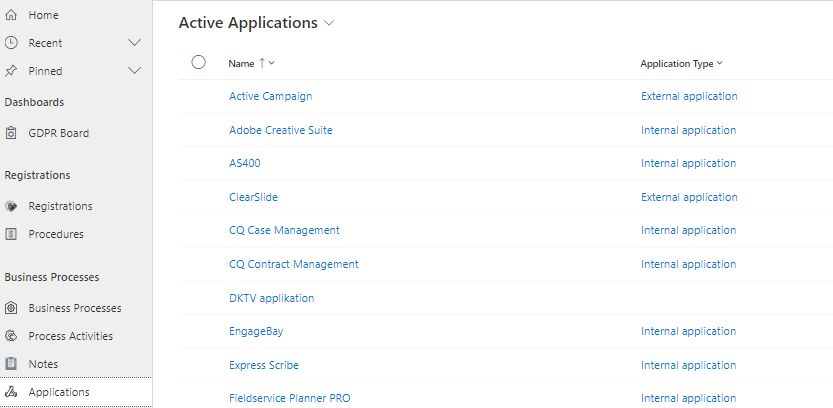
Under "Applications" in the "GDPR" sub-area of Compliance Suite, you can register the applications that contain personal data and thus have an impact on your registered Business Processes.
It also gives you an overview of all your active applications. You can get the same overview under "Applications" in the "Manage" sub-area.
How to create an application
To create a new application, click "New" in the menu bar.
You fill in the fields on the application as described below. This is also described in the article on "Applications”.
| Field Name | Example of value | Description |
|---|---|---|
Name |
ESDH system |
The name of the application. |
Custom ID |
1 |
Possible ID number for the application. |
Description |
ESDH is used by the entire organization for documents |
Description of what the application is used for. |
Category |
Document Management |
Value used across all entities in CCS. |
Application Type |
Documents |
Indicates possible type for the application. |
Approver |
Gitte Persson |
Here is the name of the person who must approve that a user gets the given Access to the application. |
Approver Team |
Dynamics HR |
If necessary, enter the name of the team that must approve that a user receives the given Access to the application. |
Approver BC |
Gitte Persson |
Here is the name of any person to be briefed. |
Approver CC |
David Nykjær |
Here the name of a possible person to be briefed. |
Implementer |
Kenneth Marsner |
Here is the name of the person who must ensure that the person has access to the given application. |
Implementer Team |
Dynamics IT |
Enter the name of the team that will ensure that the person has access to the given application. |
Implementer BC |
Gitte Persson |
Here is the name of any person to be briefed. |
Implementer CC |
David Nykjær |
Here is the name of any person to be briefed. |
GDPR information on applications
On applications, there are three tabs of particular relevance to GDPR:
-
GDPR Information
-
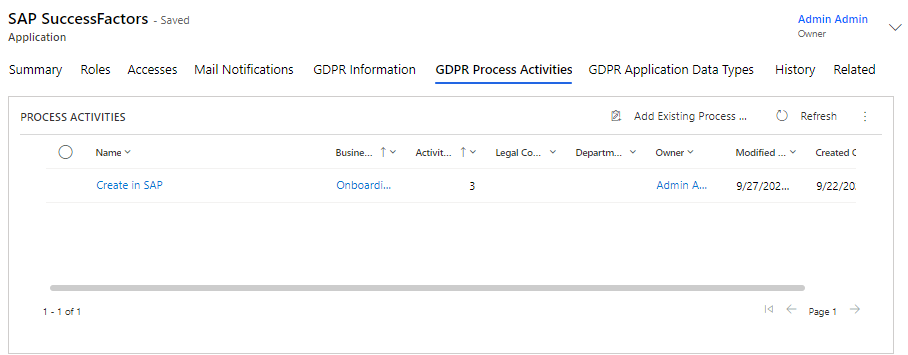
GDPR Process Activities
-
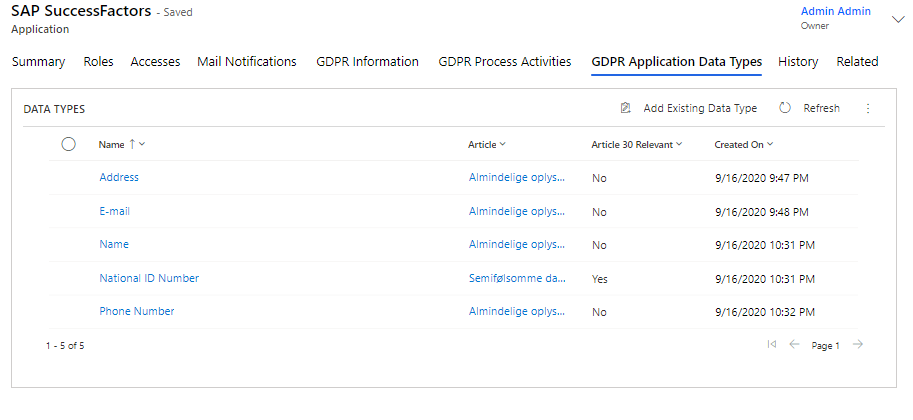
GDPR Application Data Types
All three help you document your GDPR and data processing processes.
GDPR Information
On the "GDPR Information" tab page, you will find important application information that is relevant to your organization’s compliance with GDPR legislation.
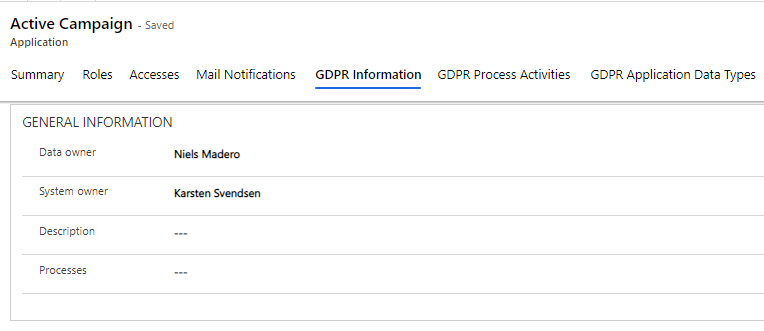
Here, you can fill in who in the organization is the "Data Owner" of the data stored in the application. The Data Owner can be the person or team in your organization who makes decisions about who has the right to access and edit data in the application and how that data is used. The person (or team) registered as the Data Owner is responsible for the data quality, data integrity and data protection of this application.
You can also register a "System Owner", who is the person responsible for the application and its functionality.
In the "Description" field, you can enter a description of GDPR handling in the application.
The "Processes" field is used to specify processes in which the application is included. The field is a free text field.
Supplier Information
Under "Supplier Information" you may register key information about the supplier of the application.
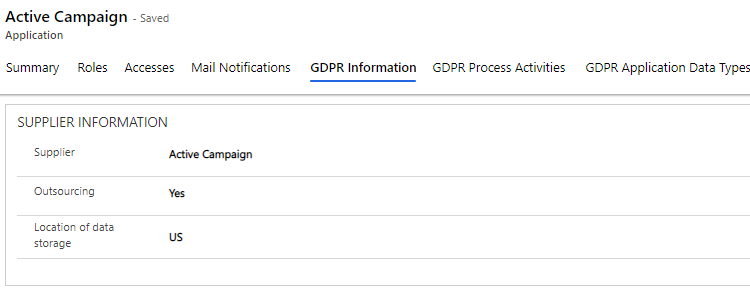
You register the application provider under "Supplier".
You use the "Outsourcing" field to indicate whether others are connected to the application and the data stored in it.
Finally, you indicate where the data is stored in the "Location of Data Storage" field.
Legal Basis Information
Under "Legal Basis Information", you register key information about the application’s data processing.
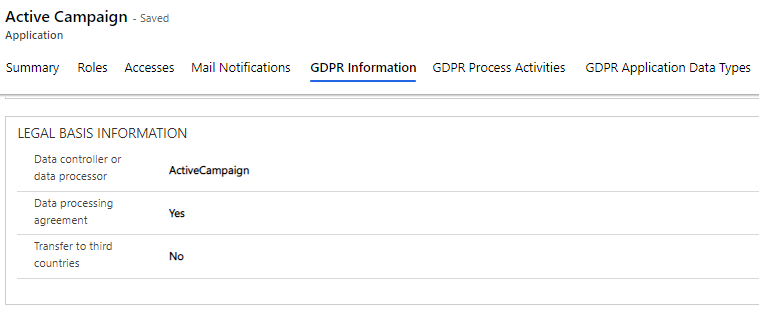
Here, you enter who the "Data Controller" or "Data Processor" of the application is, whether there is a "Data Processing Agreement" in place, and whether data stored in the application is transferred to third-party countries.
System Sharing Information
Under "System Sharing Information", you enter information about the system’s information sharing procedures.
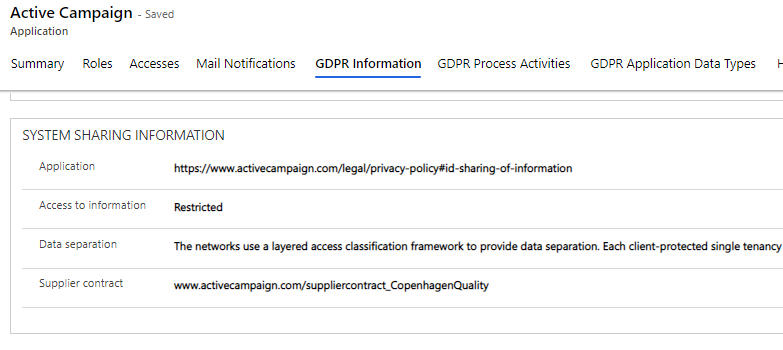
Here, you can enter descriptions or links to documents describing which applications can access information from the application in question, how access to information is handled, how the application handles Data Separation, and last but not least provide a link to a provider contract.
Other System Information
Under "Other System Information" you can fill in additional information about the application that is relevant.
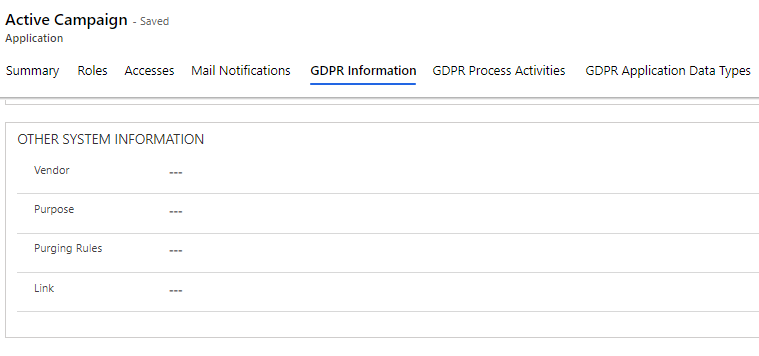
This includes "Vendor" and "Purpose", where you can register the purpose of data storage. Under "Purging Rules", you can describe the procedures for data deletion, and finally you can insert a relevant link describing the above fields.