Manage Board
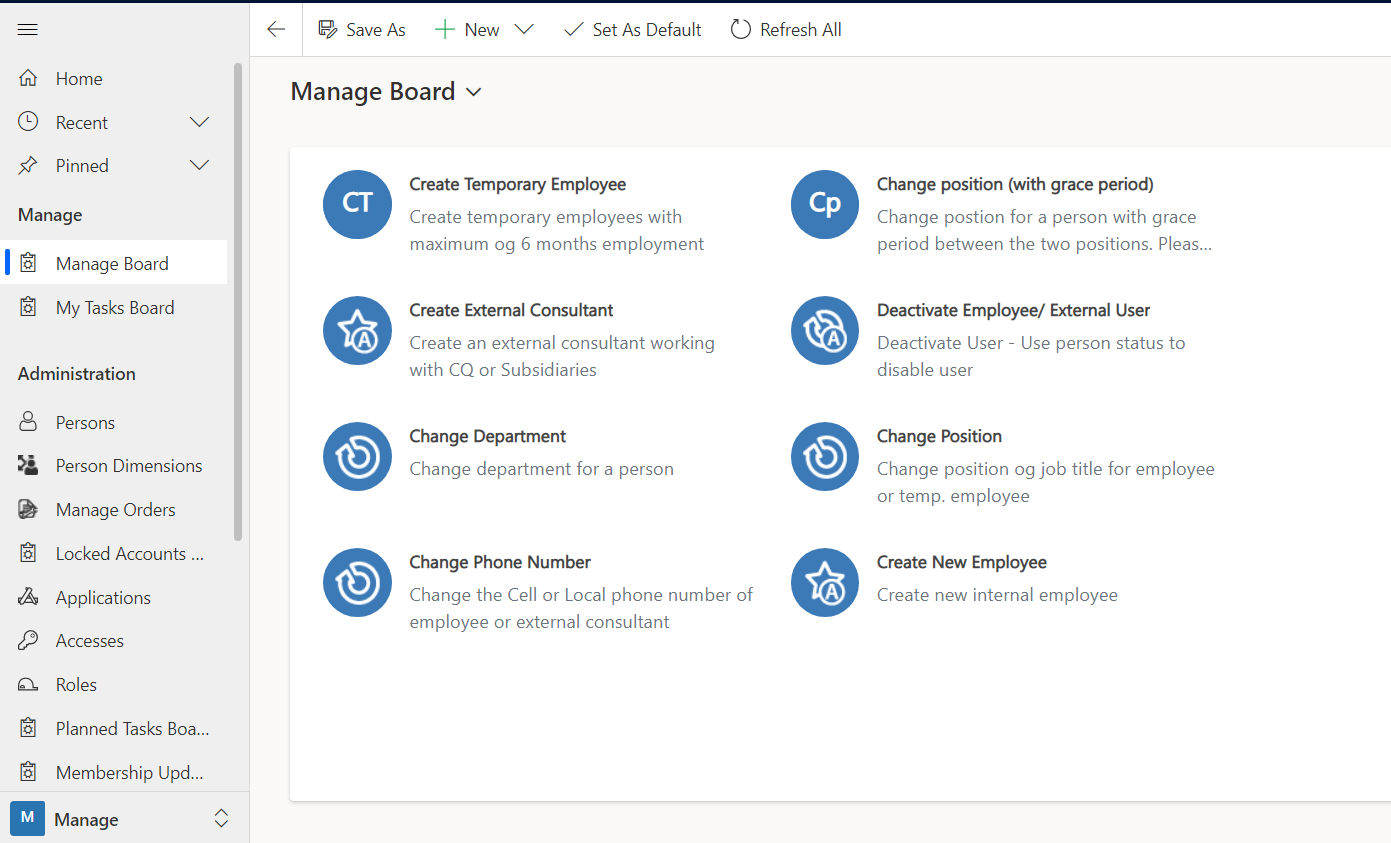
The Manage Board is used to get an overview of tasks assigned to you and action options for quick creation of new users or changes to existing users.
The following information is displayed:
-
The Manage Board is an interactive Dashboard with the option to either create and/or manipulate a user (edit, modify, assign, delete). The fields are created under Manage Definitions, where you can read about how to create each action button.
-
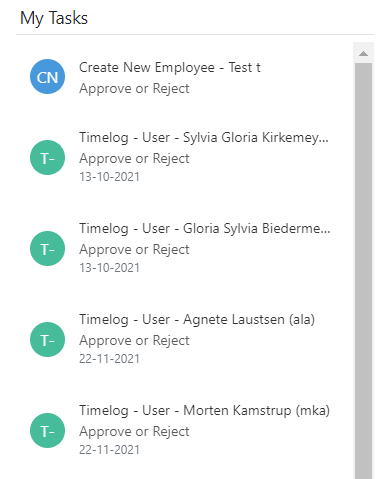
My Tasks lists the accesses that you are responsible for approving, deploying or removing, as well as those that you are responsible for renewing and that expire within 31 days.