
My Task Board
My Tasks Board is used to display the tasks that are relevant to me. The view provides an overview of all the tasks at different stages, etc.
The following information is displayed:
-
My Access Tasks lists the accesses that you are responsible for approving, deploying or removing, as well as those that you are responsible for renewing and that expire within 31 days.
-
My Planned Tasks(available by switching view) shows the accesses you are responsible for that expire at some point (that are Enabled and expire within the next 100 years).
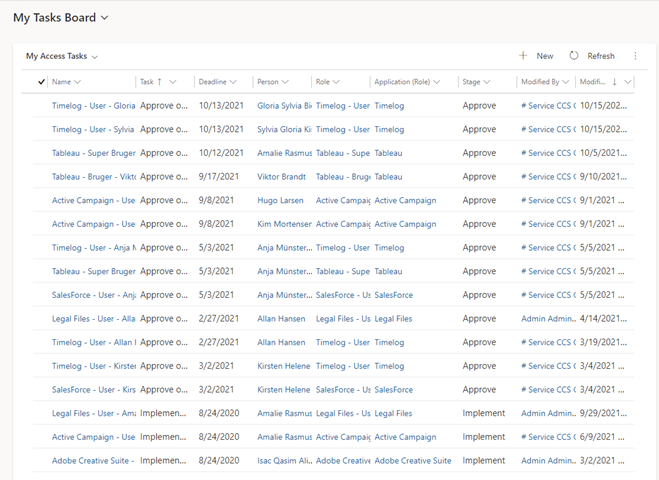
My planned access tasks
To find your planned access tasks, you need to switch views.
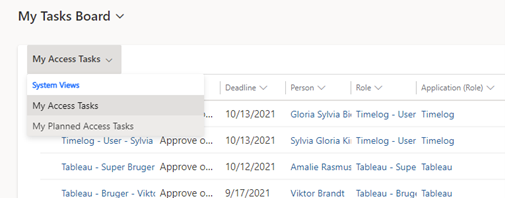
You can sort the columns by clicking on them.
Views on the right side
If you use the overview on the right of the image instead, you have access to the following functionality:
-
Clicking on the graph "By Stage" or "By Application" will display My Access Tasks in a filterable view.
-
Clicking on the "By Deadline" graph will display My planned access tasks in a filterable view.
The following Dynamics 365 users have access to this board:
-
Users with one of the Dynamics 365 roles CCS Self Service, CCS Service Desk, CCS Administrator or CCS Auditor. CCS Auditor cannot create, edit or delete data.