About configuring the CS4N application
Opening the Configuration Area
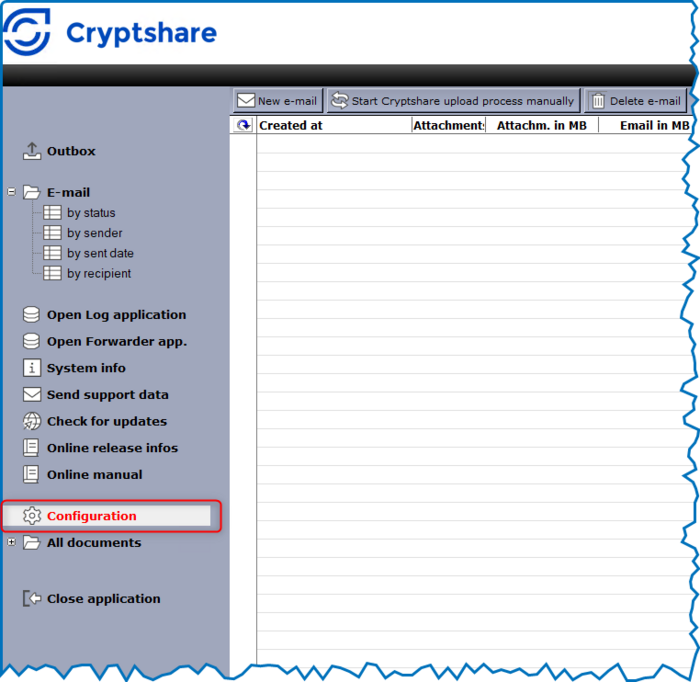
The Administration area of the CS4N application is used to define application-specific settings such as the Cryptshare rules, operating mode, email texts, error handling and much more. The Administration area is only available to administrators with the "Administration" role. You get to the Administration area by using the item "Administration" in the Navigator.
Database Setup
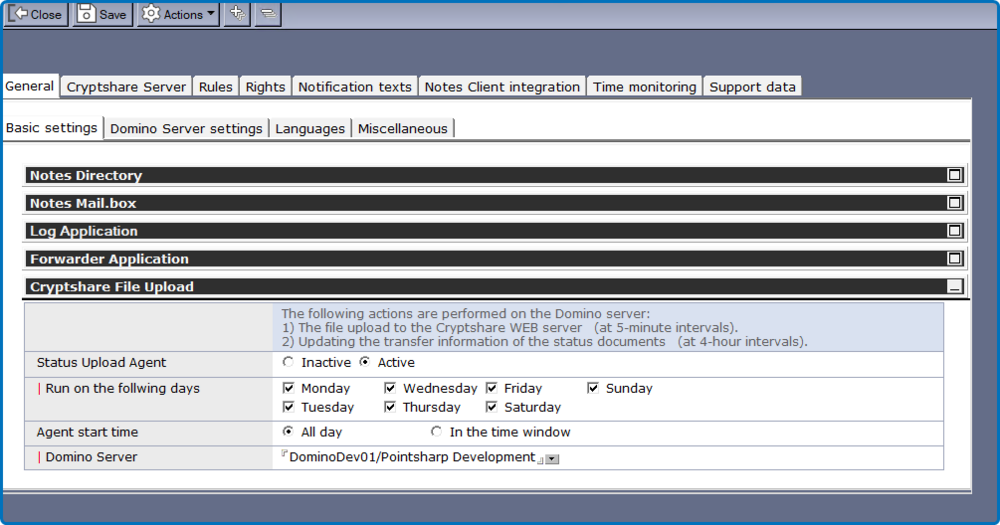
All necessary configuration settings are made in the Database Setup. The settings are clustered into several tabs. Note: If you make changes to the settings of periodic agents, please make sure to sign the application afterwards. If you make changes using an ID that does not have the right to run agents on the server, the agents might not run otherwise.
General Action Buttons
The upper area of the application contains context-sensitive action buttons for the corresponding document or the view.
 = Saves the current document.
  = Closes the current document.
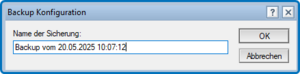
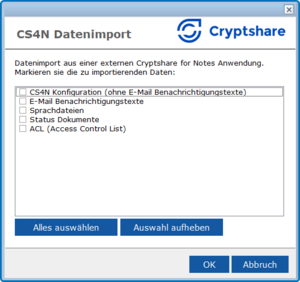
  = Actions, e.g. to create a backup of the current configuration.
| Button | Comment | ||||||||
|---|---|---|---|---|---|---|---|---|---|

|
Exit the current document |
||||||||

|
Saves the current documen |
||||||||

|
|