CS4N Transfer manager
In CS4N&D Transfer Manager, the current user can see which transfers they have sent, their status, which sending options were used, which files were attached, and which recipients downloaded the files.
The CS4N&D Transfer Manager can be accessed in the following ways:
-
Via the Smart Icon

-
Via integration in the email template with the action button ‘Cryptshare Transfer Manager in the memo mask’
 and from the inbox view

-
Via the CS4N&D email mask

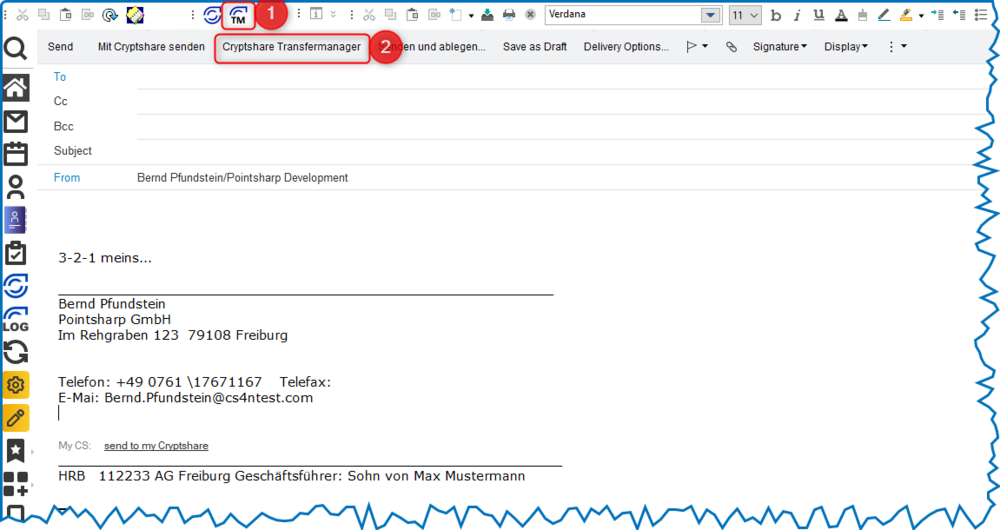
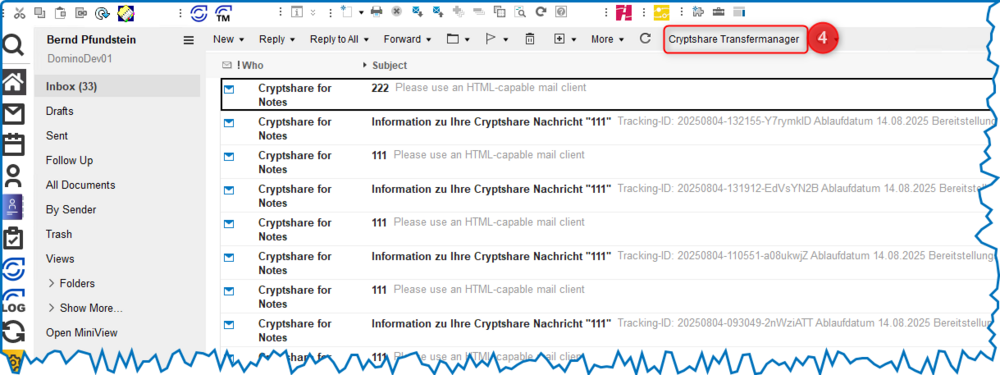
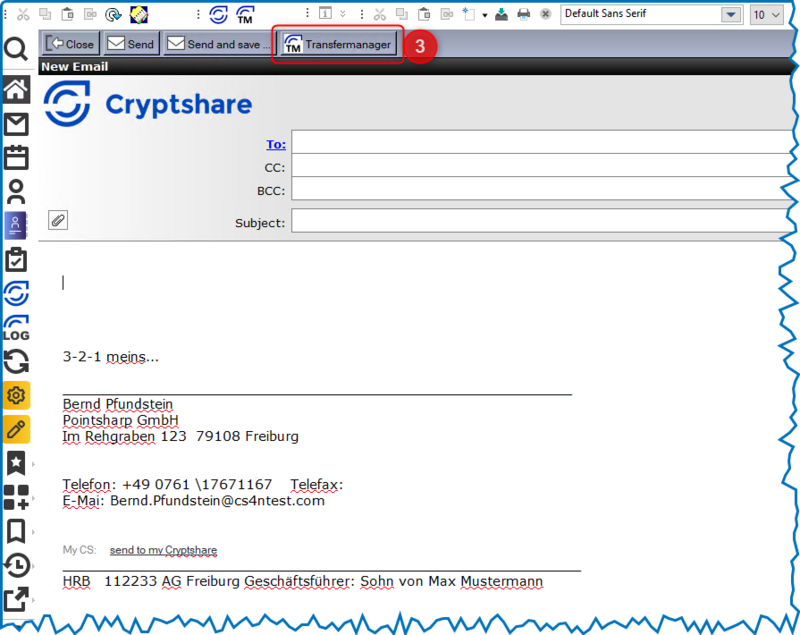
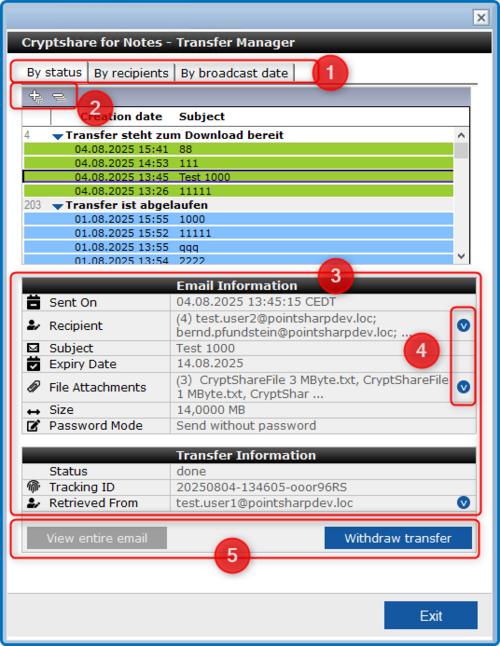
After clicking on the Transfer Manager button, the following dialogue box opens:
| Number | Comment |
|---|---|
|
|
The tabs can be used to select different views for displaying the transfers. The following views are available: ‘By status’, ‘By recipient’ and ‘By send date’. |
|
|
In the views, the symbols
|
|
|
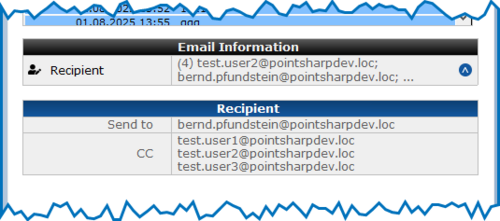
Detailed information about the selected (highlighted) transfer is displayed in the ‘Email Information’ and ‘Transfer Information’ sections. |
|
|
The symbol |

|
If the transfer was sent from the user’s personal mailbox and the
original email still exists (hasn’t been deleted), the button
|