Net iD Administration
This section describes administration of tokens in Net iD Enterprise.
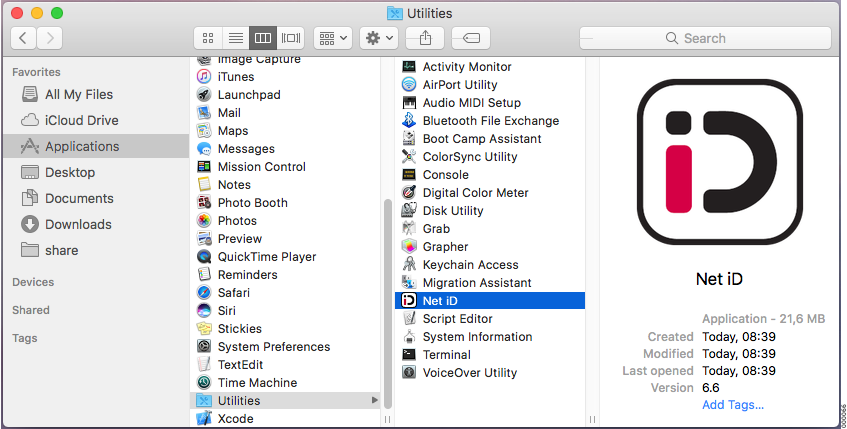
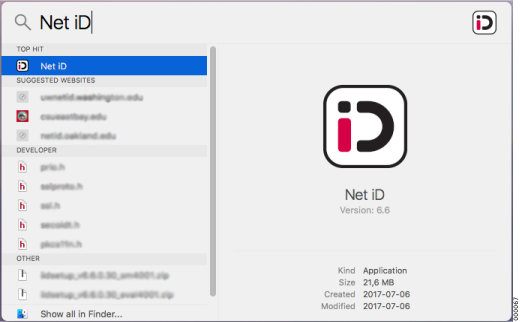
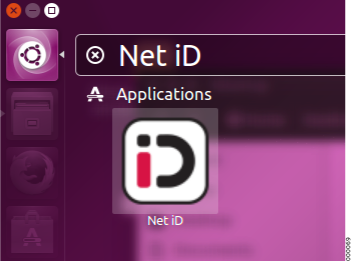
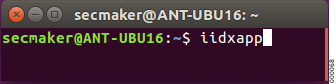
Start Administration

Content
-
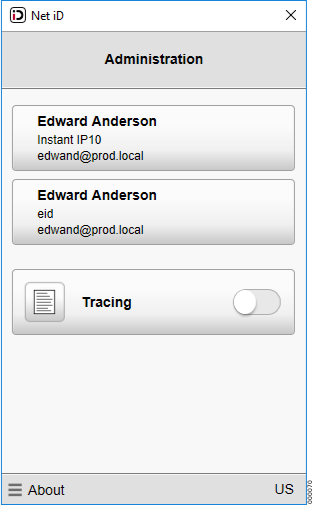
Click on the smart card or soft token.
-
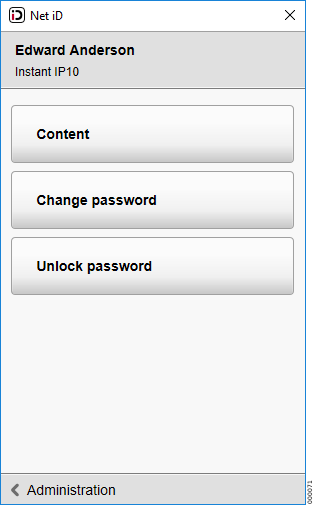
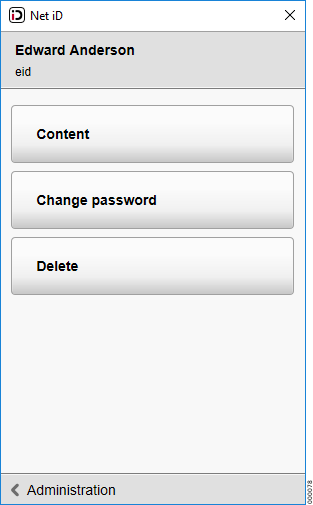
Click Content to show information about the token.
-
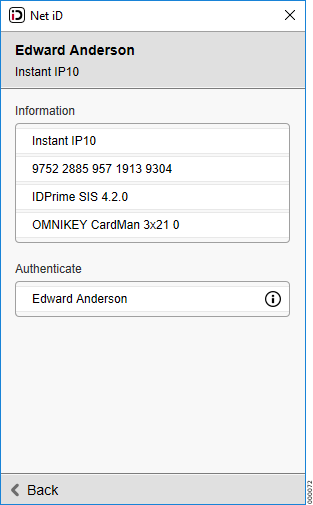
The available information is:
-
Information about your smart card or soft token. Description, serial number, applet and card reader name.
-
A list of all certificates stored on token and usage.
-
Click the
 button to show more information about the certificate, for example issuer info.
-
Change password
-
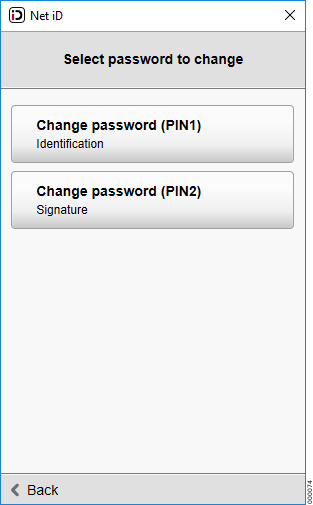
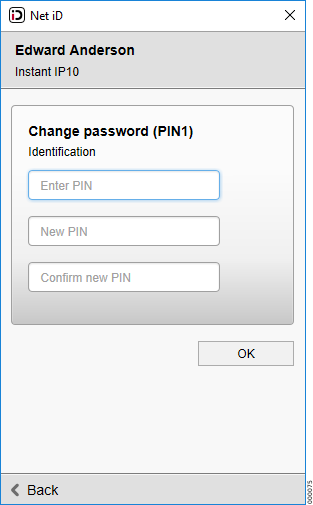
Select token and Change password if you want to change any of your current passwords.
-
Select the PIN you want to change.
-
Enter current password in Enter PIN.
-
Enter new password in New PIN.
-
Confirm new password in Confirm new PIN.
-
Click OK to complete the change.
Unlock password
-
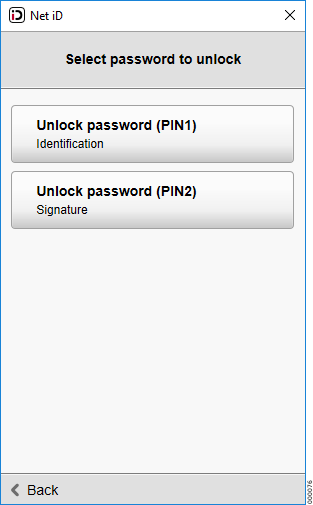
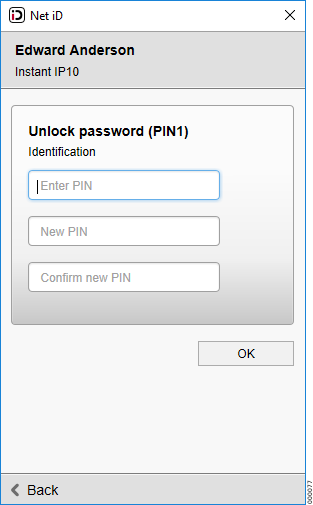
Select token and Unlock password to set a new PIN using an unlock code if you have locked your PIN.
-
Select the PIN you want to unlock.
-
Enter the unlock code in Enter PIN. The unlock code has probably been given to you by the smart card issuer or your organization when you got your smart card.
-
Enter the new password in New PIN.
-
Confirm the new password in Confirm new PIN.
-
Click OK to complete the unlocking.
Delete soft token
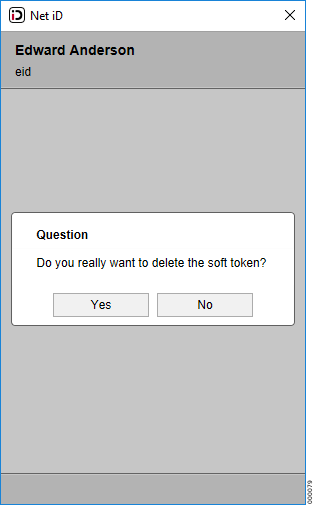
Select Delete to remove your soft token.
| After deleting the soft token will not be able to be used for authentication, signing or decryption of any information. |
Language
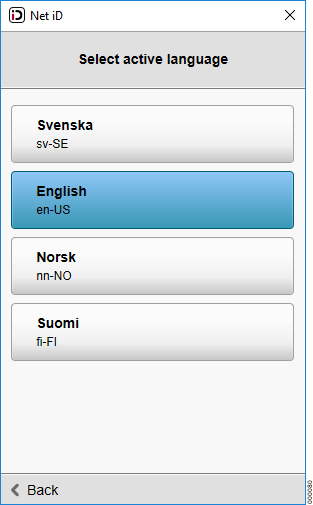
Click on active language, for example US at the bottom right corner in Administration to change language in Net iD.