Self service
This procedure describes how a user can sign in to Net iD Portal and view information about themselves.
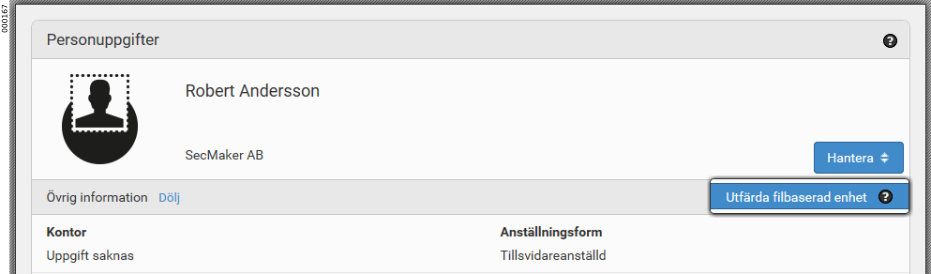
Net iD Portal supports different ways to configure this feature to suit your organization. For example, users can renew certificates on their token or enroll a file-based token to their computer.
View information
-
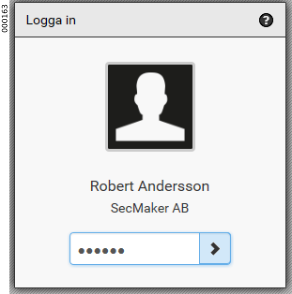
The user goes to the user section of Net iD Portal and signs in with their token.
-
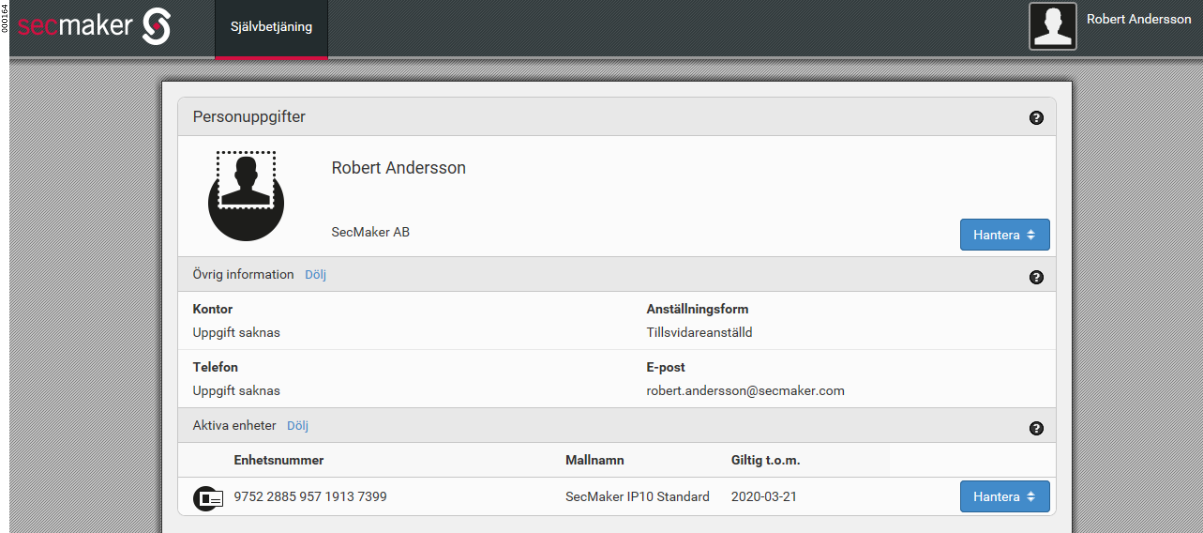
Personal information and Active tokens are displayed for the user.
-
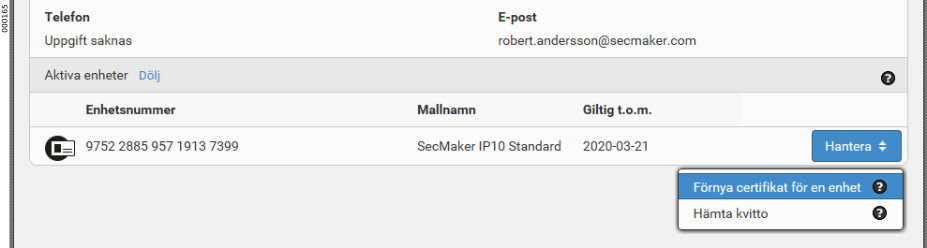
Depending on the configuration for your organization, the user can, for example, Renew certificate for a token.
-
Or Enroll file-based token to the user’s computer.