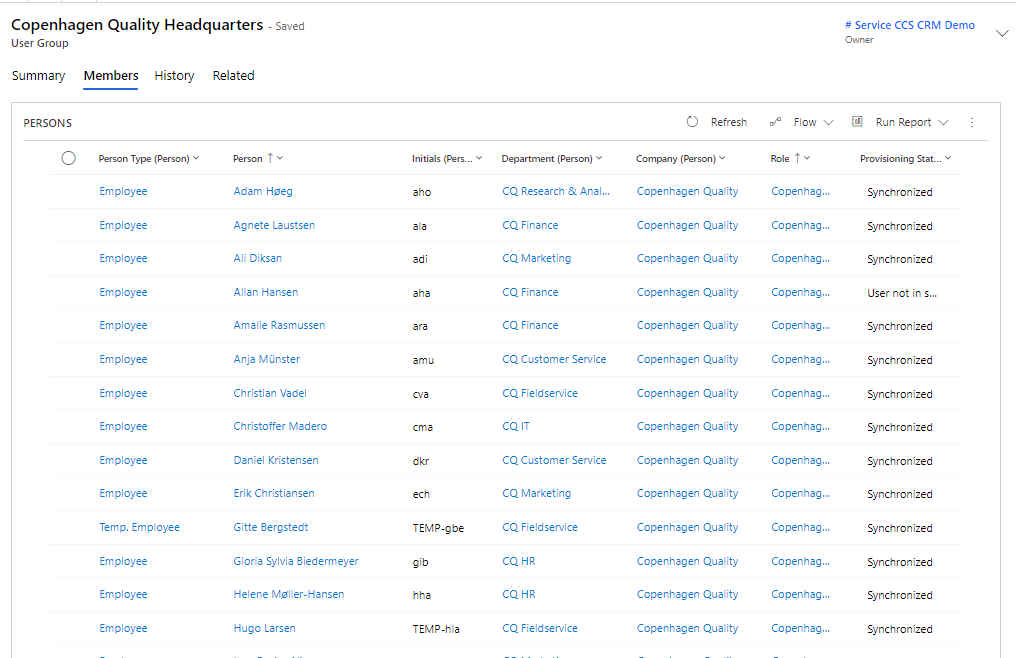
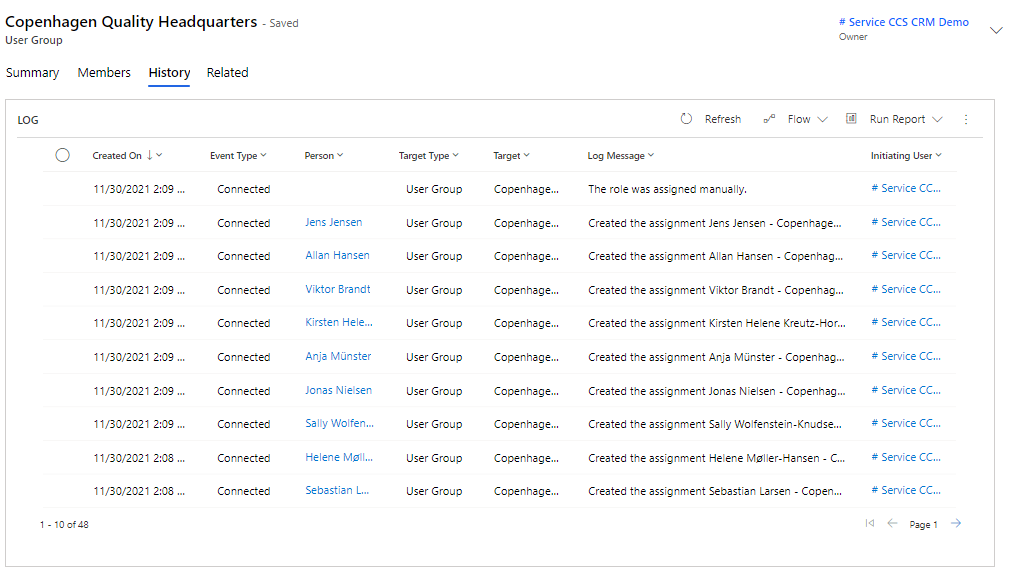
Active Directory - User Groups
User Groups must be created in Entra ID or in AD DS after which they are automatically created in Compliance Suite and any memberships are transferred. The system from which they come is indicated on the group.
"Keep Access" and "Remove Access" are applicable to User Groups. This is an AD setting where you specify whether Compliance Suite should remove or keep users in the AD group that are not managed in Compliance Suite.
A category can be added to a User Group. This attribute is not synchronized to other systems. Indeed, "Category" is an internal Compliance Suite attribute that can be used for filtering.
See Active User Groups
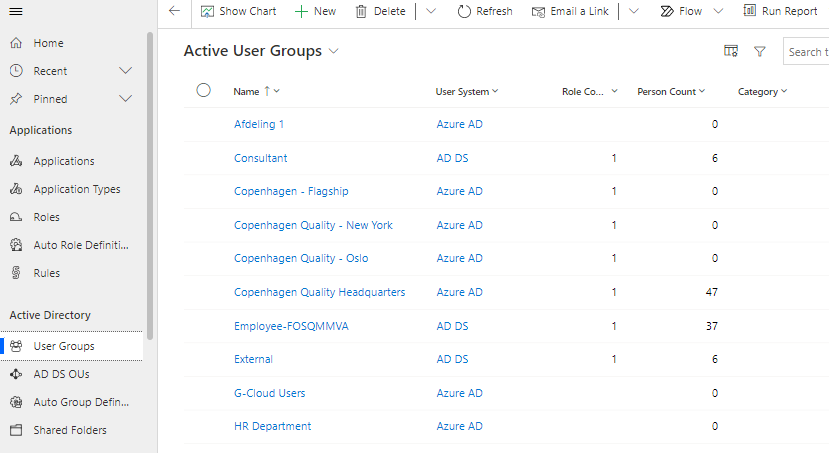
Active User Groups shows all User Groups that are loaded into Compliance Suite and that are active. You can find them under "Connectors | User Groups":
Details on User Group
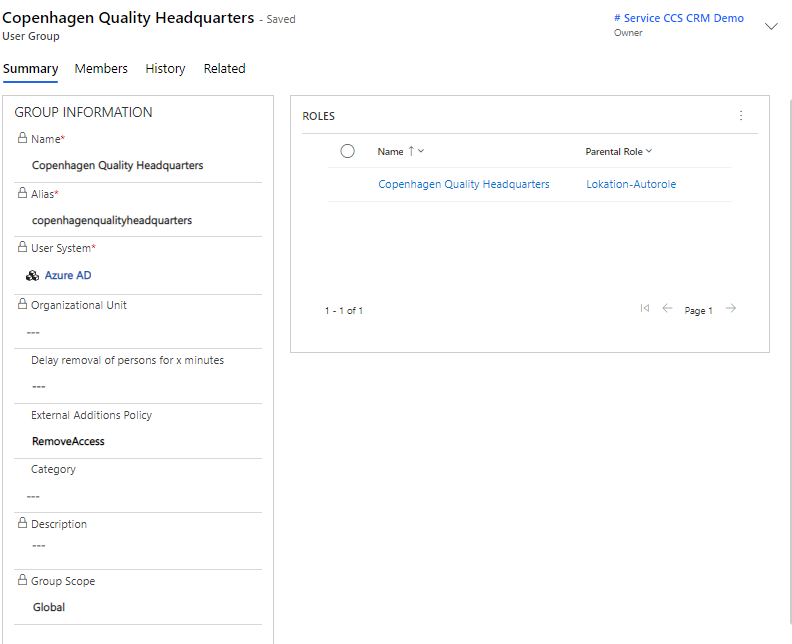
For example, click on the name of a User Group to see full details on that User Group:
| Field Name | Type | Description |
|---|---|---|
Name |
Locked Field |
Displays the name of the group. |
Alias |
Locked Field |
Displays the alias of the group. |
User System |
Locked Field |
Displays User System of the group. |
Organizational Unit |
Locked Field |
Displays the Oranizetional Unit of the group. |
Delay removal of person for x minutes |
Text Field |
Enter the delay with which people must be removed from the group, for example in connection with offboarding. |
External Additions Policy |
Choice |
Choose whether to turn on KeepAccess or RemoveAccess. |
Category |
Lookup |
Select an optional Category. |
Description |
Text Field |
Description for User Group. |
Group Scope |
Locked Field |
Displays the scope of the specific User Group. |