
Organizational Updates Board
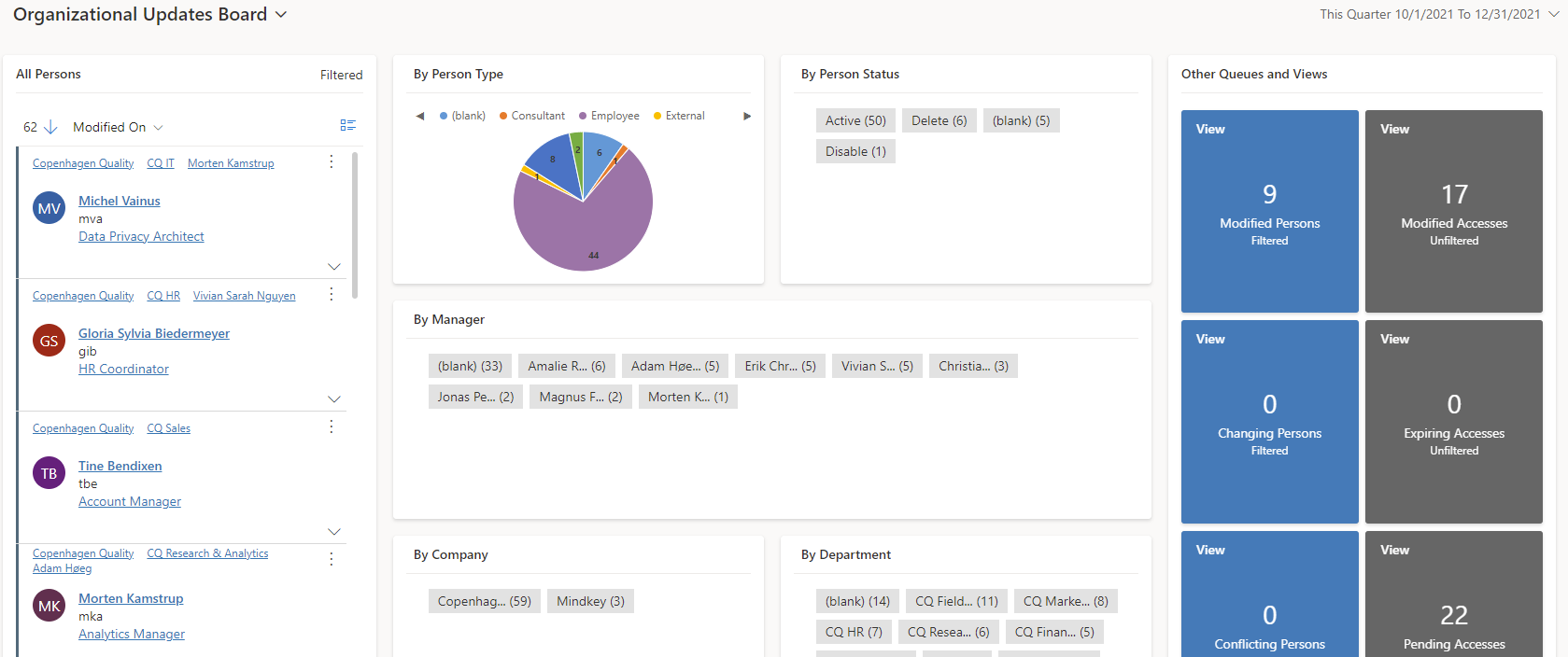
Organizational Updates Board is used to get an overview of people who have changed status in the organization. There are also six shortcut fields for selected persons and accesses.
The following information is displayed:
-
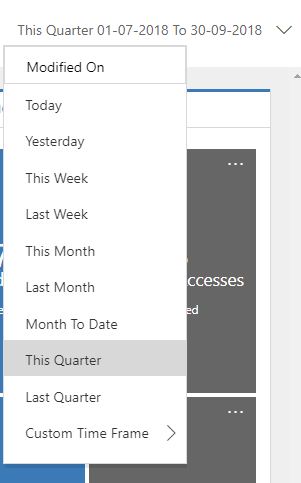
All Persons shows all persons who have been changed (by default in the last quarter - this can be adjusted in the top right corner).
-
Five graphs further filter the view of persons: By Person Type, By Person Status, By Manager, By Company and By Department.
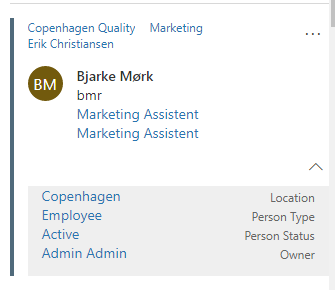
Master data card
Each person is displayed with an expandable master data card showing
company, department, manager, name, initials, job title, position,
location, person type, person status and owner.
(Owner = manager or the user who created the person, if there is no
manager or the manager is not created in Dynamics 365).
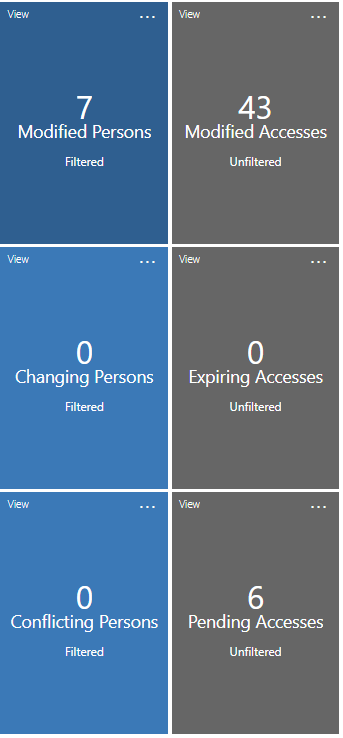
Shortcut fields
There are six shortcut fields. Click on the box to see a pop-up list of people. The three person way fields are filtered together with the rest of the board. The six fields show the following:
-
Modified Persons (modified in the last 7 days)
-
Changing Persons (planned change of person status in the next 93 days)
-
Conflicting Persons (marked with import conflict)
-
Modified Accesses (accesses modified in the last 7 days)
-
Expiring Accesses (accesses that expire in the next 33 days)
-
Pending Accesses (accesses in Approve, Implement or Remove)
Functionality
Filtering by modification date
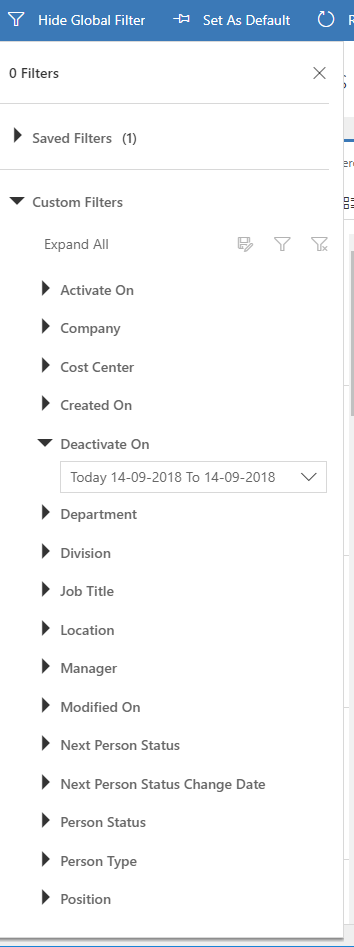
Filtering from other fields via Global Filter.
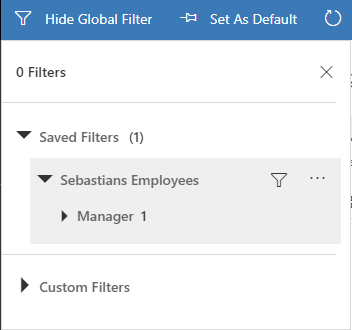
Save frequently used filters.
The following Dynamics 365 users have access to this board:
-
Users with one of the Dynamics 365 roles CCS HR, CCS HR Modify, CCS Service Desk, CCS Administrator or CCS Auditor. CCS Auditor cannot create, edit or delete data.