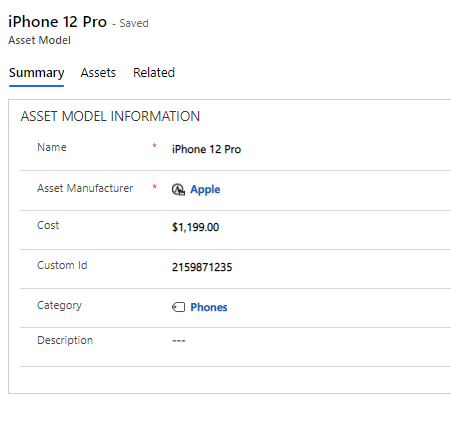
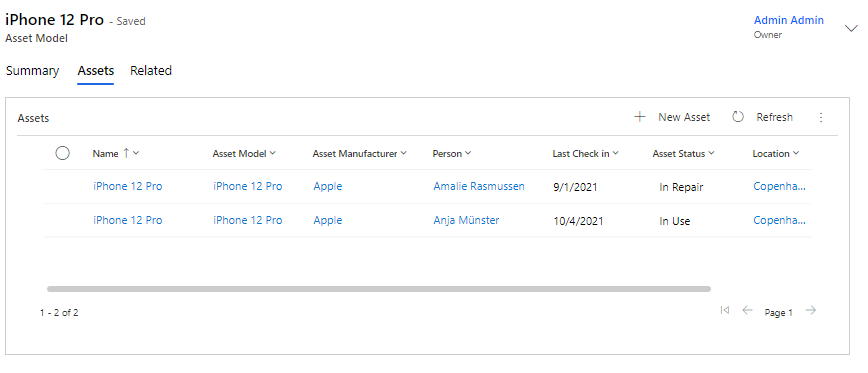
Asset Models
Asset Models are an easy way to categorize the Assets you have created in Compliance Suite’s Asset Management module. You will find Asset Models under "Asset Models" in the sub-area "Asset Management".
Asset Model is created based on an Asset Manufacturer.
See all Asset Models under "Active Asset Models":
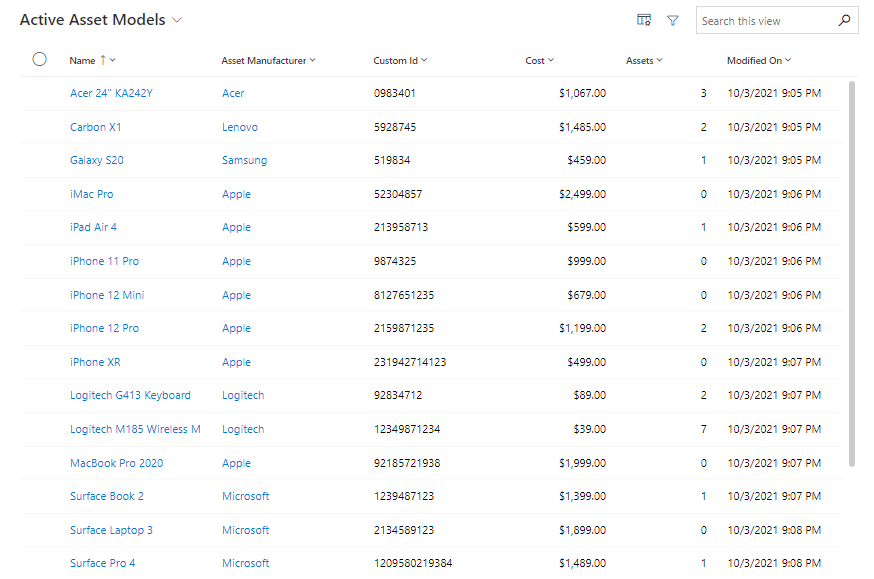
In the overview above, you can see selected data points from the given Asset Models.
Create new Asset Model
Click on "+New" in the top tab. Complete the fields below:
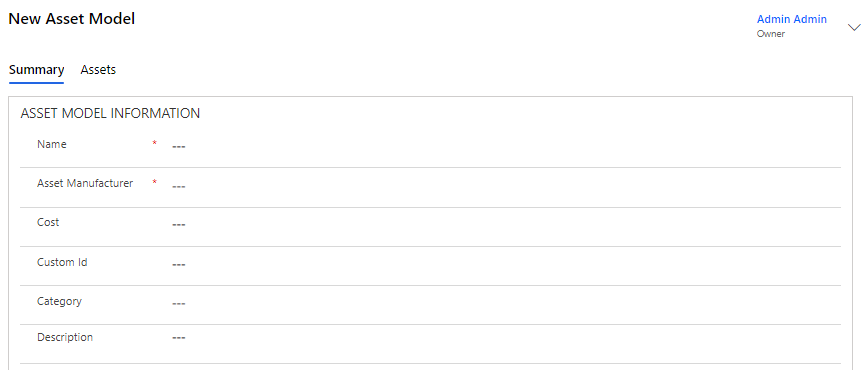
The fields are completed as follows:
| Field | Type | Description |
|---|---|---|
Name |
Text |
Enter the name of the Asset Model |
Asset Manufacturer |
Look Up |
Select Asset Manufacturer |
Cost |
Currency |
Enter a price or cost on the Asset Model |
Custom ID |
Text |
Enter a Custom ID for the Asset Model |
Category |
Look Up |
Select a category |
Description |
Text |
Enter a description of the Asset Model. |
Click "Save" to save. You may now link new Assets to this Asset Model.
Example of a completed Asset Model