
Dataverse - How to …
General
Wit the Dataverse connector you can update system accounts in a Dynamics instance.
For this, you have to create a user system in CCS that connects to the system type Dataverse.
With Dataverse you can maintain data like the following, which in CCS is maintained as Dataverse Resource Types:
-
One Territory
-
Several Team (more)
-
Site (1 only)
-
Position (1 only)
-
Address (1 only)
-
Phone number (1 only)
| Changing any of these data in CCS updates the data in the Dynamics instance as well. |
How to …
-
In Connector > Profile > User Systems, create a user system called Dataverse.
Here, you can see the Identities for which you can modify the data in CCS.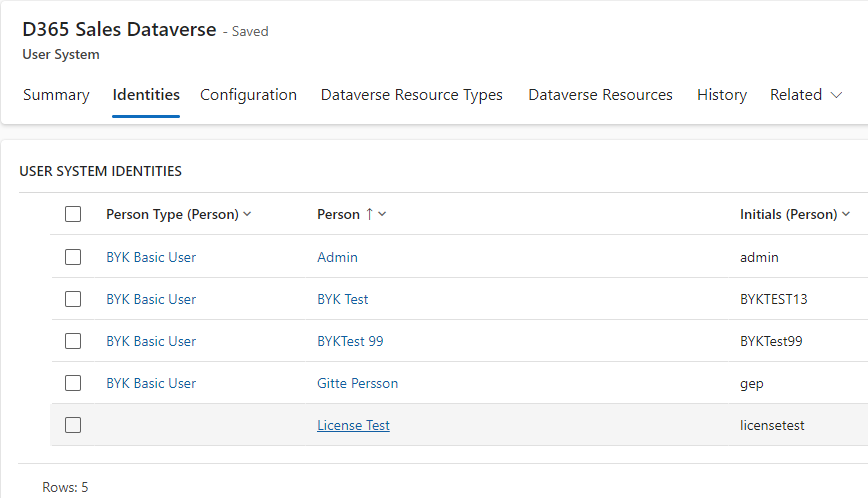
-
In Connector > Dataverse > Dataverse Resources, create Dataverse Resource Types.
This is data that is linked to a Dynamics instance and thus, can be updated there. -
In Connector > Dataverse > Dataverse Resources, create Dataverse Resources.
Here, you can assign different Dataverse resource types.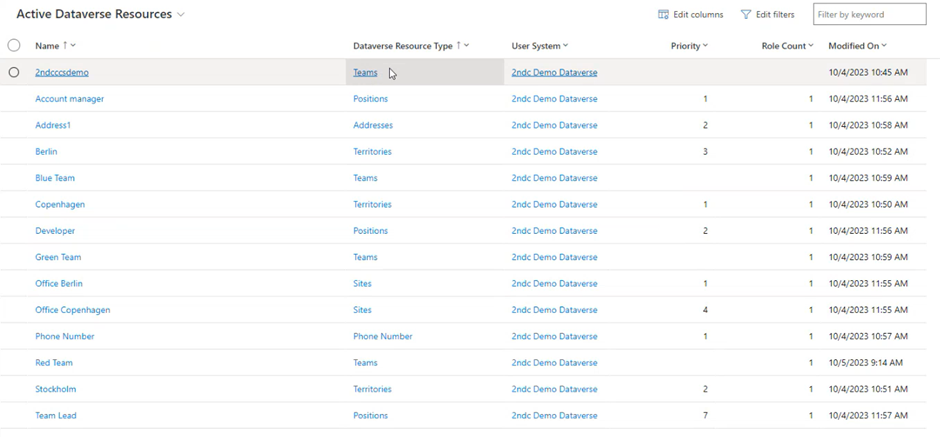
-
In Manage > Persons, open a person, who is also available in the Dynamics instance.
For this person you can find the extra tab Dataverse. Here, you can find the information about all assigned Dataverse Resources and their assigned types.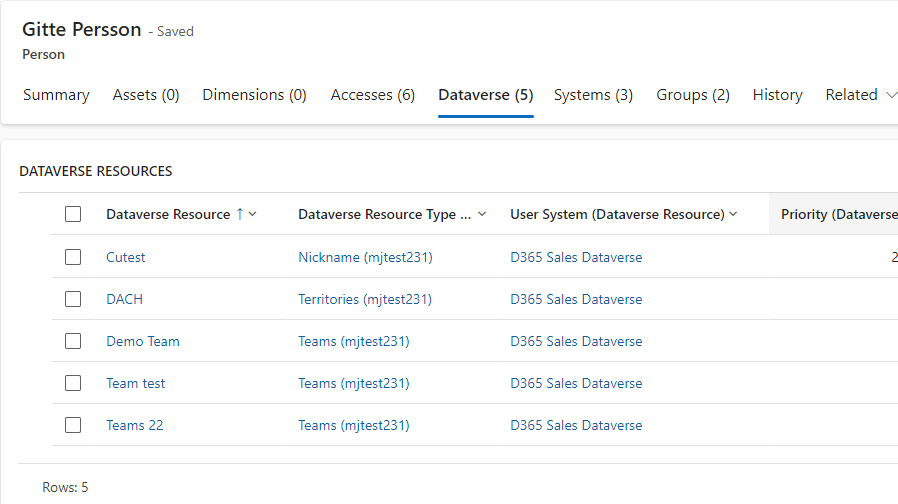
| All changes you make to the identity here are also applied in the Dynamics instance. Changes to the identity in the Dynamics instance are also applied in CCS and displayed immediately. For example: changes on organizational data such as territory, site on system users. |