
Dimensions
Custom Dimensions is an entity on the person card that appears as the "Dimensions" tab on a person card.
Here, it is possible – on the basis of lists – to define dimensions in Compliance Suite.
It is a way of organizing elements and managing accesses based on information that is not already on the person card. This could be, for example, membership of virtual co-operation groups, affiliations with specific buildings, membership of a project group or enrollment in the staff win club.
It is possible to define dimensions manually grouped by dimension types.
Dimensions can also be loaded via a new table in Compliance Suite. Finally, auto-roles and auto-groups can be created from the dimensions and included in rule calculations in Compliance Suite.
See Dimensions
Here, you enter all the "Dimensions" you wish to have in Compliance Suite.
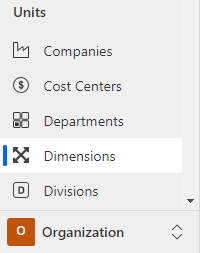
Click on the menu, "Organization | Dimensions" to see all active dimensions:

Create new Dimension
Click "+New" to create a new Dimension:
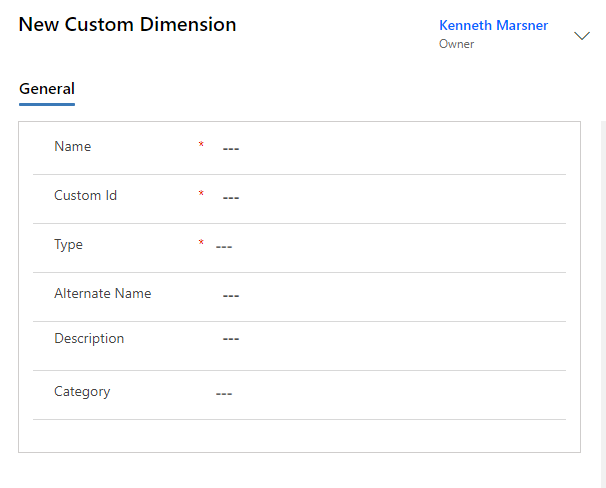
Fields to be filled in:
| Filed Name | Type | Description |
|---|---|---|
Name |
Text |
Indtast navnet på den nye Dimension. |
Custom ID. |
Text |
Enter a unique number / text for the dimension. |
Type |
Look-up |
Select any type in the lookup field. |
Alternate Name |
Text |
If necessary, enter Alternate Name. |
Description |
Text |
Enter a longer description for the dimension. |
Category |
Look-up |
If necessary, select a category for the dimension. |
How to link a dimension to a person
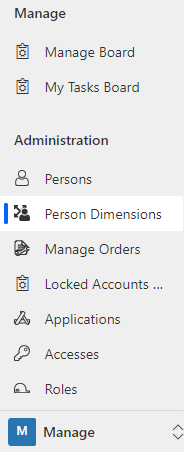
Dimensions can be linked to persons via the menu item "Person Dimensions", which you find in the "Manage" area of Compliance Suite.
-
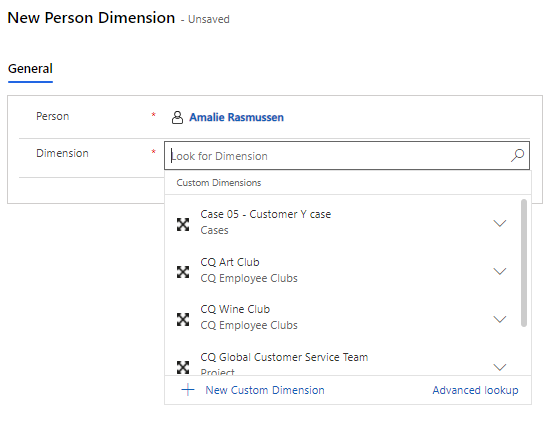
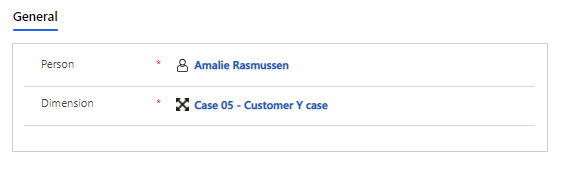
Click on "+New" and select the person you wish to link to a dimension:
image::15644348608668.png[] ++
-
Then select the dimension:
-
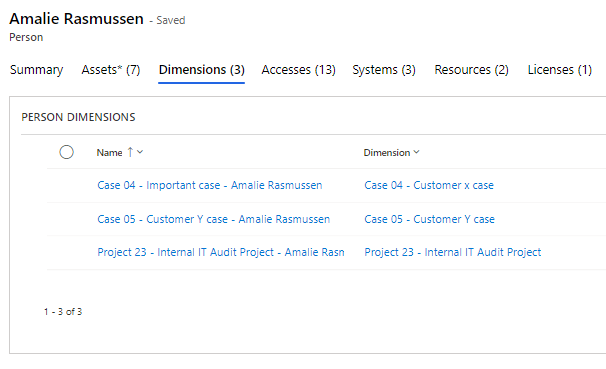
Then the dimension can be seen on the person card of the given person.
Roles and accesses linked to Dimensions
If there is a role associated with a Dimension, the person will be assigned the role and associated accesses.
Dimensions can be seen on the person card under Dimensions:
Auto roles
You can also create auto roles for dimensions, ensuring that new roles are automatically created for new dimensions. Learn more about auto roles in Compliance Suite in this article.