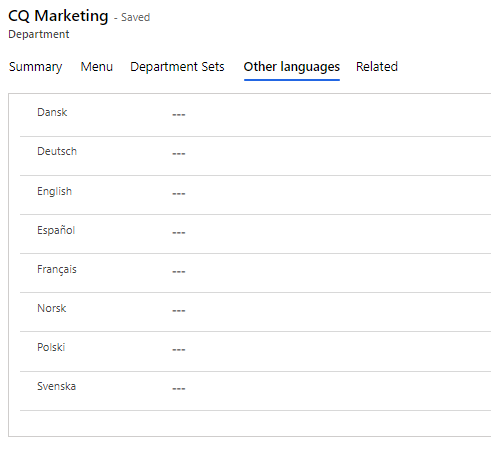
Departments
Here, you enter the "Departments" you want to have available in Compliance Suite. The "Departments" field can be filled with Default Manager, Default Location and Company.
People can then be linked to the department. If the person does not already have a Manager filled in on their personal card, the Default Manager from the department will be transferred to the person. If the person already has a Manager, this Manager will not be replaced with the Default Manager of the department.
Click on "Organization | Department" to see Active Departments:
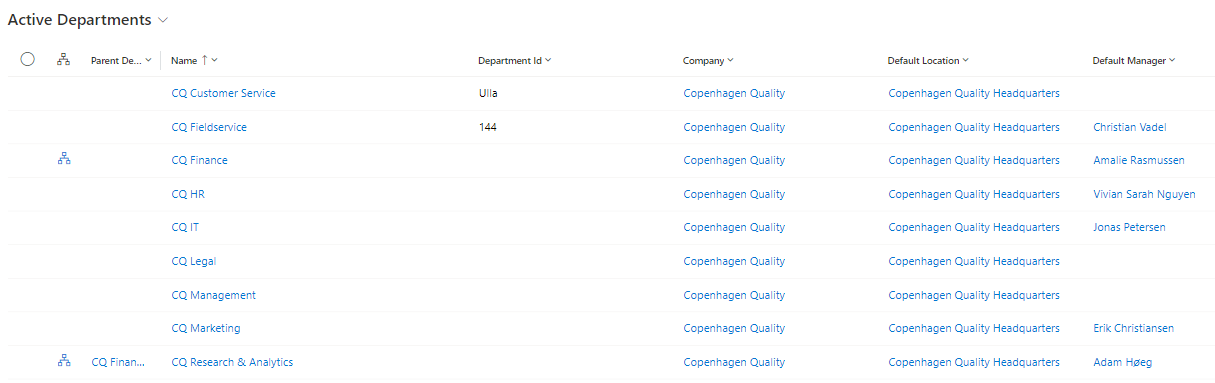
Create new Company
Click "+New" to create a new department:
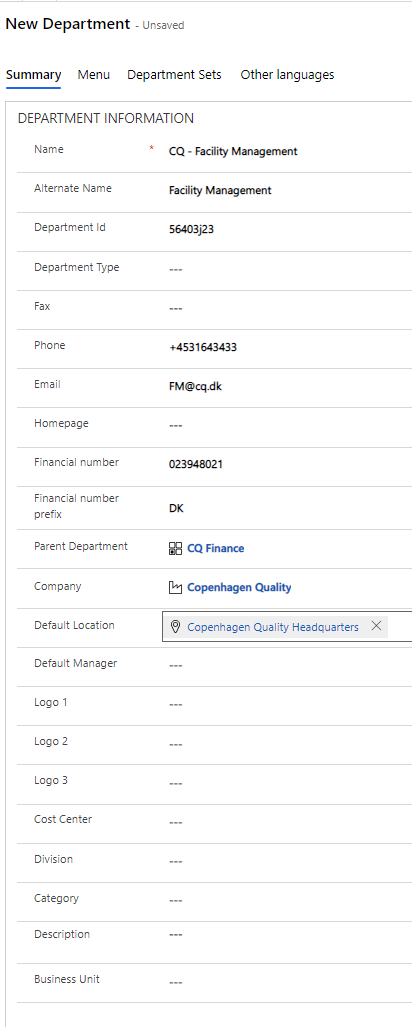
Explanation of fields in Department:
| Filed Name | Type | Description |
|---|---|---|
Name |
Text |
Enter the name of the new Department. |
Alternate Name |
Text |
Enter another name for the new Department - possibly an abbreviation. |
Department Id |
Text |
Enter ID on the Department. |
Department Type |
Look-up |
Select a Department Type. |
Fax |
Text |
Enter Fax at the Department. |
Phone |
Text |
Enter Phone at the Department. |
Text |
Enter E-mail at the Department. |
|
Homepage |
Text |
Enter Homepageat the Department. |
Financial Number |
Text |
Enter Financial Number at the Department. |
Financial Number Prefix |
Text |
Enter Financial Number Prefix at the Department. |
Parent Department |
Look-up |
If necessary, select Parent Department for Department. |
Company |
Look-up |
If necessary, select Company Department for Department. |
Default Location |
Look-up |
If necessary, select Default Location for Department. |
Default Manager |
Look-up |
If necessary, select Default Manager for Department. |
Logo1 |
Look-up |
If necessary, select Logo1 for Department. |
Logo2 |
Look-up |
If necessary, select Logo2 for Department. |
Logo3 |
Look-up |
If necessary, select Logo3 for Department. |
Category |
Look-up |
If necessary, select Catagory for Department. |
Cost Center |
Look-up |
If necessary, select Cost Center for Department. |
Division |
Look-up |
If necessary, select Division for Department. |
Description |
Text |
If necessary, select Description for Department. |
Add Menu to Department
It is possible to link a Menu to a department, so that special menus are displayed if a given department is selected for the person.
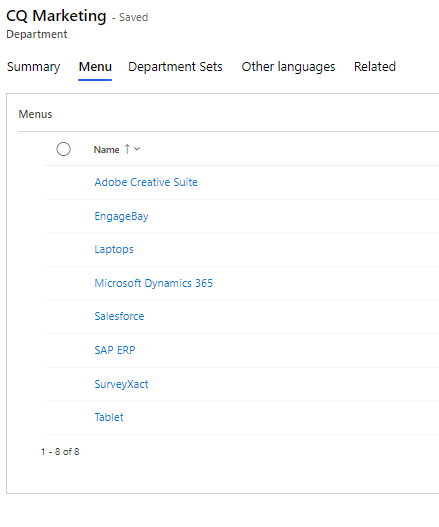
You can learn more about menus in this article.
Department Sets
In the "Department Sets" tab, you can link any department set.
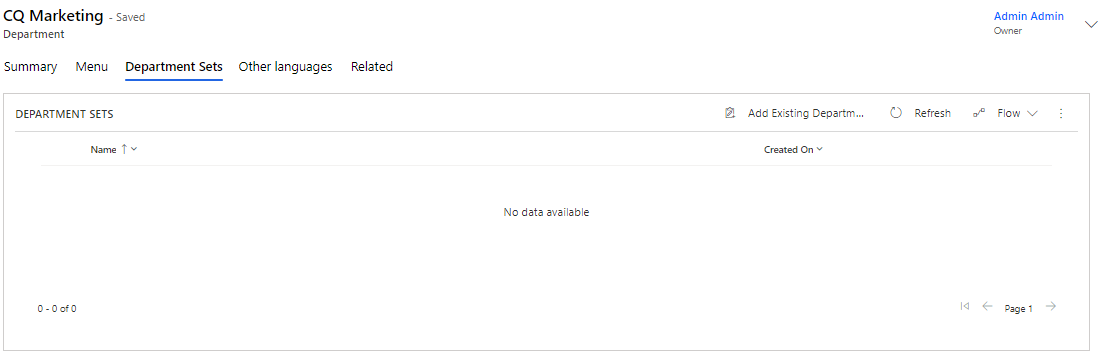
You can learn more about Sets in this article.