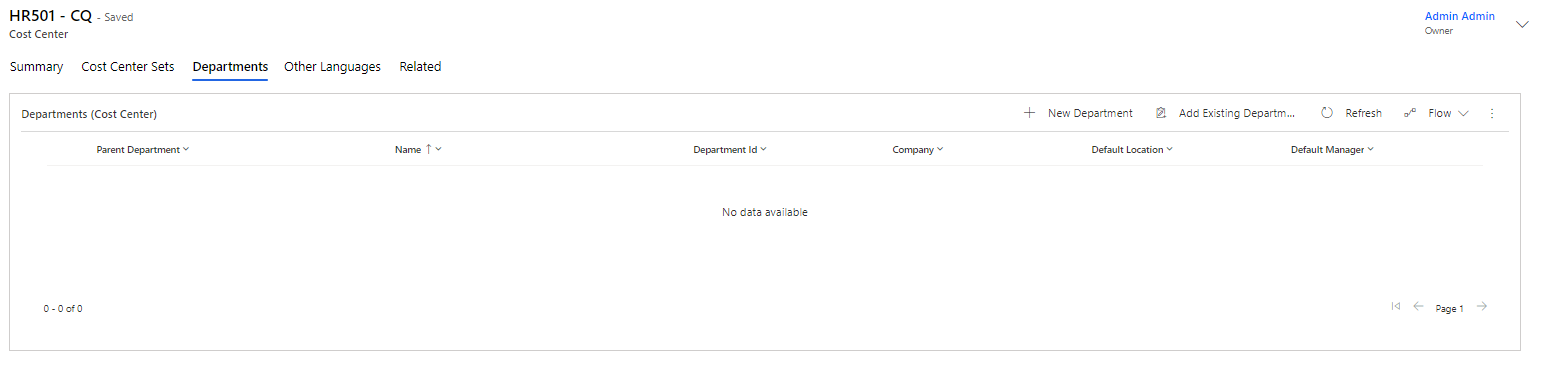
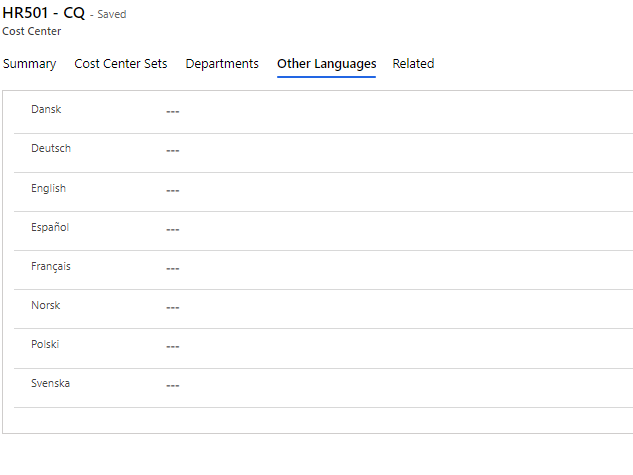
Cost Centers
Here, you enter all the Cost Centers you wish to have in Compliance Suite.
Cost Center is added to reports on the settlement of expensed roles, such as software licenses.
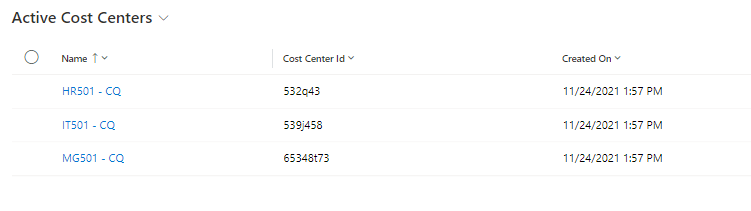
Click on "Organization | Cost Centers" to see all created Cost Centers:
Create new Cost Center
Click on "+New" to create a new Cost Center:
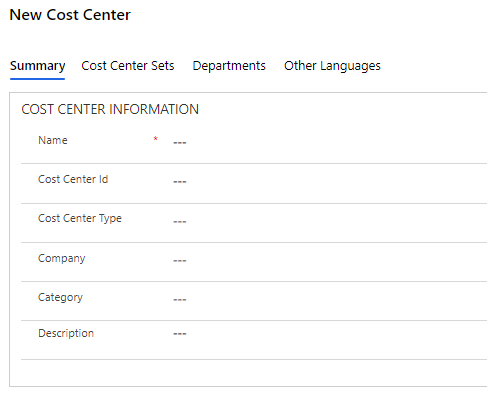
| Field Name | Type | Description |
|---|---|---|
Name |
Text |
Enter a name for the Cost Center. |
Cost Center Id |
Text |
Enter a Cost Center ID number. |
Category |
Look-up |
Select an optional Category for Cost Center. |
Description |
Text |
Make a longer descriptive text about Cost Center. |
Cost Center Type |
Look-up |
Choose a possible type for Cost Center. |
Company |
Look-up |
If necessary, select a Company affiliated with the Cost Center. |
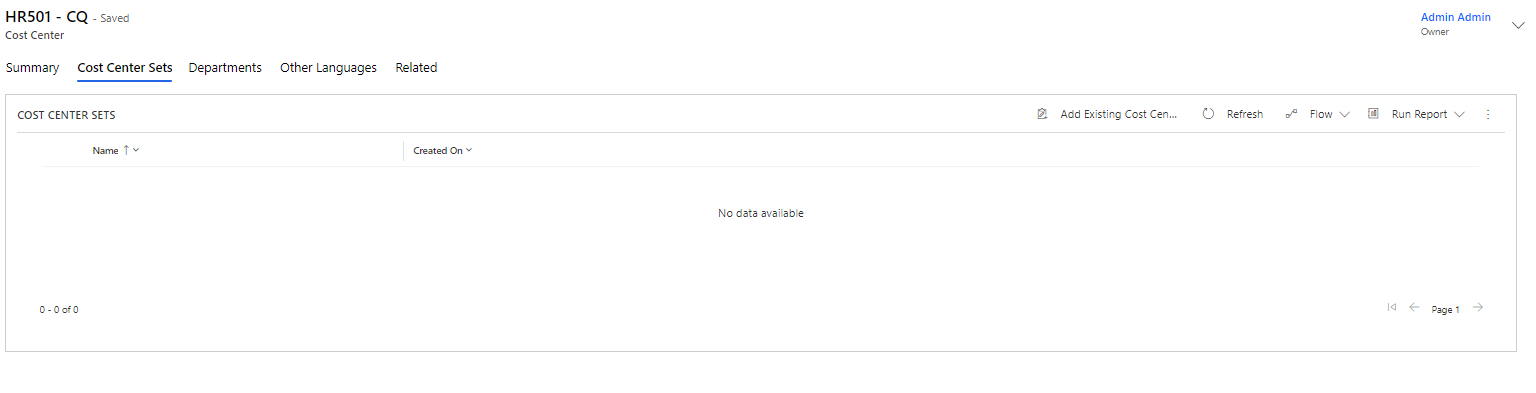
Cost Center Sets
In the tab, "Cost Center Sets", the desired Cost Center Set is displayed/added:
You can learn more about Sets in Compliance Suite in this article.