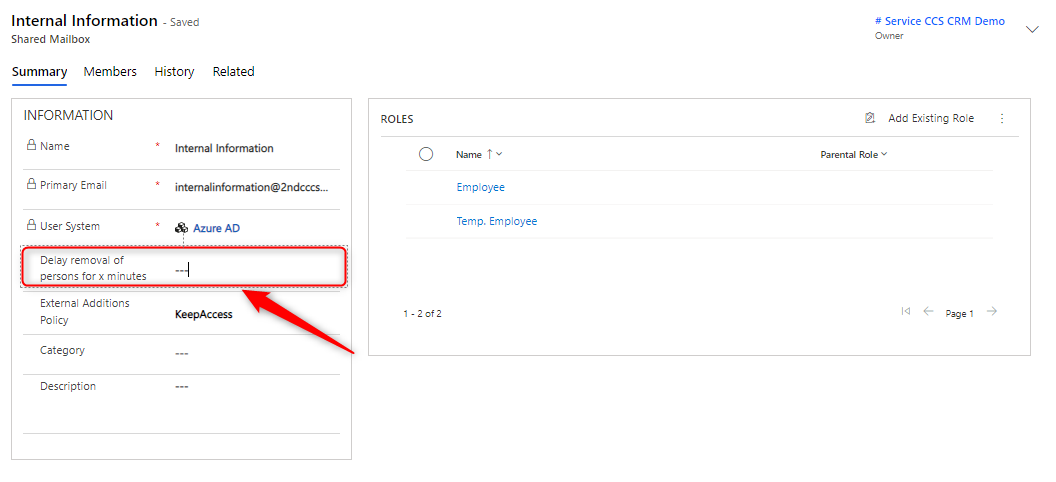
Exchange - Shared Mailboxes
Shared Mailboxes are created in Office 365 and automatically imported into Compliance Suite.

Keep or Remove Access
If the "Keep Access" option is set, all memberships in the "Full Access" privilege will be retained.
If the option "Remove Access" is set, only the memberships in the "Full Access" privilege set via Compliance Suite will be retained.
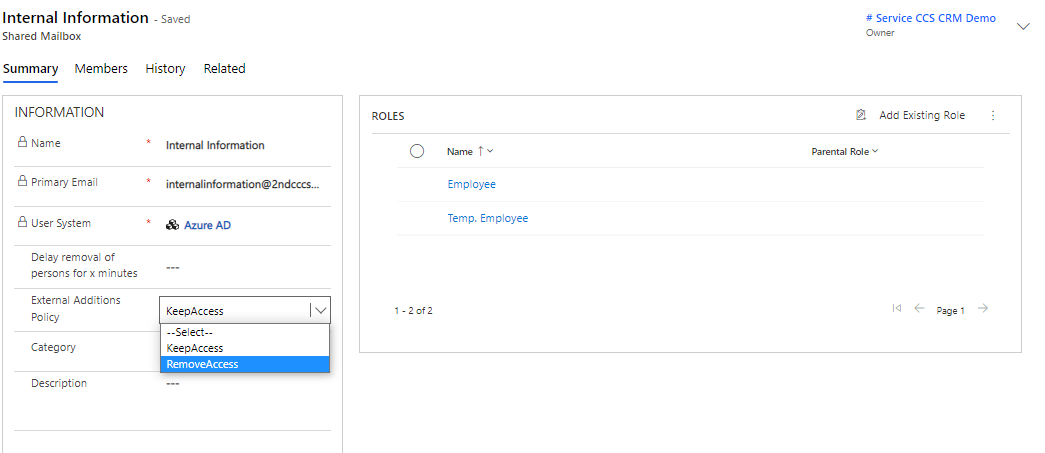
On each Compliance Suite group, you can select the "Keep Access" or "Remove Access" option.
| Choose | Description |
|---|---|
Keep Access |
If you add users directly to the remote system, the membership to the group is imported. The group now has the members from the role as well as the manually added members. |
Remove Access |
If you add users directly to the external system outside of the role, they will be removed again by CCS. The Remove Access setting thus ensures that the group only has members who have the associated role. |