
How do I remove an assigned role from a user group and assign a new role?
-
In Connectors > Active Directory, click User Groups.
-
To open the details of a user group, click on the respective user group, e.g. ADDS Group 1.
-
To remove an assigned role, select the role, e.g. Group2Role, in section Roles.
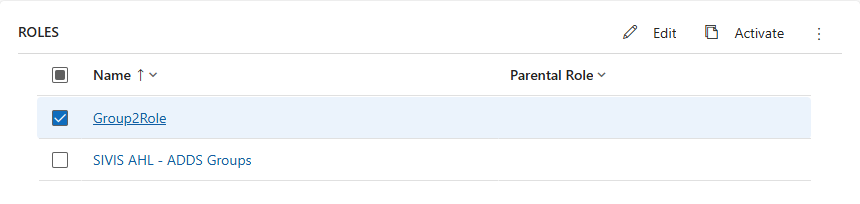
-
Open the More menu.
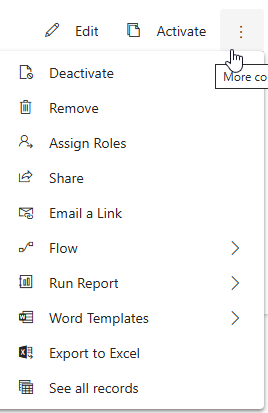
-
Click Remove.
The selected role is removed. -
To assign a different role, click Add Existing Role.
-
In field Look for records, enter the name of the new role.
-
Click Add.
In section Roles, the newly added role is added to the list.