Job Titles
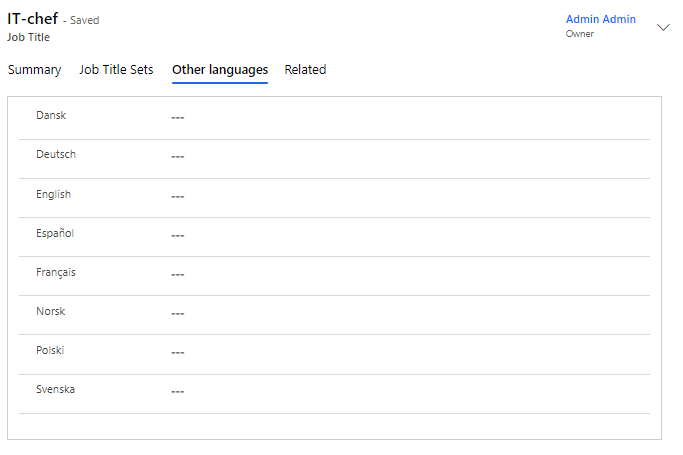
Here, you enter all the job titles you wish to have in Compliance Suite.
When you select a job title for a person, the title is transferred to connected systems.
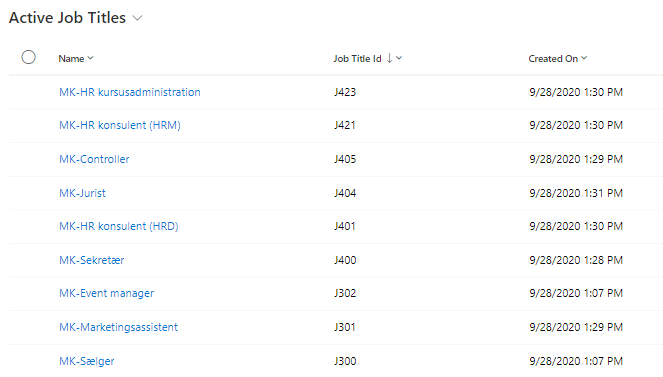
Click on the menu, "Organization | Job Titles" to see all active job titles:
Create new Job Title
Click on "+New" to create a new Job Title:
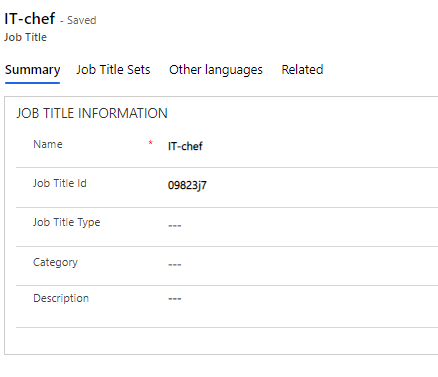
Fields to be filled in:
| Field Name | Type | Description |
|---|---|---|
Name |
Text |
Enter the name of the job title. |
Job Title ID. |
Text |
If necessary, enter the ID of the job title. |
Category |
Look-up |
If necessary, select Category in the lookup field. |
Description |
Text |
Enter a description of the new job title. |
Job Title Type |
Look-up |
If necessary, select the type for the new job title. |
Add Job Title Set
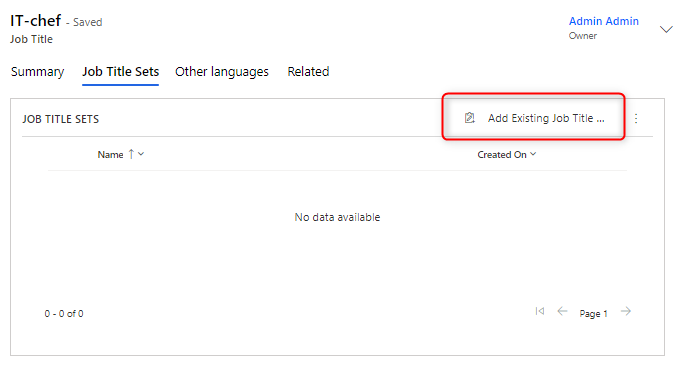
In the "Job Title Sets" tab, you can choose to add sets to the specific job title. To do this, click on "Add Existing Job Title".
You can learn more about Sets in Compliance Suite in this article.