
Link Assets to persons
In addition to linking an asset to a person directly from the module Asset Management, it is also possible to link existing assets to a person directly from the person card.
On the person card, there is a tab called Assets. Here, you can see the assets that are linked to a person:
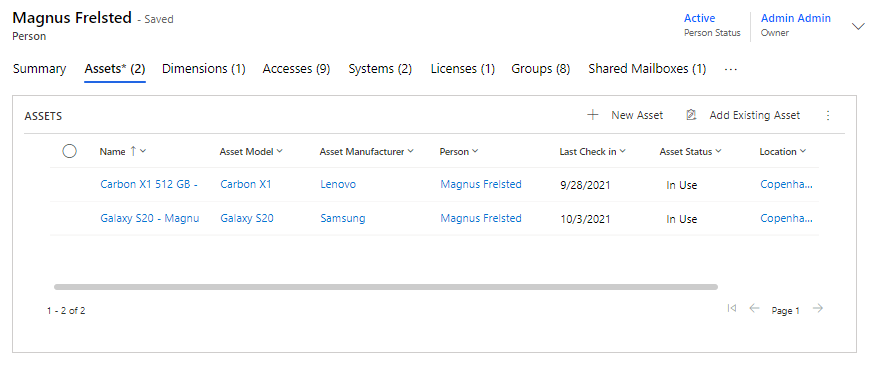
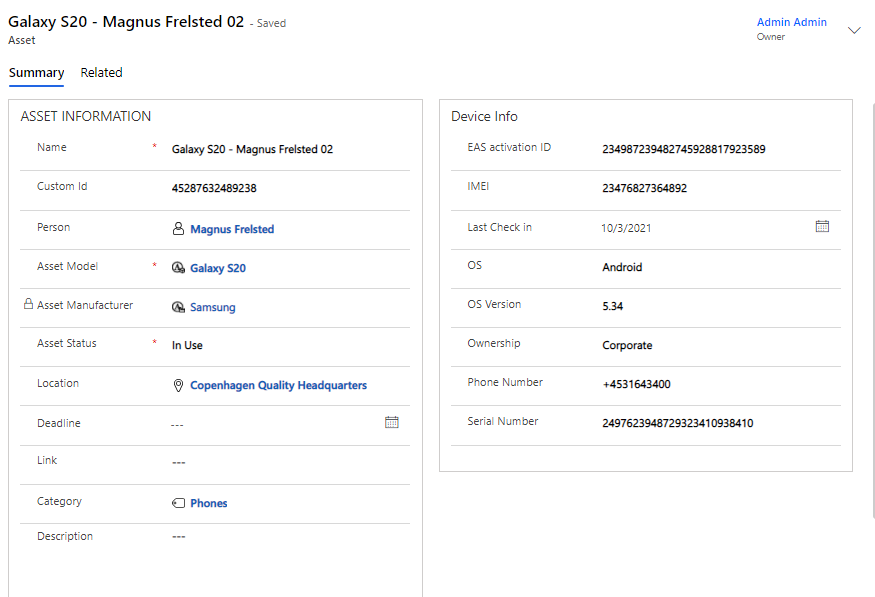
See Asset details
You can click on any of the associated assets to see information about it.
Add asset to person
To add a new or existing asset to a person from the person card, click +New Asset or Add Existing Asset.
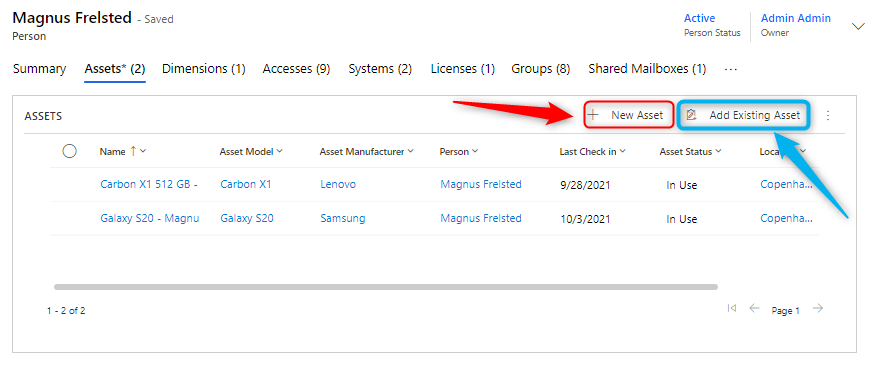
If you click on +New Asset you follow the same steps as described in article Asset Management.
If you click on Add Existing Asset it will look like this:
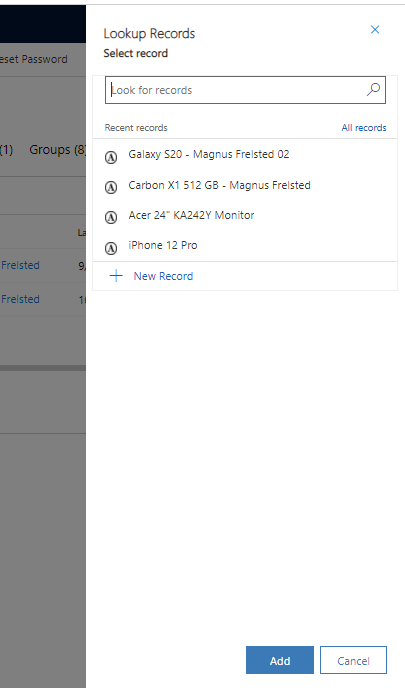
Here, you can search and add desired asset(s) to the person.