Person Types
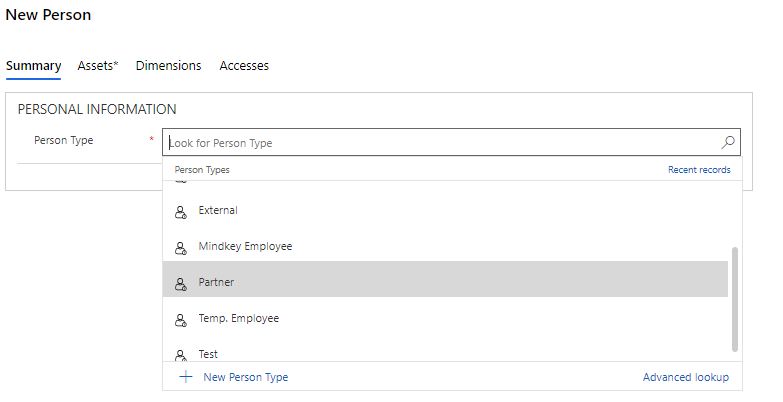
The basis for the creation of a new person is a person type.
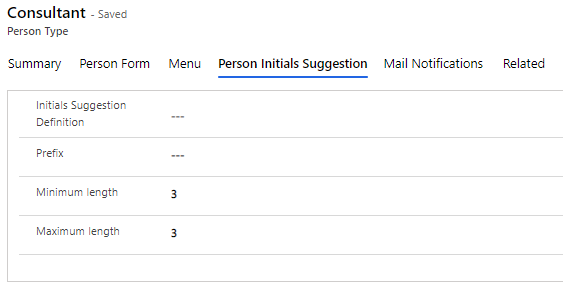
When you create a person type, you also determine which data should be filled in for a person/person type.
You may create as many person types as you need, each with their own fields and default values.
Scenarios for the use of person types
Person types can be used to define which fields you want filled in when creating new persons in Compliance Suite or whether persons should have a specific expiry date attached to them. This is why the use of person types is a good initial maneuver to determine the basic rights of a person. For example, you may ask for detailed personal data on an internal employee, set a default time limit on an external consultant or introduce a special prefix for a temporary worker.
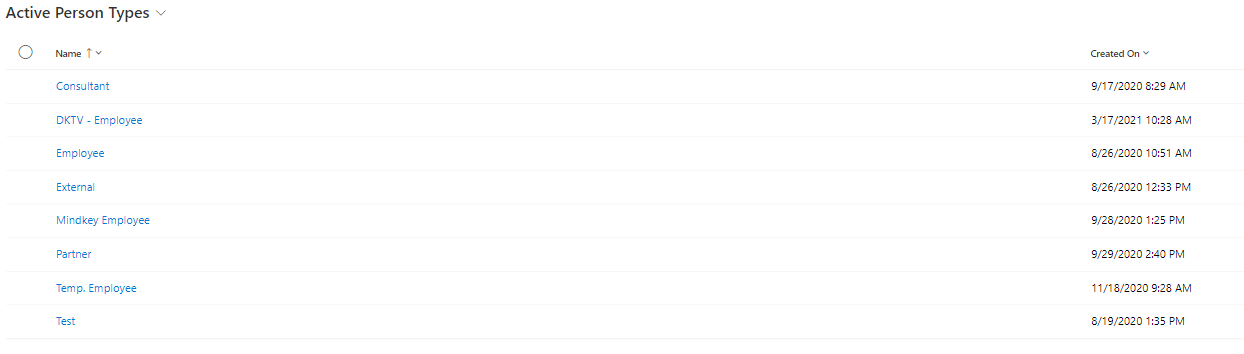
See Active Person Types
Click on "Organization | Person Type" to see an overview of Active Person Types:
Create new person type
Click on "+New" to create a new person type. This opens "Summary":
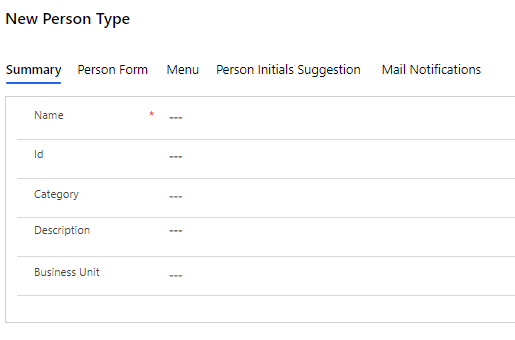
Fill in "Name" and then click on "Save".
Once your new person type is saved, you can proceed with setting it up.
Examples of Person Types include:
-
Employee
-
Partner
-
Consultant
-
Customer
-
System account
Set up new person type
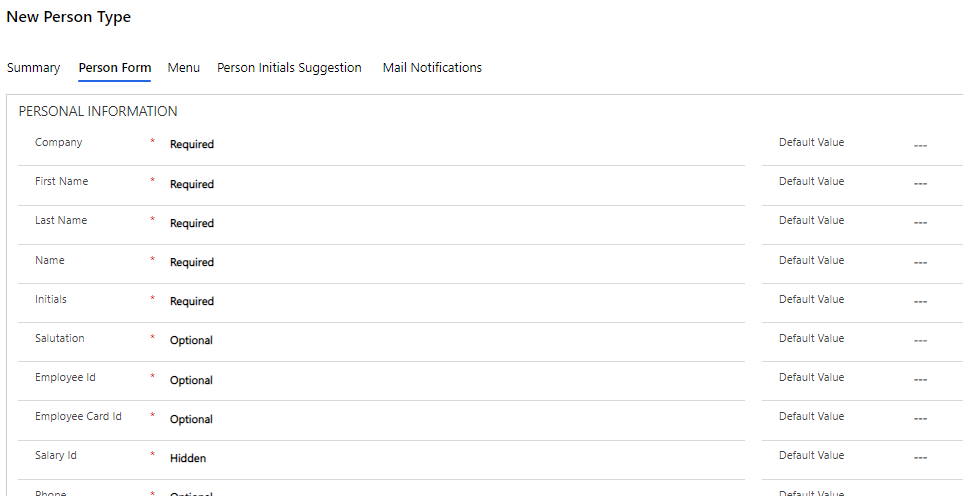
Choose whether a given field should be:
-
Hidden
-
Optional
-
Required
-
ReadOnly
The values are selected by clicking on the rightmost arrow in the field.
You can also choose to pre-fill some fields. For example, if you create the person type, "Employee", you can make sure that "Company" is always pre-filled with your company name.
Setting up menus and menu items on a person type
It is possible to link Menu Items to a person type, so that menu items appear immediately when selecting the given person type. This provides the best conditions for quickly assigning accesses that are often relevant to persons with the given person type.