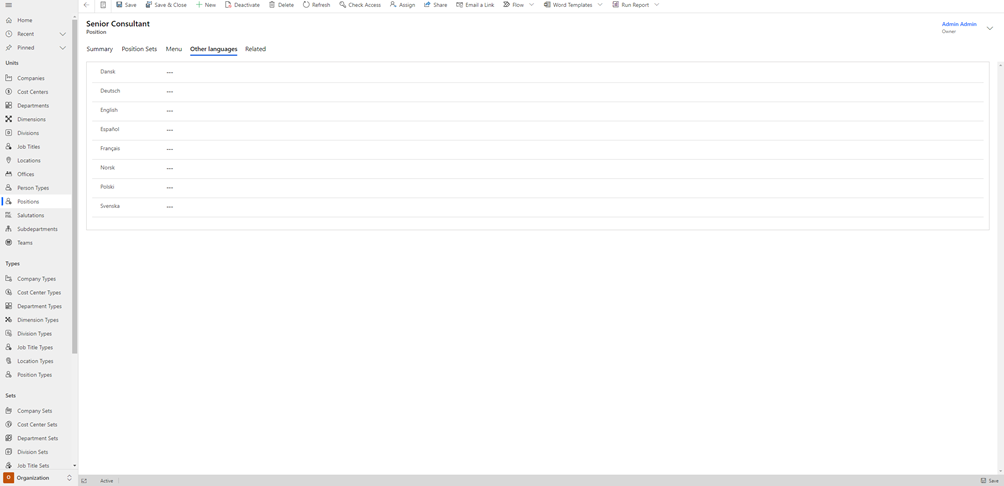
Positions
Under "Positions", you can register the Positions that are relevant to your organization.
In Compliance Suite, Positions are used as an alternative to job titles. This is particularly relevant when one wants to use a precise Position to express a role and/or a rights composition in the IT systems, since a Position, in most cases, is of a more stationary nature than a job title, which may change more quickly, even if the need for a new role composition does not change.
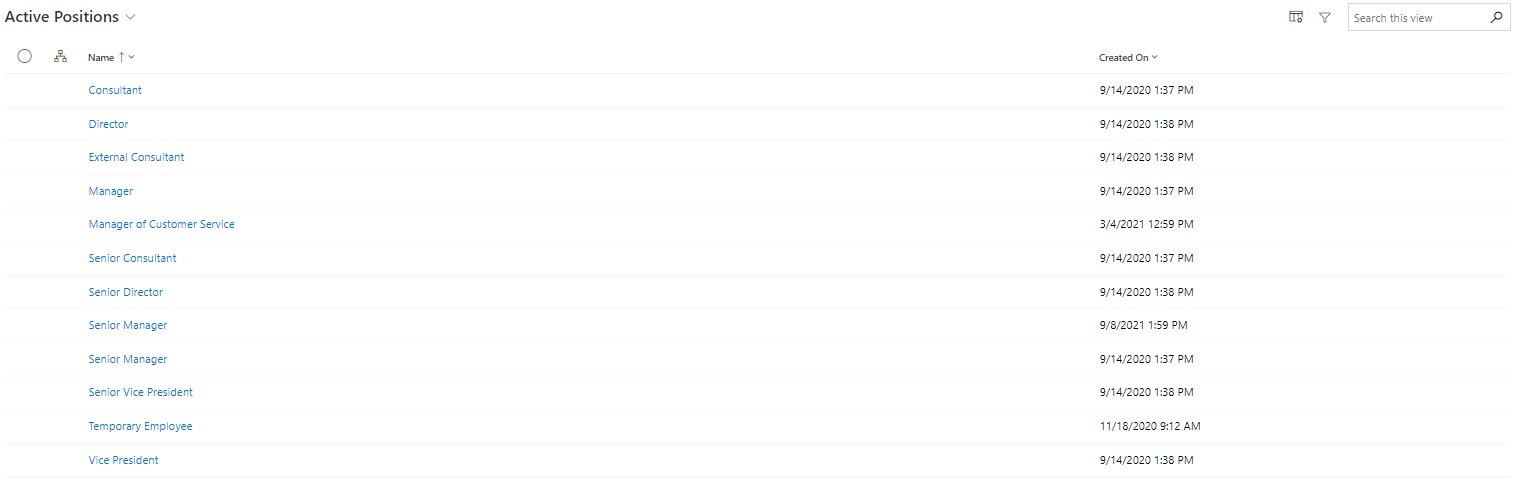
To get an overview of all active Positions in your system, navigate to the "Organization" sub-area and click on "Positions".
How to create a new Position
To create a new Position in your system, click on "+New" in the menu bar. If you wish to edit an existing Position, just click on its name to open it.
Under the "Summary" tab, you will find the following fields:
Field Name |
Type |
Description |
Name |
Text |
Add name of the new position. |
Position ID |
Text |
Add Position ID to the new position. |
Position Type |
Look-up |
Select a Type for the new position. |
Default Job Title |
Look-up |
Select a Default Job Title for the new position. |
Department |
Look-up |
Select a Department for the new position. |
Company |
Look-up |
Select a Company for the new position. |
Manager |
Look-up |
Select a Manager for the new position. |
Category |
Look-up |
Select a Catagory for the new position. |
Description |
Text |
Add a longer description to the new Position. |
How to add a Position Set
A Position Set is relevant to use when you want to classify and unify rules and roles, for example, across geographies and responsibilities, based on a Position. One scenario could be a retail company that has stores all over the world and wants to create specific rules and roles for the Manager position across Europe.
To add an existing Position Set to your Position, click on "Add Existing Position", which you will find under the "Position Sets" tab.
Then, look up the set in the lookup field and press "Add".
How to link Menus to your Position
You can create menus and link them to your Position. This will make it possible to order, for example, specific accesses or specific IT equipment when a person is assigned to the specific Position.
You can link existing menus to your Position under the "Menu" tab.
You can learn more about how to create menus and menu items in Compliance Suite in this article.