Salutations

Here, you enter all the Salutations you wish to have in Compliance Suite.

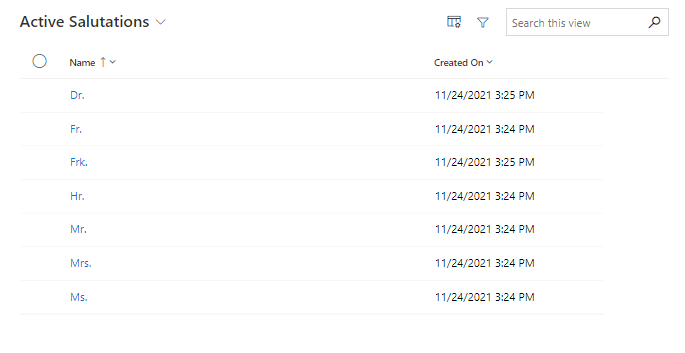
Examples of Salutations include:

  • Mr.

  • Ms.

  • Dr.

Compliance Suite can be customized to transfer Salutations to external systems where desired.

Click on "Organization | Salutations". This will display the list of all Salutations entered in Compliance Suite:
15644379638428

Create new Salutation

Create a new Salutation by clicking on "+New" in the menu bar.

15644387255580

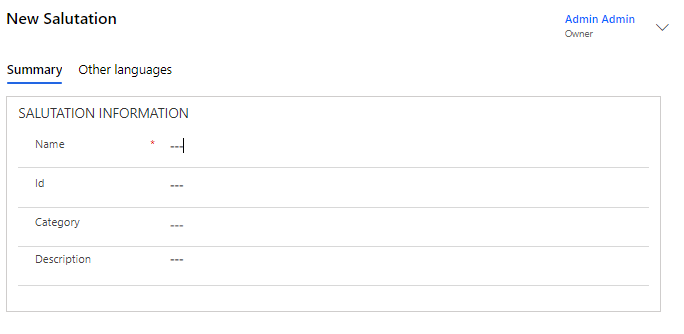
The fields are completed as follows:

Field Name Type Description

Name

Text

Enter the name of the new Salutation.

ID

Text

Enter any ID number.

Category

Look-up

Select any Category on the item.

Description

Text

Enter a longer description for the new Salutation.

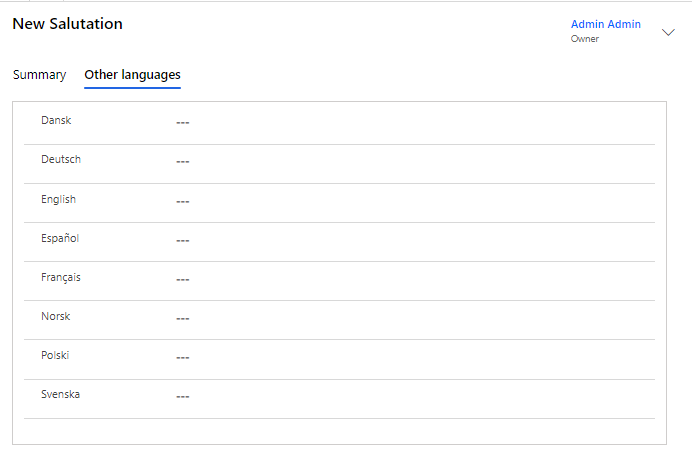
Translate the new Salutation

In the "Other Languages" tab, you can choose to translate the new Salutation if, for example, it is transferred to other systems and/or used in signatures.

15644387257500