
Procedures
Under "Procedures", the procedures created in the GDPR Compliance Suite module are displayed.
Procedures could be, for example, a procedure for biannual review of user access and rights, a data security policy or a procedure for processing and deletion of personal data. Procedures cover registrations of a person on paper or in a system and help to ease the heavy documentation work associated with GDPR.
In Compliance Suite, you can create procedures of four different types:
-
By Request: The procedure comes into effect when someone contacts your organization (e.g., in relation to questions about your personal data retention).
-
Quarter: The procedure is repeated quarterly.
-
Half-Year: The procedure is repeated half-yearly.
-
Year: The procedure is repeated annually.
Active procedures
Under "Procedures" in the "GDPR" sub-area, you will get an overview of the active GDPR procedures registered in your system.
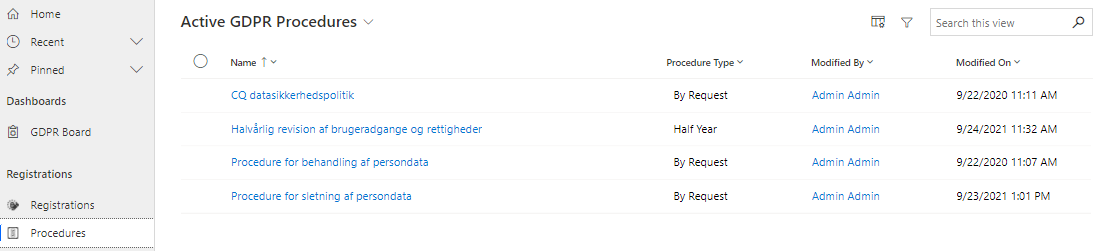
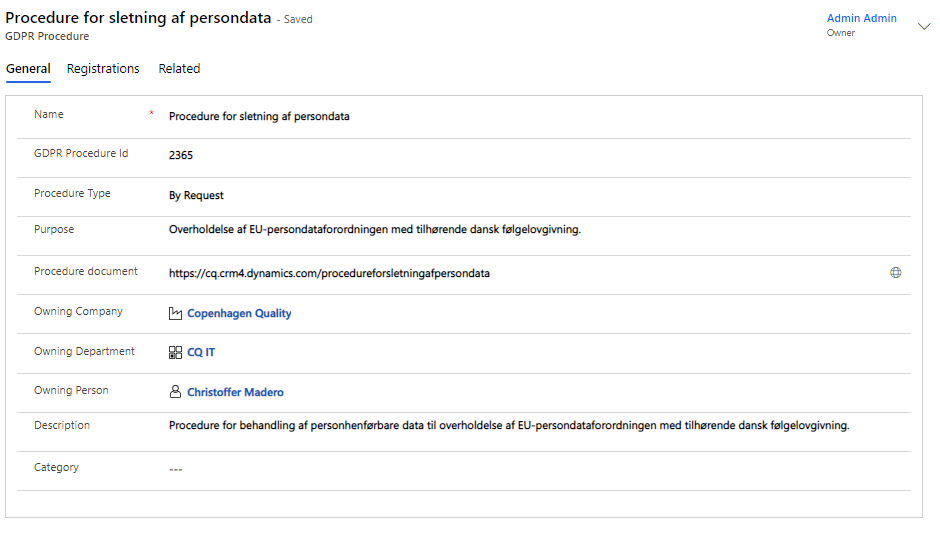
For example, when you open an existing procedure, it might look like this:
The "Registrations" tab gives you an overview of the event registrations made in the system that are relevant to the specific procedure:
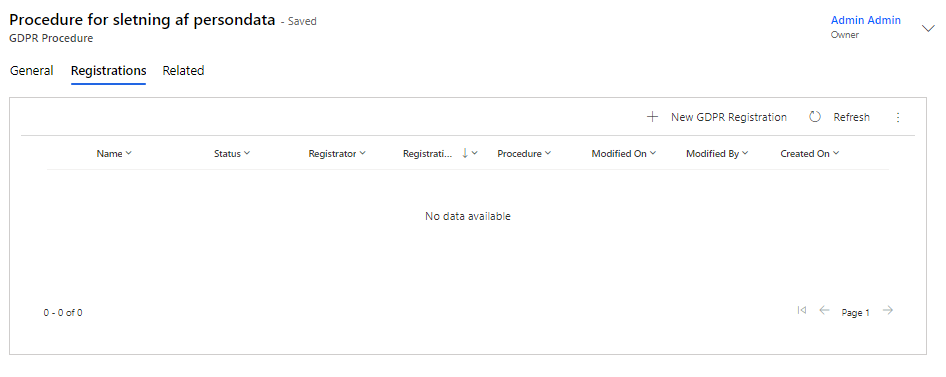
The registrations can be created directly from the procedure or from "Registrations", which you can also find in the sub-area "GDPR".
How to create new GDPR procedures
To create a new GDPR procedure, click on the ”+New” button in the menu bar.
There is just one mandatory field on GDPR procedures, but you will use the fields as follows:
Field Name |
Type |
Description |
Name |
Text |
Fill in the name of the procedure. |
GDPR Procedure ID |
Text |
Fill in any ID of the procedure. |
Procedure Type |
Grouped procedure |
Select a procedure type: By Request, Quarter, Half-Year or Year. |
Purpose |
Text |
Describe the purpose of the procedure. |
Procedure Document |
URL |
Insert link to any procedure document or procedure description. |
Owning Company |
Look-up |
Insert the company that owns the procedure. |
Owning Department |
Look-up |
Insert the department that owns the procedure. |
Owning Person |
Look-up |
Insert the person who owns or is responsible for the procedure. |
Description |
Text |
Enter a description of the procedure. |
Category |
Look-up |
Select any category for the procedure. |