Registrations

Here, you will find the registrations created in Compliance Suite. Registrations cover registrations of a person, on paper or in a system.

You will find the active registrations under "Registrations" in the sub-area, "GDPR:
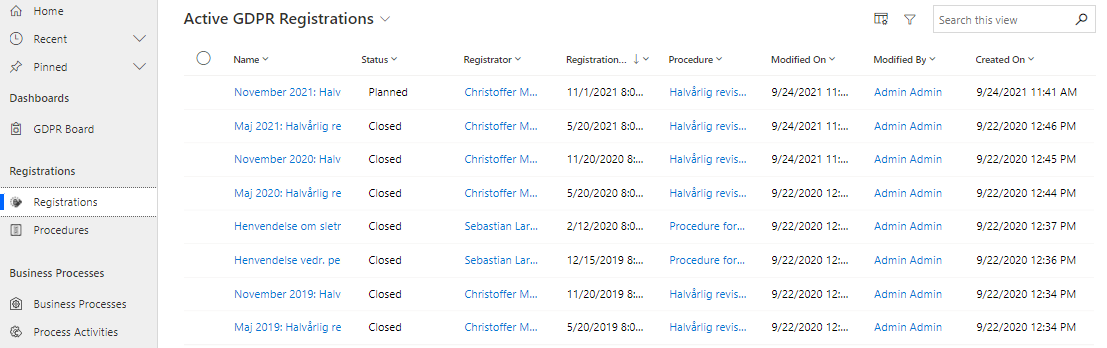
15645925989404

Click "Save" at the bottom of the screen or in the menu above the Registration card to save.
Open existing Registration

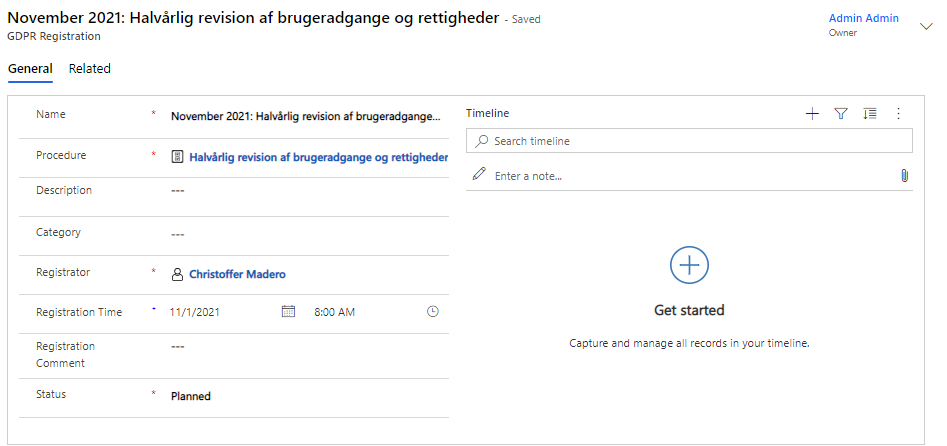
Open an existing Registration by clicking on its name to view details:

15645925990300

Click "Save" at the bottom of the screen or in the menu above the Registration card to save any changes to the existing Registration.

Create new Registration

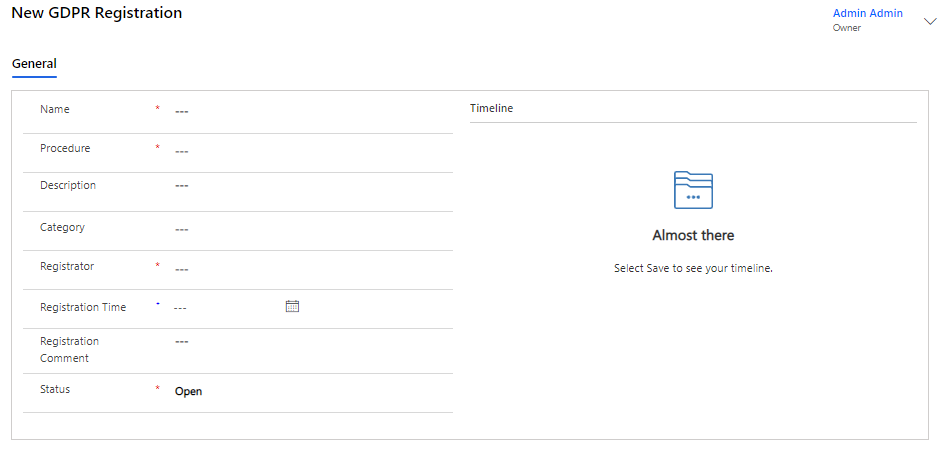
Create a new registration by clicking "+New" and filling in the fields below:

15645900580380

Click "Save" at the bottom of the screen or in the menu above the Registration card to save your new Registration.