
Setting up self service
Setting up the Compliance Suite self-service solution requires a technical setup involving support. If your self-service solution is not already set up, please contact the support department for assistance with the setup.
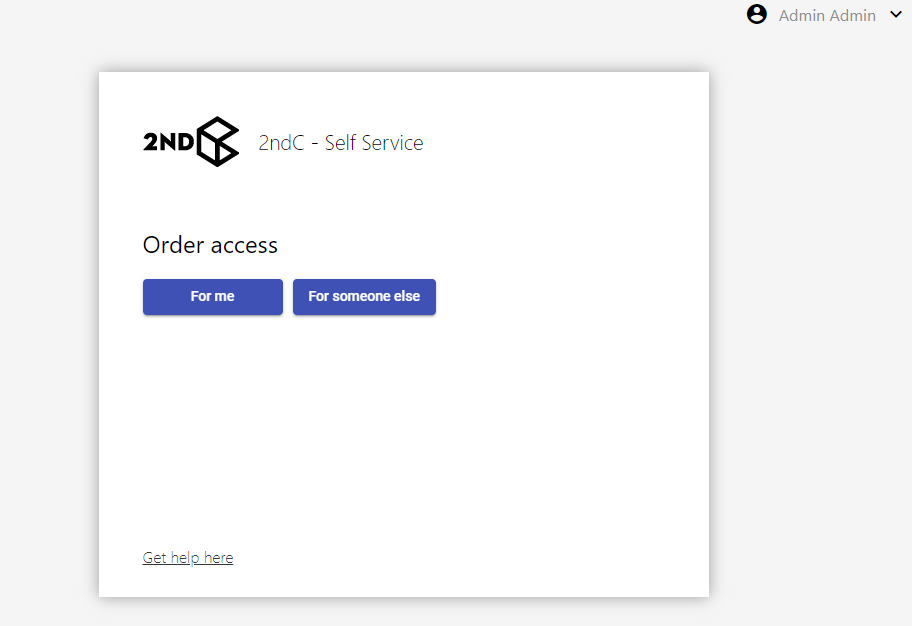
Scenario
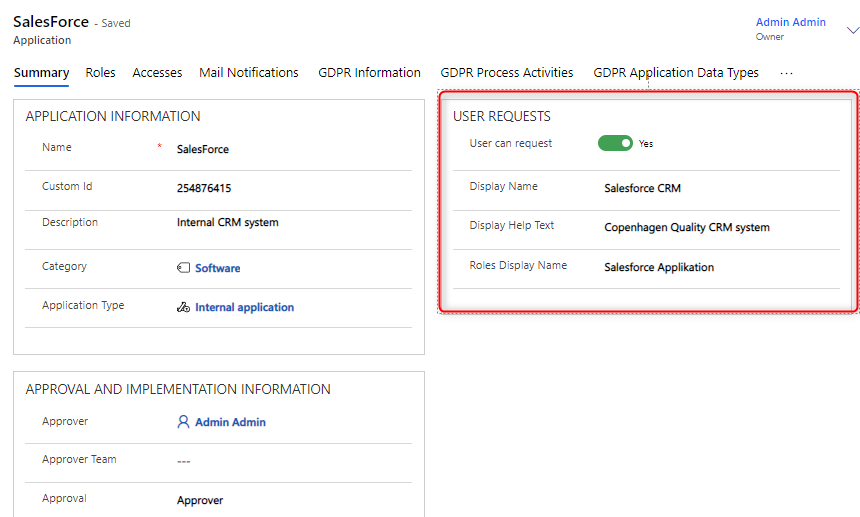
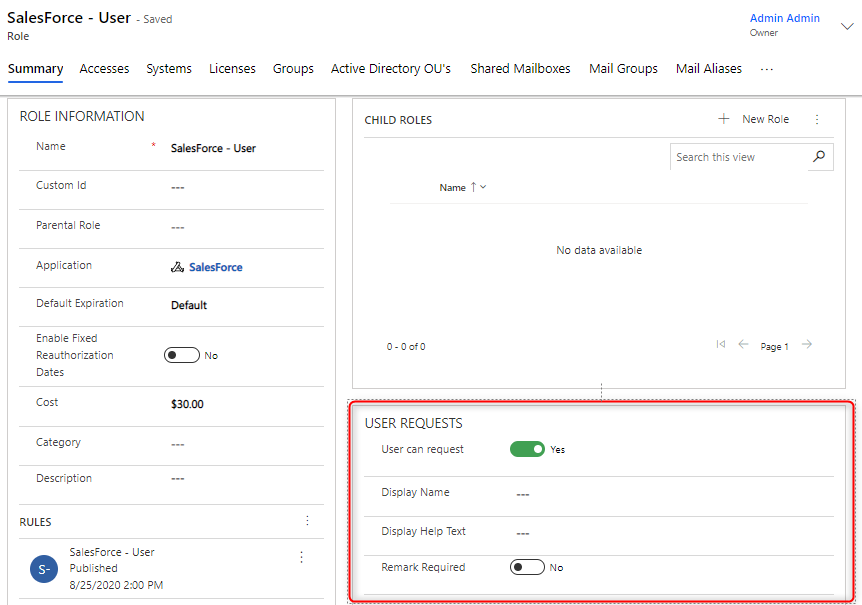
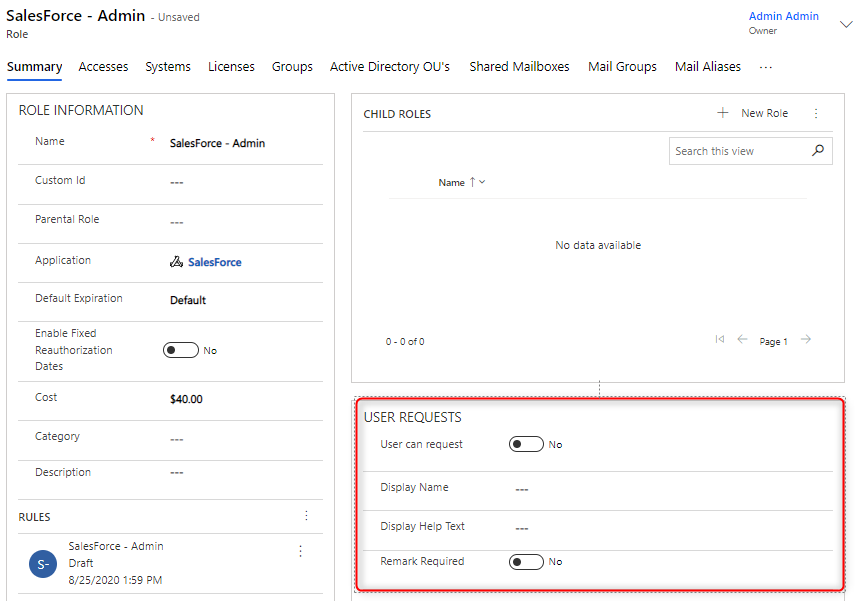
You want someone to be able to request access to the Salesforce application. However, you only want people to be able to request access to the "Salesforce - Standard User" role, not the "Salesforce - Administrator" role. Here, "User Can Request" is turned on in the Salesforce application and in the "Salesforce - Standard User" role, but remains off on "Salesforce - Administrator".
Technical setup
Before Self-Service works, the following must be set up outside the system:
-
Setup of a common mailbox for sending e-mail.
-
Setup of FunctionApp that can read e-mail from the mailbox.
Setup in CCS
Your Compliance Suite instance should also be prepared for self-service. In order for a person to request an access for themselves or a colleague, the "User Can Request" feature should be enabled. This feature can be switched on at several levels:
-
Application type level: Access to a given application type may be requested.
-
Application level: Permission is granted for this application and the associated roles to be retrieved and requested.
-
Role level: At role level, it may be specified whether access may be requested.