
SoD Conflicts - SoD Definition Membership
When you click on the name of an SoD definition membership, you open the view SoD Definition Membership.
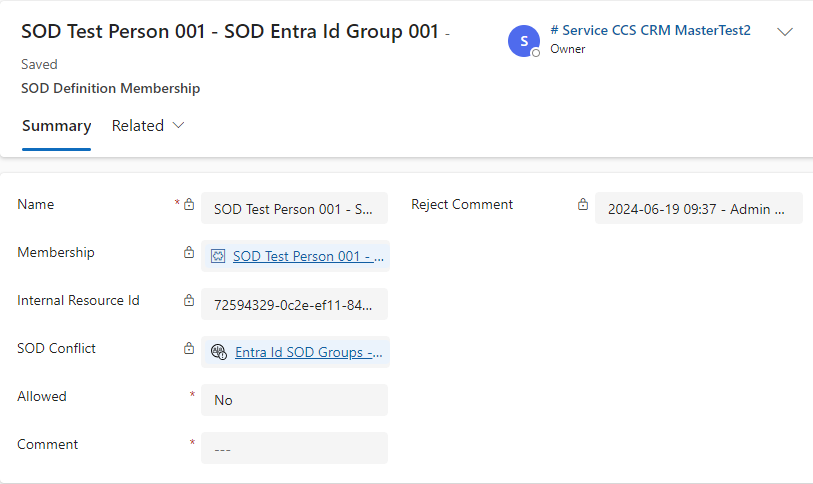
Here, you can find the following information:
| Field | Description | ||
|---|---|---|---|
Name |
Name of the SoD definition membership. |
||
Membership |
Name of the membership for which a conflict exists for the person. |
||
Internal Resource Id |
Automatically filled. |
||
SoD Conflict |
Name of the SoD conflict. |
||
Allowed |
Here, you can define the allowance for a person to have access to a resource.
|
||
Comment |
Here, you enter your justification for the chosen allowance status. |
||
Reject / Allow Comment |
Depending on the chosen allowance status, the content of field Comment is then copied into field Reject Comment or Allow Comment. |