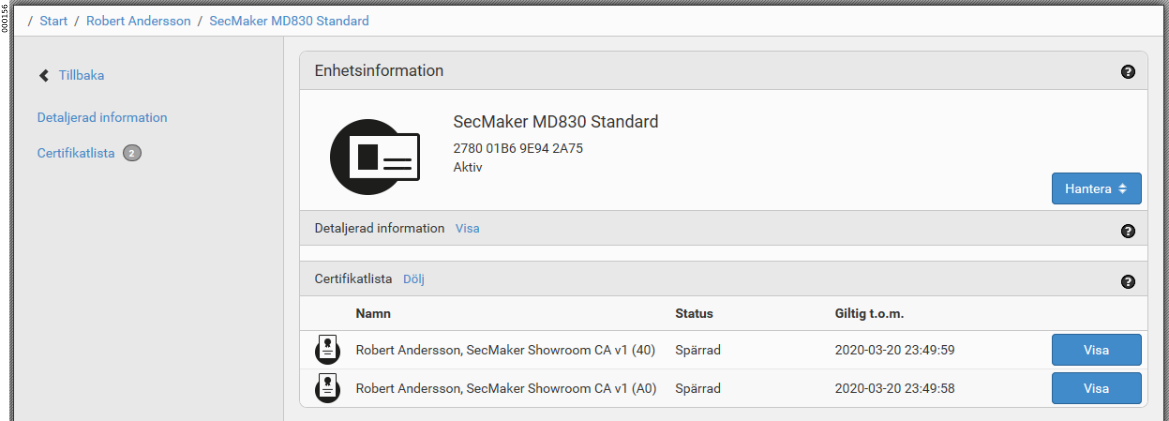
Revoke certificate
-
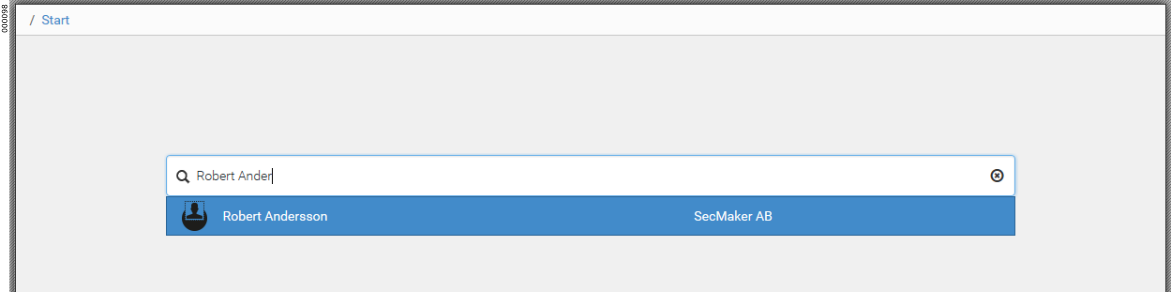
On the Users tab, search for the user whose certificate is to be revoked.
-
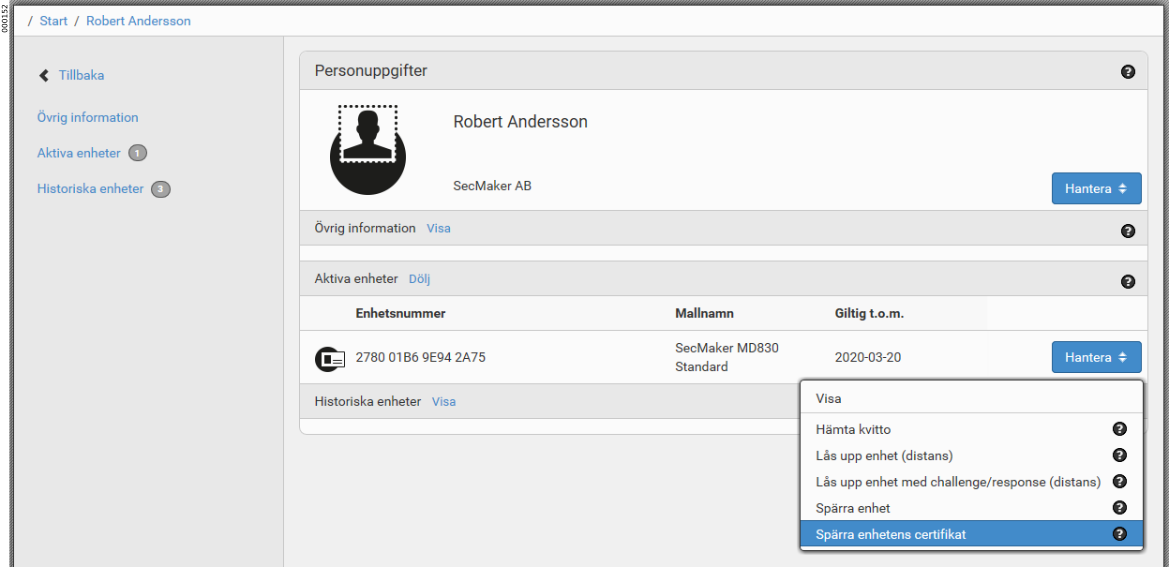
On the token whose certificate is to be revoked, click .
-
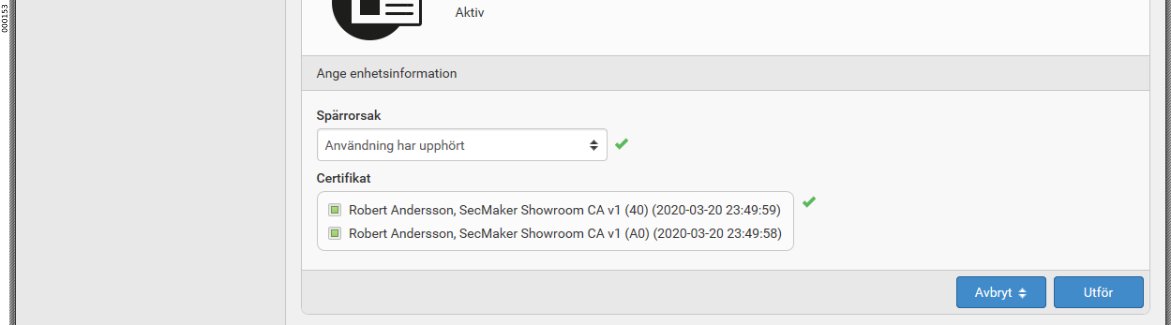
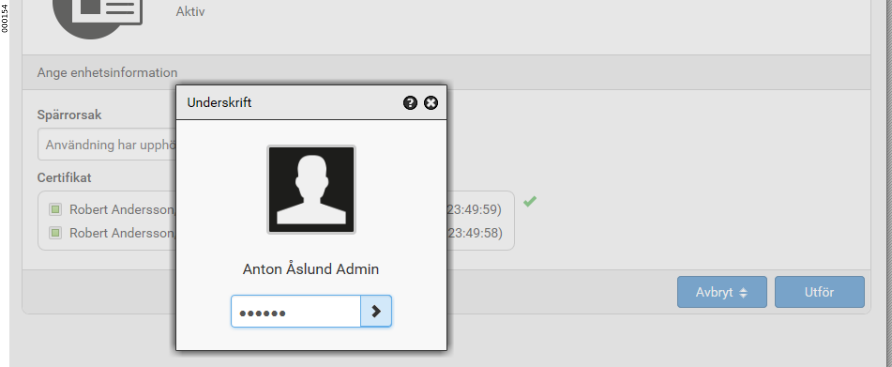
Select a revocation reason and which certificates on the token are to be revoked. Then click Execute.
-
Sign the certificate revocation with the signature PIN.
-
The certificates are now revoked.