
Revoke token
| A token is a smart card or other certificate carrier. |
-
On the Users tab, search for the user whose token is to be revoked.
You can also search for the token to be revoked on the Tokens menu. -
On the token to be revoked, click .
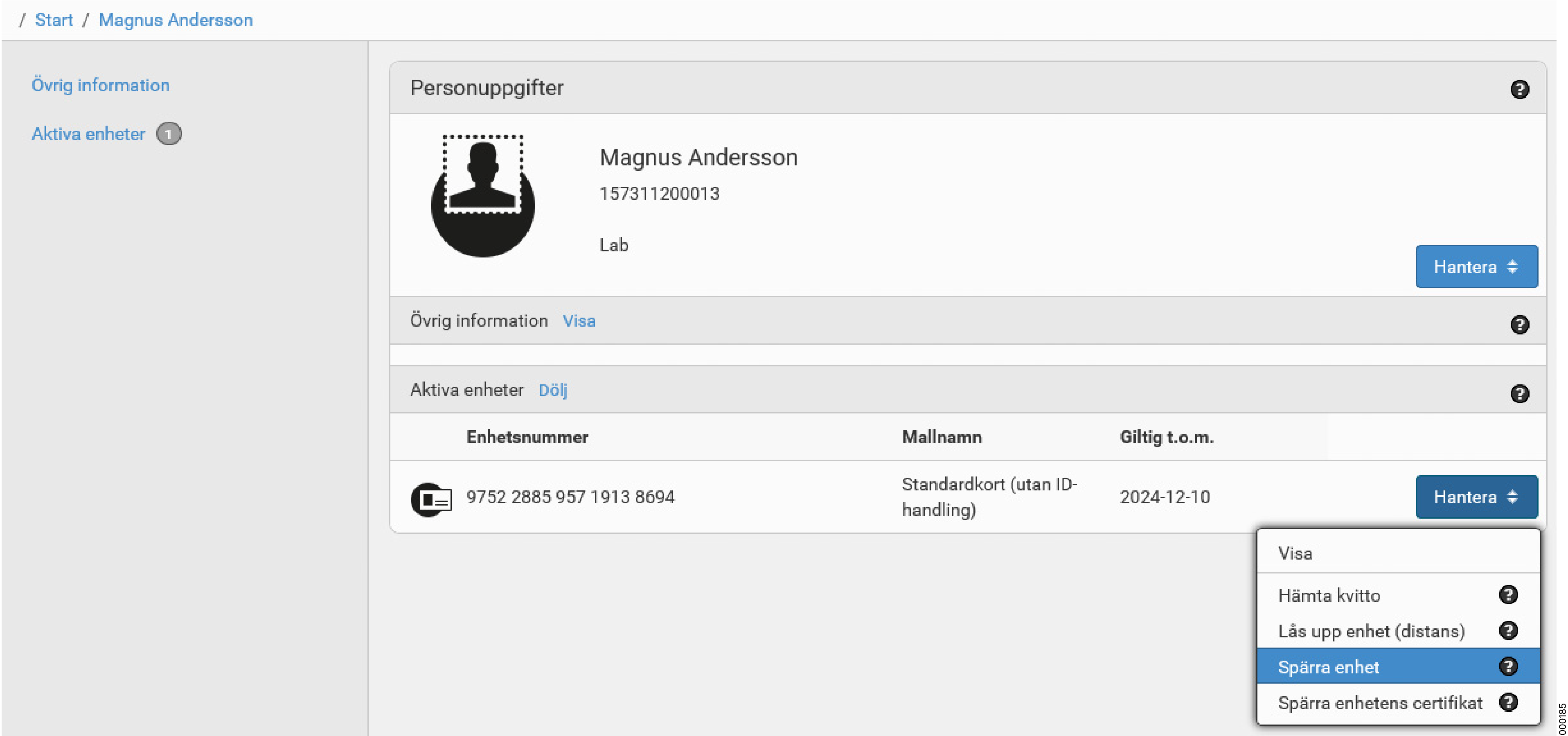
-
Select a revocation reason and which certificates on the token are to be revoked. Then click Execute.
Table 1. Reason for token revocation Reason Broken
Broken with complaint — Contact chip
Broken with complaint — Contactless chip
Broken with complaint — Visual
Key compromised
Lost
Other
Returned
Stolen
Table 2. Spärrorsaker — Enhet Orsak Trasig
Trasig med reklamation - Kontaktchip
Trasig med reklamation - Kontaktlöst chip
Trasig med reklamation - Visuellt
Nyckel komprometterad
Borttappad
Övrigt
Återlämnad
Stulen
-
Sign the token revocation with the signature PIN.
-
The token is now revoked.