Unlock token
Unlock present token
This procedure describes how an officer can unlock a token that the officer has access to.
-
On the Users tab, click .
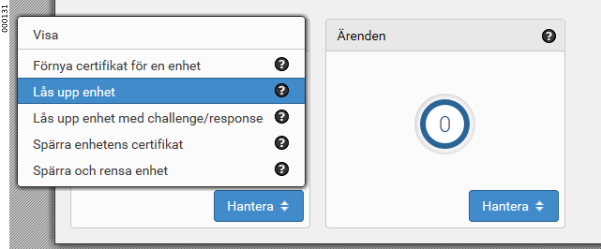
-
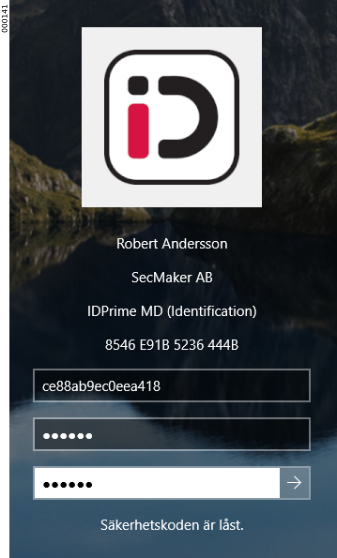
Enter a new security code for the token.
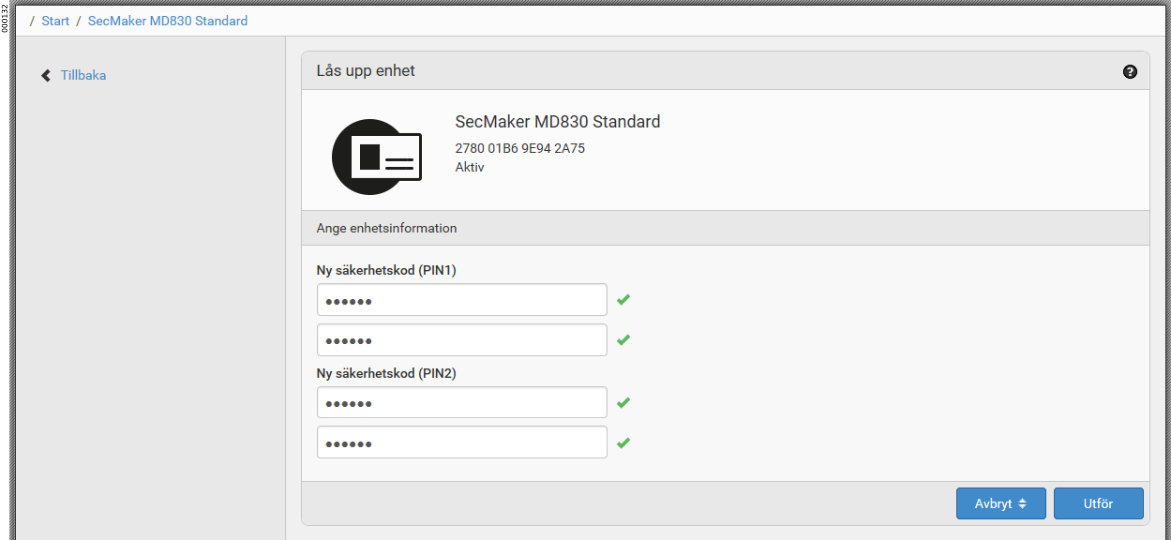
-
Sign the unlock operation with the signature PIN.
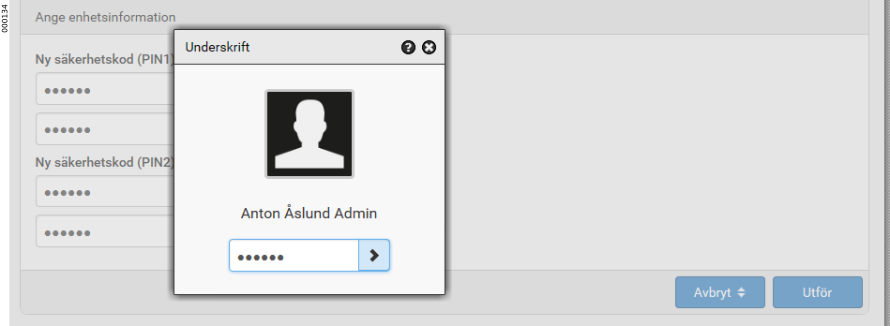
-
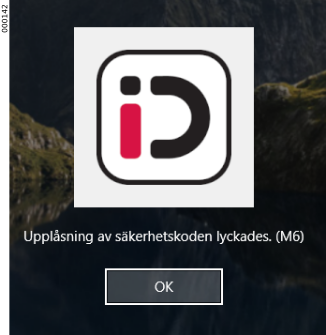
The security codes are unlocked.
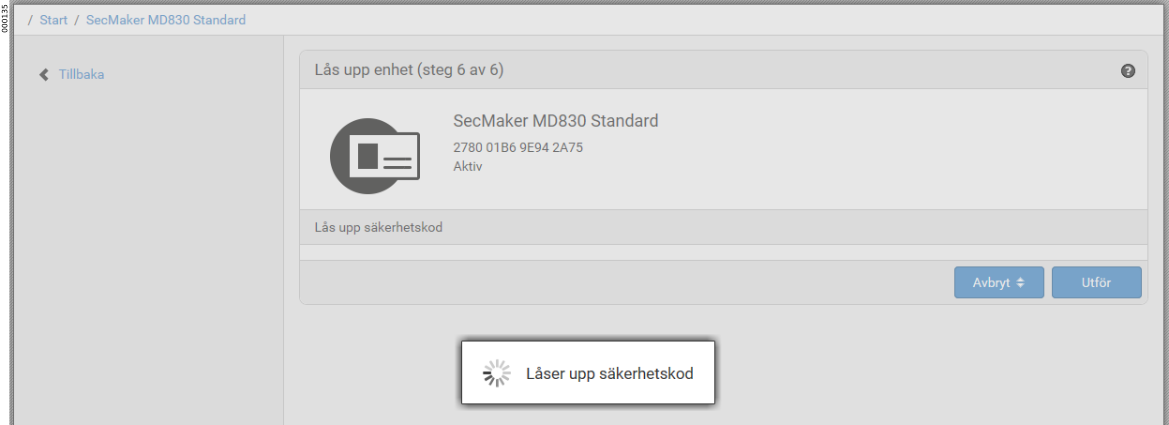
Unlock remotely
This procedure describes how an officer can assist a user to unlock their token remotely, that is, when the officer doesn’t have access to the token.
Depending on the type of token to be unlocked remotely, regular PUK unlock is used, or Challenge/Response in the case of a token that has a SOKEY as unlock code instead of PUK.
The following is an example of a smart card that has SOKEY as unlock code.
-
On the Users tab, search for the user who has locked their smart card.
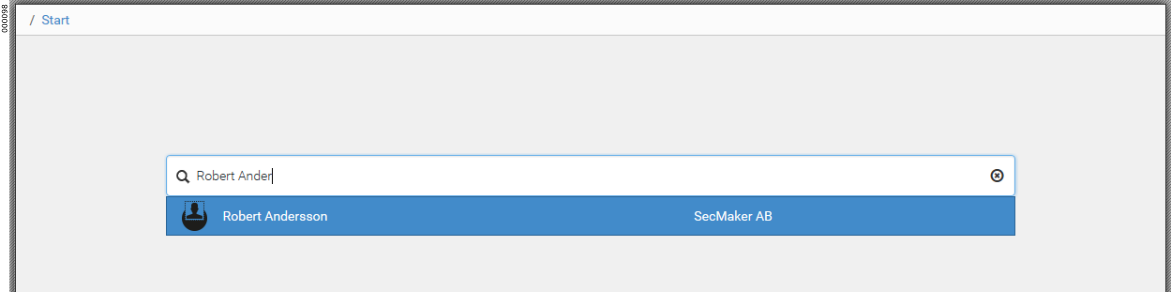
-
Under Active tokens, click .
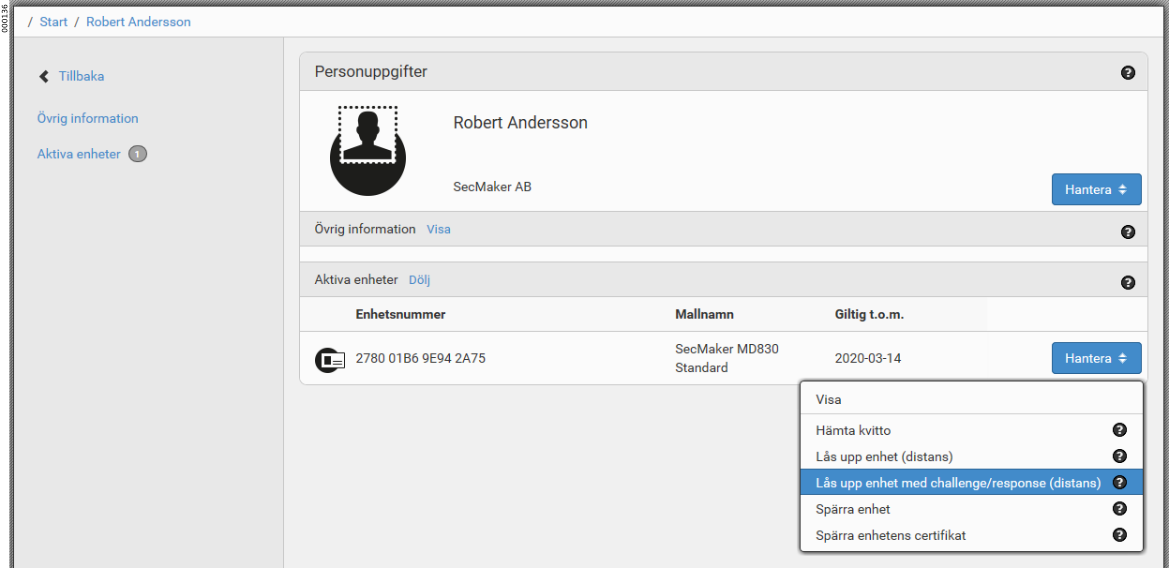
-
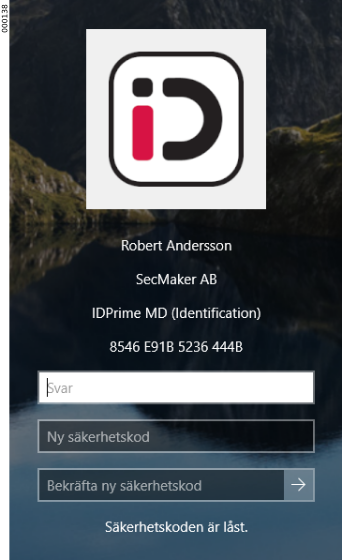
The user provides the 16-digit challenge code to the officer.
The smart card must not be removed from the card reader during the entire unlock flow, as a new challenge will be generated and the response code will no longer be valid. 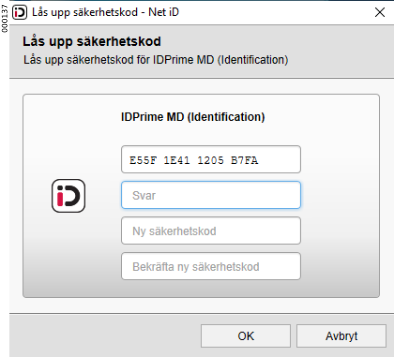
-
The officer enters the challenge code and clicks Execute to generate a response code specific to that smart card.
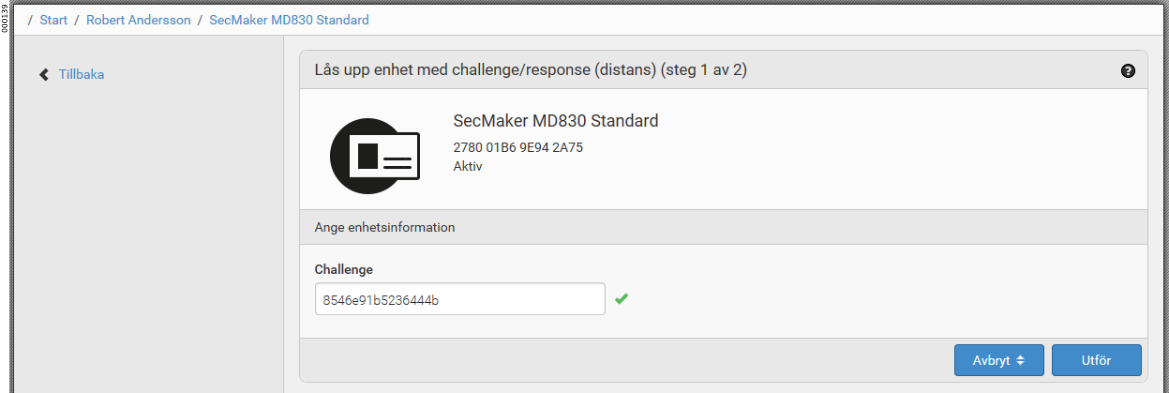
-
A response code is generated. The officer provides the response code to the user.
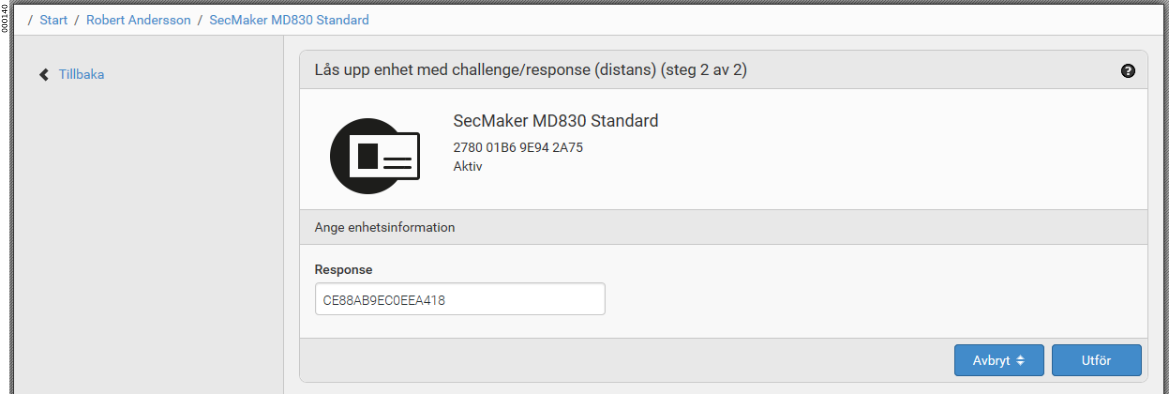
-
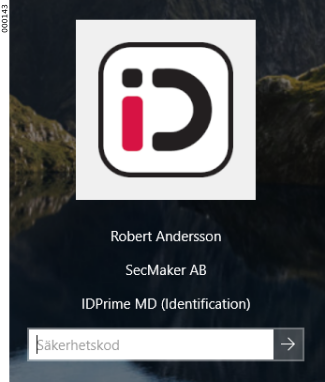
The user enters the response code and a new security code of their choice, and unlocks their smart card.