Teams
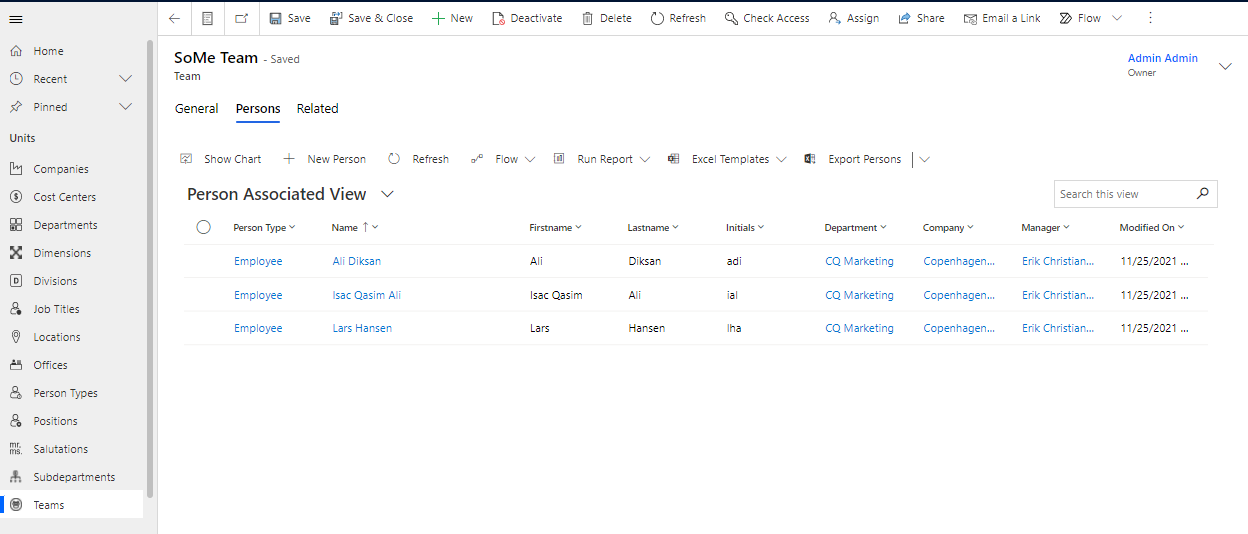
You will find "Teams" under the heading "Units" in the "Organization" sub-area in Compliance Suite. You can use "Teams" to further categorize data and link people to specific organizational teams.
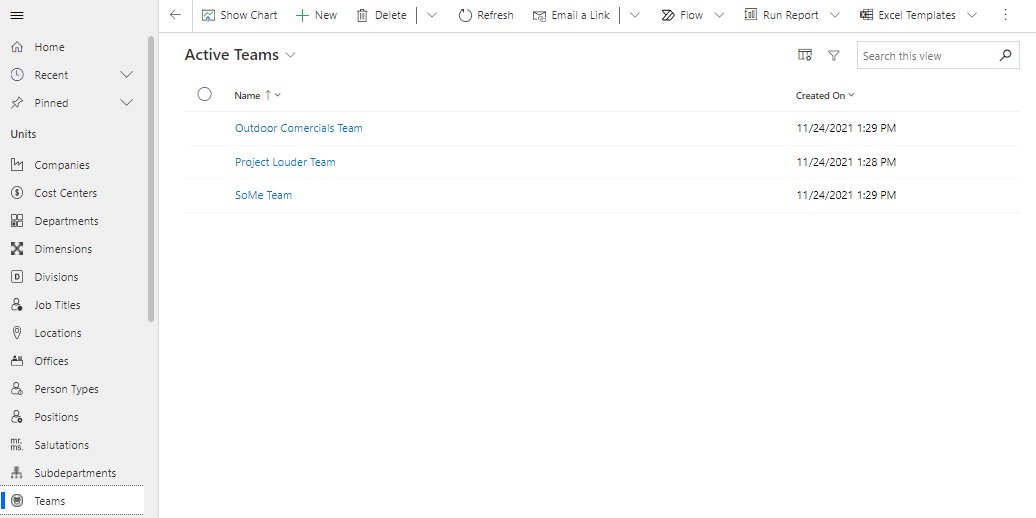
You can get an overview of all active teams under "Active Teams":
Create a Team
To create a new Team, click on the ”+New” button in the menu bar.
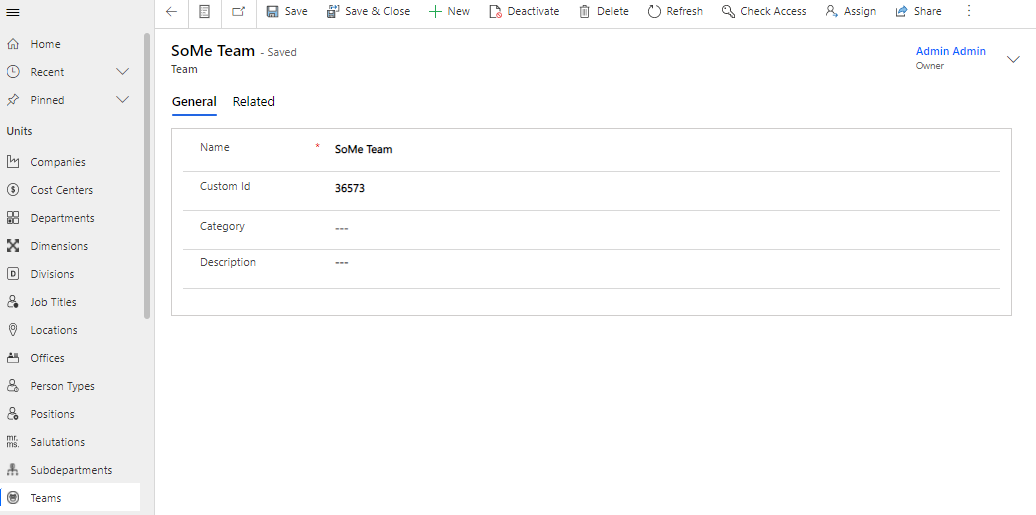
How to fill in the fields:
| Field Name | Type | Description |
|---|---|---|
Name |
Text |
Enter the name of the new Team. |
Custom ID |
Text |
Enter ID for the new Team. |
Location |
Look-up |
Add the location of the new Team. |
Category |
Look-up |
Choose a possible category for the new Team. |
Description |
Text |
Enter a description of the new Team. |
Link a person to a Team
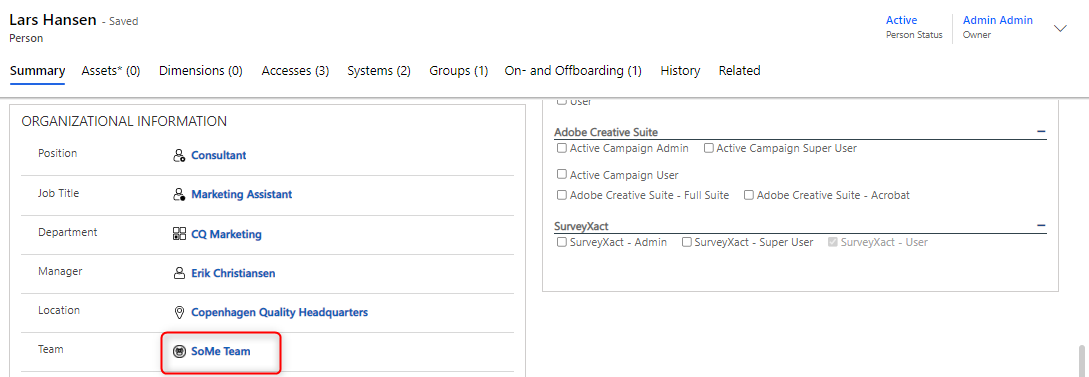
To link a person to a Team, navigate to the specific person and look up the given Team in the "Team" field under "Organizational Information" on the person card.
Note that the Team field must be checked off on the personalized card form before it appears on the person card. You can edit the person card form on person type.