
Bootstrap configuration and setup
-
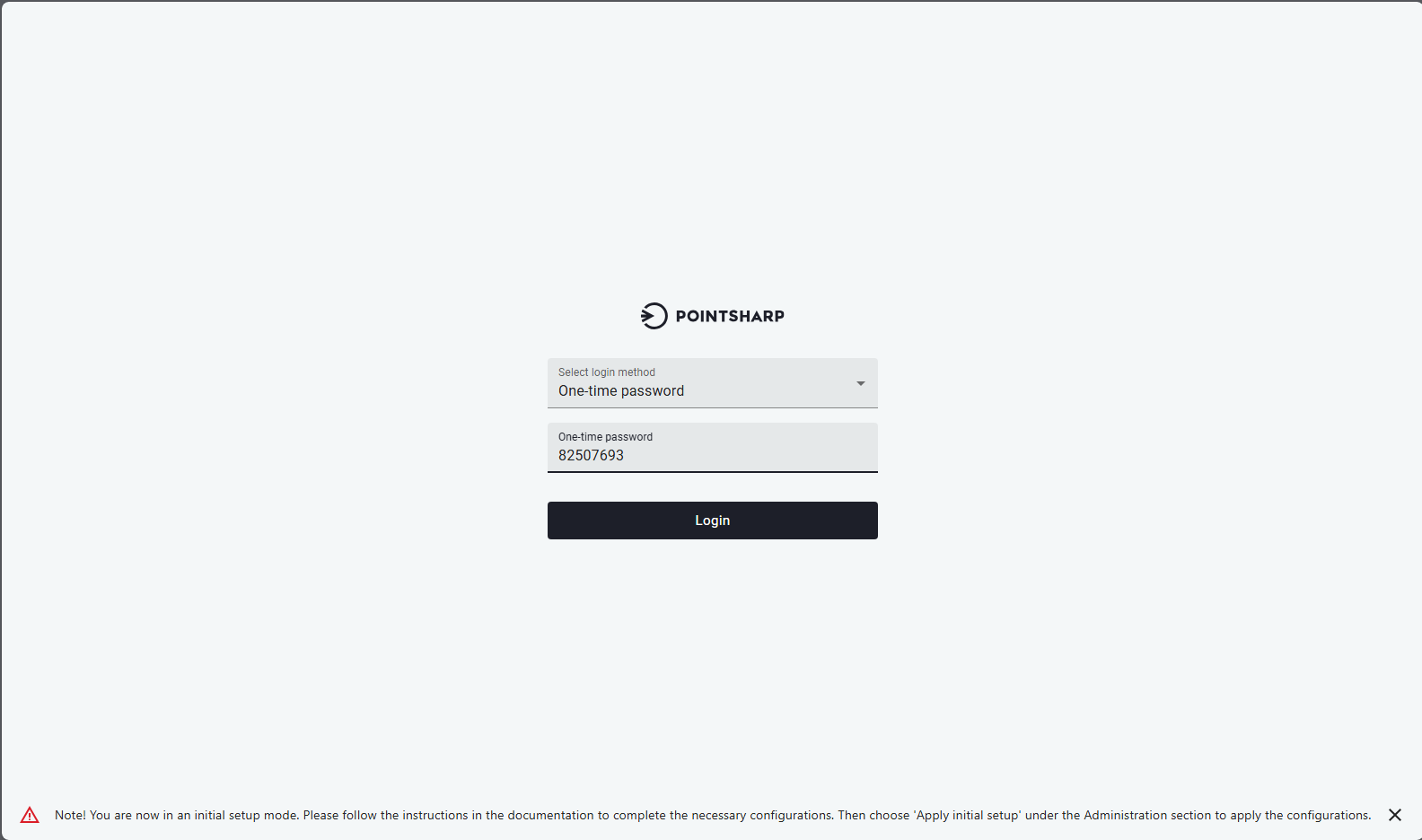
Navigate to the site and login with the bootstrap OTP provided by the NiP Installer.
-
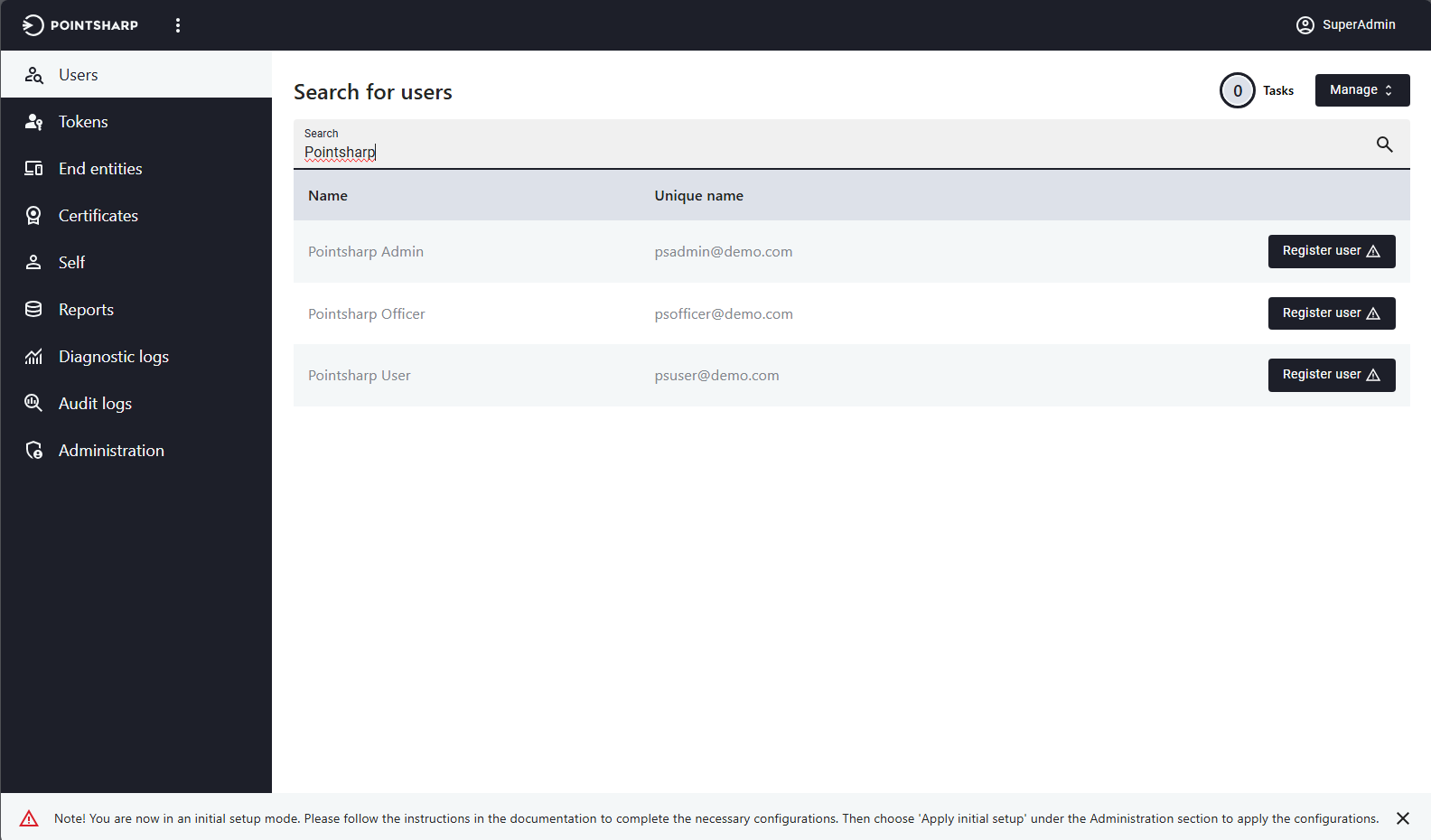
Search for and register the first user who will act as the first administrator in the system.
-
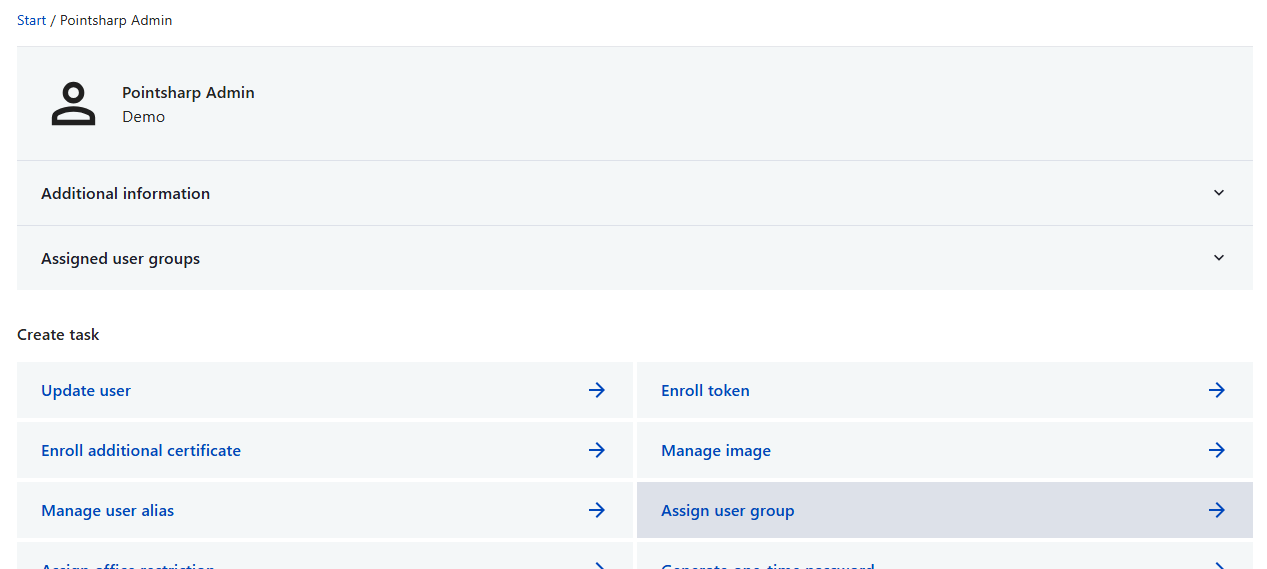
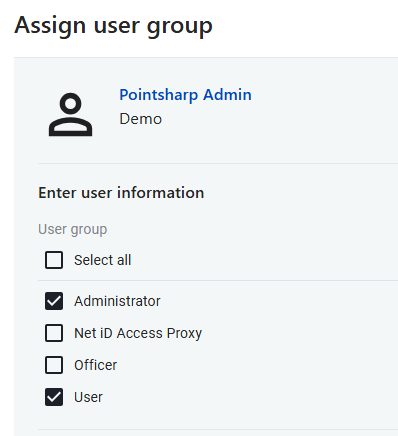
Assign the Administrator group to the first user.
-
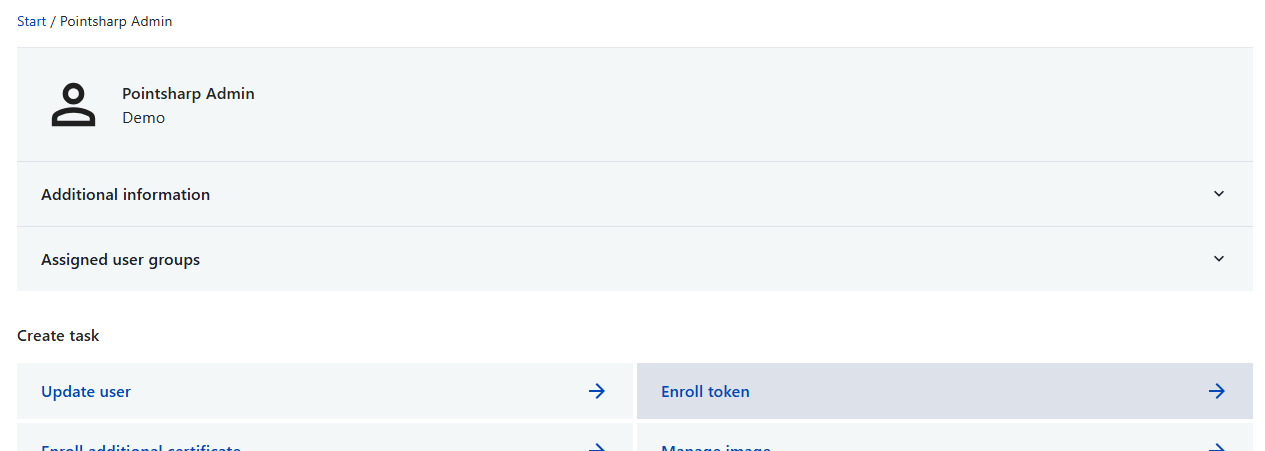
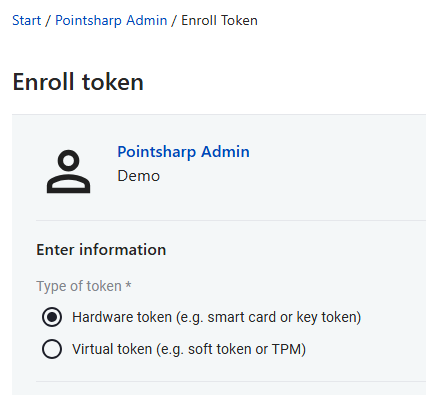
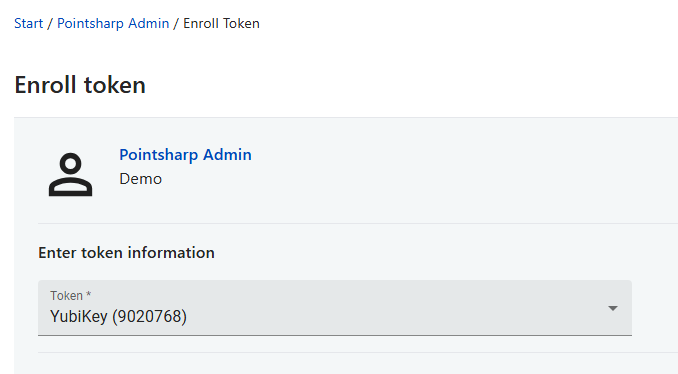
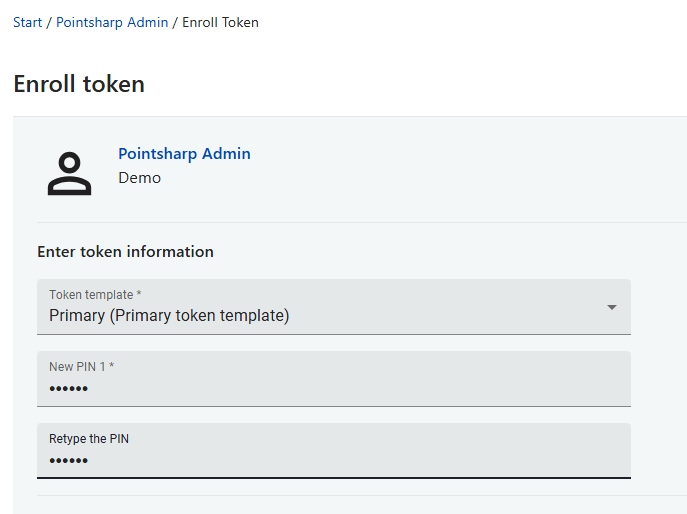
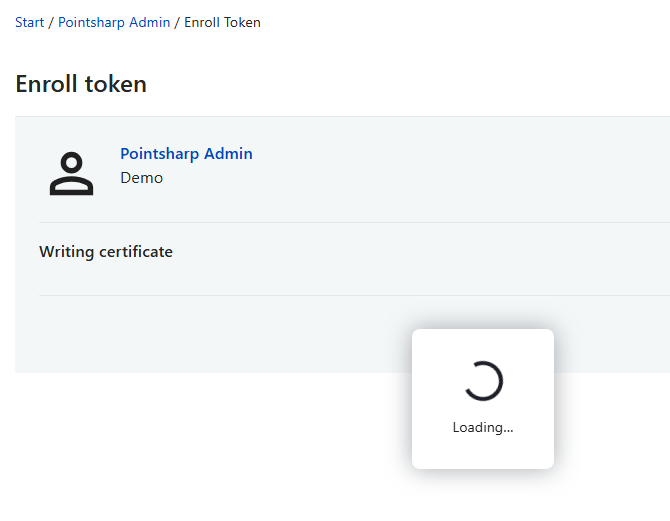
Enroll token to first user.
-
Token registration is required before you enroll token, depending on which token is used.
-
-
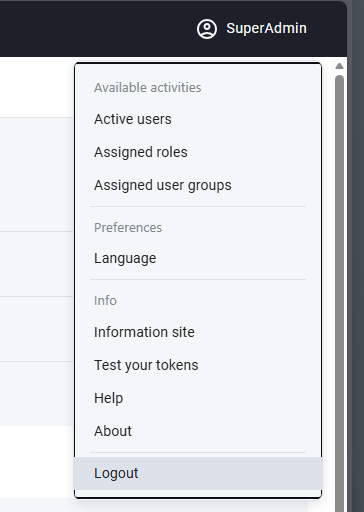
Log out bootstrap user frmo system.
-
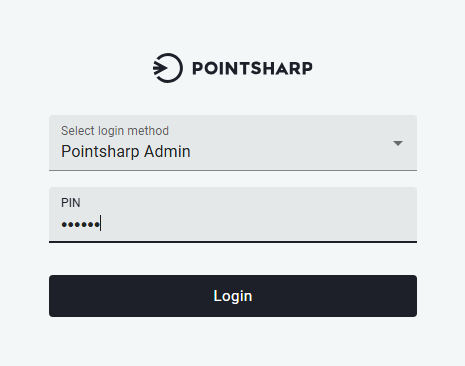
Log in with first admin user token.
-
To apply initial setup and remove bootstrap configuration, go to .